

Producers: Recover 'Clipped' Peaks With 32 Bit Float (+770 dB)
Last Edited: Sep 20, 2026
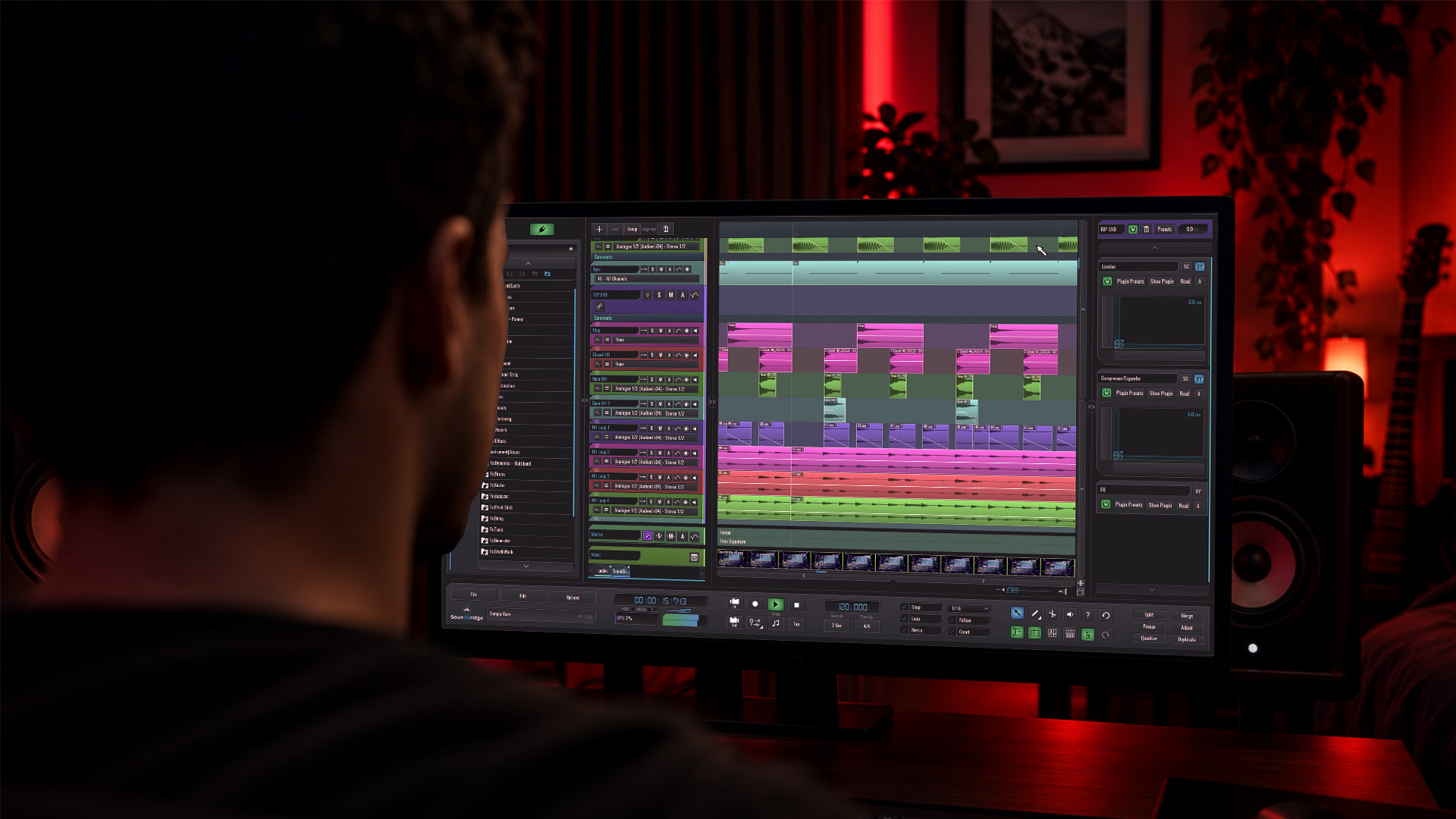
32-bit float audio removes the 0 dBFS ceiling from your recordings, capturing substantially more dynamic range than fixed-point formats, so a loud transient that looks clipped can still be recovered later. It’s a capture-and-processing safety net, not a mastering format, and it supports good gain staging for capture and processing. If you record in unpredictable conditions, live sets, field interviews, run-and-gun video shoots, it belongs in your toolkit.
TL;DR:
- 32-bit float recordings can capture signals that peak well above 0 dBFS without distortion, thanks to their enormous dynamic range, theoretically up to +770 dBFS.
- The format uses dual or multiple ADCs with different sensitivities to merge a safe, high-headroom file, not simple post-processing tricks.
- It benefits most in unpredictable, single-operator, or remote recording scenarios where real-time gain adjustments are impossible or risky.
- 32-bit float does not prevent analog distortion, which occurs before the ADC and permanently damages the waveform at the source.
- Files are roughly 33% larger than 24-bit recordings and require appropriate DAW support and workflow practices to fully leverage their safety benefits.
What Makes 32-Bit Float Audio Different From 16-Bit and 24-Bit
Fixed-point formats like 16-bit and 24-bit store audio as a set number of integer steps between a hard floor and a hard ceiling. Hit 0 dBFS and you clip, permanently, with no way back. Floating-point audio works differently. It stores each sample as a mantissa (the precision) paired with an exponent (the scale), the same math structure defined by the IEEE-754 standard used across scientific and engineering computing.
That exponent is what changes the game. Instead of a fixed ceiling, the format can represent an enormous range of amplitude values, which is why Sound Devices calculates a theoretical headroom of roughly +770 dBFS for 32-bit float files. The point is that a signal peaking well above what looks like 0 dBFS on your recorder’s meter doesn’t distort in the file itself; the meter is showing a reference point, not a hard wall.
A few things that fall out of this:
- Fixed-point formats (16-bit, 24-bit) clip permanently at 0 dBFS.
- Floating-point formats scale the amplitude using an exponent rather than hitting a fixed ceiling.
- The recorded file can hold a signal that appears far louder than 0 dBFS without distortion.
- Recovery typically occurs in the DAW through simple attenuation rather than restoration.
How 32-Bit Float Capture Actually Works, From Mic To DAW
Recorders don’t achieve this headroom through some post-hoc math trick. Most implementations use physical dual- or multi-ADC (analog-to-digital converter) designs, where two or more ADCs operate at different gains simultaneously. TASCAM documents this approach in its Portacapture line, blending the outputs so a loud passage that would overload one converter gets covered by the other, then combining both into a single 32-bit float file.
Here’s the practical sequence from signal to usable track:
- The mic or line signal hits the recorder’s preamp and is split to multiple ADC stages, each set to a different sensitivity.
- Each split ADC digitizes its own version; each is an independent signal. The recorder’s firmware merges those streams into one 32-bit float file, preserving detail from whichever converter didn’t overload.
- You import that file into your DAW, where it may visually show waveform peaks above 0 dBFS.
- You pull the gain down in the software, and the waveform detail returns intact.
That fourth step trips people up. A file that shows red, clipped-looking peaks in your DAW’s timeline isn’t necessarily distorted audio; it’s just displaying values above the reference line. Whether it’s actually recoverable depends on what happened before the ADC; more on that shortly.
One more distinction worth locking in: the bit depth you record at and the processing precision your DAW uses internally are separate things. Modern DAWs typically run internal math at 32-bit or 64-bit float regardless of your source file’s bit depth, which is part of why float-native session settings matter more than the label on your import file.
Where 32-Bit Float Actually Pays Off
The clearest use case is any situation where you can’t ride gain in real time. Field recording, event sound, wildlife audio, and run-and-gun documentary work all involve moments when the input level spikes without warning and there’s no second take.
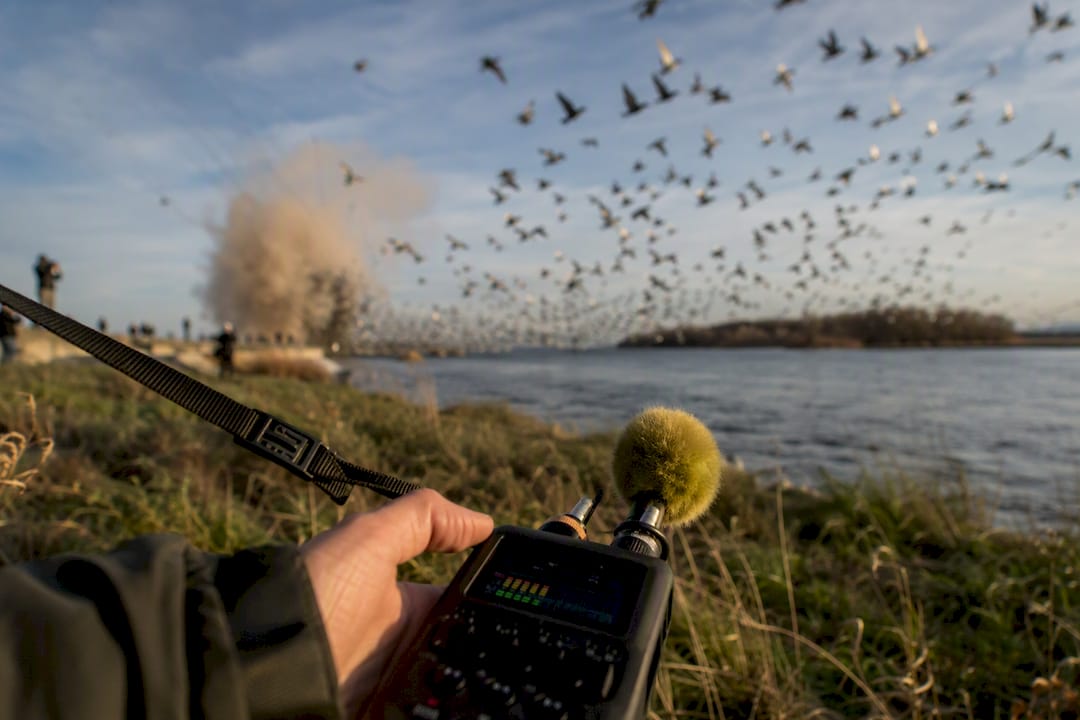
Single-operator productions benefit the most. If you’re recording, directing, and monitoring audio levels at the same time, something is going to slip. Remote tracking sessions carry a similar risk: a performer on the other end of a connection might push a level you can’t hear or adjust in the moment. Producers working in Zero-Latency Remote Recording setups run into exactly this scenario when a collaborator’s input hits harder than expected mid-take.
The workflow benefit is straightforward:
- You stop obsessing over exact input levels during capture.
- A visually clipped file can often be pulled down and used, rather than reshot or rerecorded.
- You spend less time in the field babysitting a meter and more time getting the performance.
Pro Tip: Set your target level conservatively even with 32-bit float rolling. The format forgives level mistakes; it doesn’t reward sloppy gain habits, and you still want clean, usable waveforms without having to dig through excessive headroom in post.
Controlled studio sessions are a different story. If you can monitor levels properly and adjust as you go, 24-bit remains the sensible, storage-friendlier choice.
What 32-Bit Float Can’t Fix, And Why That Matters
Floating-point math protects you from digital clipping, the kind that happens when a converter runs out of numeric range. It does nothing for analog overload. If your microphone capsule or preamp distorts before the signal ever reaches the converter, that distortion is permanently baked into the waveform. SoundGuys makes this point directly: the format is a convenience, not a fix for bad technique at the source.
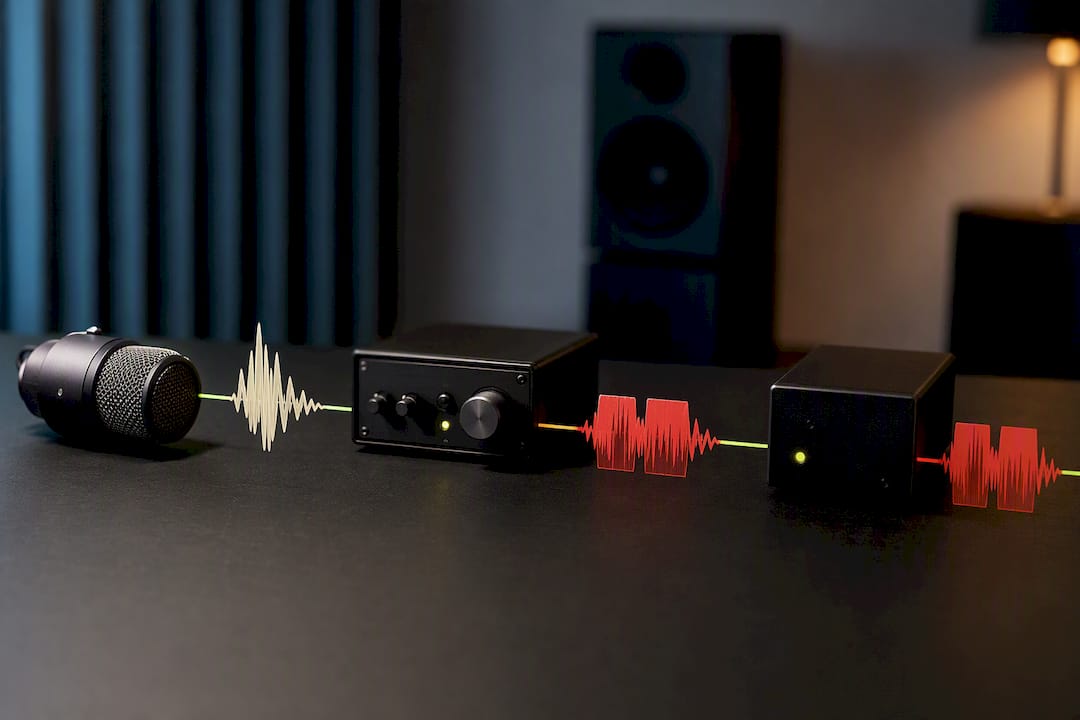
There’s also a fidelity misconception worth killing. 32-bit float doesn’t sound better than 24-bit at matched levels. 24-bit already delivers approximately 144 dB of dynamic range [24-bit dynamic range], which covers essentially every real-world tracking scenario. The float format’s advantage is entirely about headroom management, not audible resolution.
How do you tell digital clipping from analog damage on a suspect file?
- Isolate the clipped-looking region and attenuate it in your DAW.
- If waveform detail returns cleanly with no harsh artifacts, it was digital and recoverable.
- If distortion or harmonic garbage remains after attenuation, the signal chain overloaded before the converter, and it’s permanent.
- When in doubt on a critical take, run a traditional safety track or a hardware limiter as backup; don’t rely on float alone.
Bringing 32-Bit Float Files Into Your DAW Workflow
Getting a float file from recorder to finished mix takes a few deliberate steps, not just a drag-and-drop import.
- On import, check any file with peaks above 0 dBFS, attenuate it first, then listen closely for analog distortion versus clean recovered detail.
- Set your session’s processing precision to 32-bit or 64-bit floats internally so you don't throw away resolution during early edits.
- Hold off on any fixed-point render until the mix is finished. Bouncing to 16-bit or 24-bit too early locks in decisions you might want to undo.
A few workflow habits worth building in:
- Keep stems and archive copies in 32-bit float; it gives you the most flexibility if you revisit a project.
- Dither down to 24-bit for high-resolution masters, and to 16-bit for CD or streaming delivery; never ship a 32-bit float file as your final master.
- Label files clearly with bit depth and sample rate in the filename when sharing across a team, so nobody accidentally treats a float stem as a finished deliverable.
If you’re new to the mixing side of this decision, understanding how gain staging works through a full mix makes the export choices here click faster.
The Storage and Compatibility Trade-Offs You Should Plan For
32-bit float files run about a third larger than equivalent 24-bit files at the same sample rate, which can impact storage on long field days or multi-hour session recordings.
- Budget roughly 33% more storage and backup capacity compared to 24-bit projects.
- Confirm your recorder actually supports the format. TASCAM’s Portacapture series and Sound Devices’ field recorders are established examples.
- Most modern DAWs and many video editing tools now read 32-bit float natively, but older software or hardware interfaces may not; it's worth checking before a shoot that depends on it.
- For long-term archiving, float files are a safe bet precisely because they preserve the most information, provided your storage budget allows for it.
Setting Up SoundBridge for 32-Bit Float Workflows
Bringing float files into a collaborative session works best when the template is set up before the files arrive. Match your project’s sample rate to the source recording and set processing precision to 32-bit or 64-bit float from the start, so nothing gets rounded down during early edits.
A short checklist worth keeping near your session template:
- Confirm sample rate matches the source files before importing a batch.
- Set a macro or preset to attenuate any file that peaks above 0 dBFS on import.
- Share full 32-bit float stems with collaborators who need to remix or reprocess; down-convert to 24-bit for anyone just reviewing.
- Confirm that remote collaborators are using the same session precision setting to avoid mismatches.
This kind of setup matters most in zero-latency remote tracking sessions, where a collaborator’s file might arrive hot, and you need a fast, reliable way to bring it into line without a manual rescue on every track.
Should You Adopt 32-Bit Float Now?
If you record in the field, run solo shoots, or manage unpredictable remote sessions, add 32-bit float now; it removes a real point of failure. If you track in a controlled studio where you can monitor levels properly, 24-bit still serves you fine. Either way, the format is a safety net for capture, not a substitute for solid mic placement and clean preamp gain. Get your analog chain right first; let the file format cover the moments you can’t control.
— Wake
Work With Float Files Without Losing a Take to a Bad Import
Recording in 32-bit float only pays off if your DAW handles the file properly once it lands on your drive. Many modern DAWs process audio internally at high-fidelity precision and support high sample rates, allowing float files from field recorders or remote collaborators to import cleanly without rebuilding templates.

That matters most when you’re not the only person touching the session. Zero-latency remote tracking allows collaborators at opposite ends of a connection to stay in sync with sessions, with bi-directional control over plugins and hardware so settings are synchronized between participants. If you’re still deciding how a modern DAW should fit into a float-based pipeline, the complete guide to digital audio workstations walks you through setup, from session template to final export. Start a project in SoundBridge and see how it handles your next float import.
Sources
- 32-Bit Float Files Explained - Sound Devices
- What is 32-bit Float Recording? | TASCAM
- No, you don’t need 32-bit float recording, and I’ll tell you why - SoundGuys
Recommended
MASTER MUSIC PRODUCTION
Expert-led courses designed to take you from fundamentals to finished tracks.

HOUSEFrom bouncy bass and solid kicks, this course teaches you the most modern House music production techniques needed to succeed and stand out.

TRAPQuit sounding like generic Trap and produce something World with hints of the Far East. Create ethnic soundscapes to put your Trap ahead of the curve.

AMBIENTProduce relaxing, sophisticated psy-influenced ambient. Psychedelic and relaxing to listen to, create meditative soundscapes to put your listeners in Zen.