

Best DAW with Low Latency Monitoring in 2026
Last Edited: Jun 16, 2026
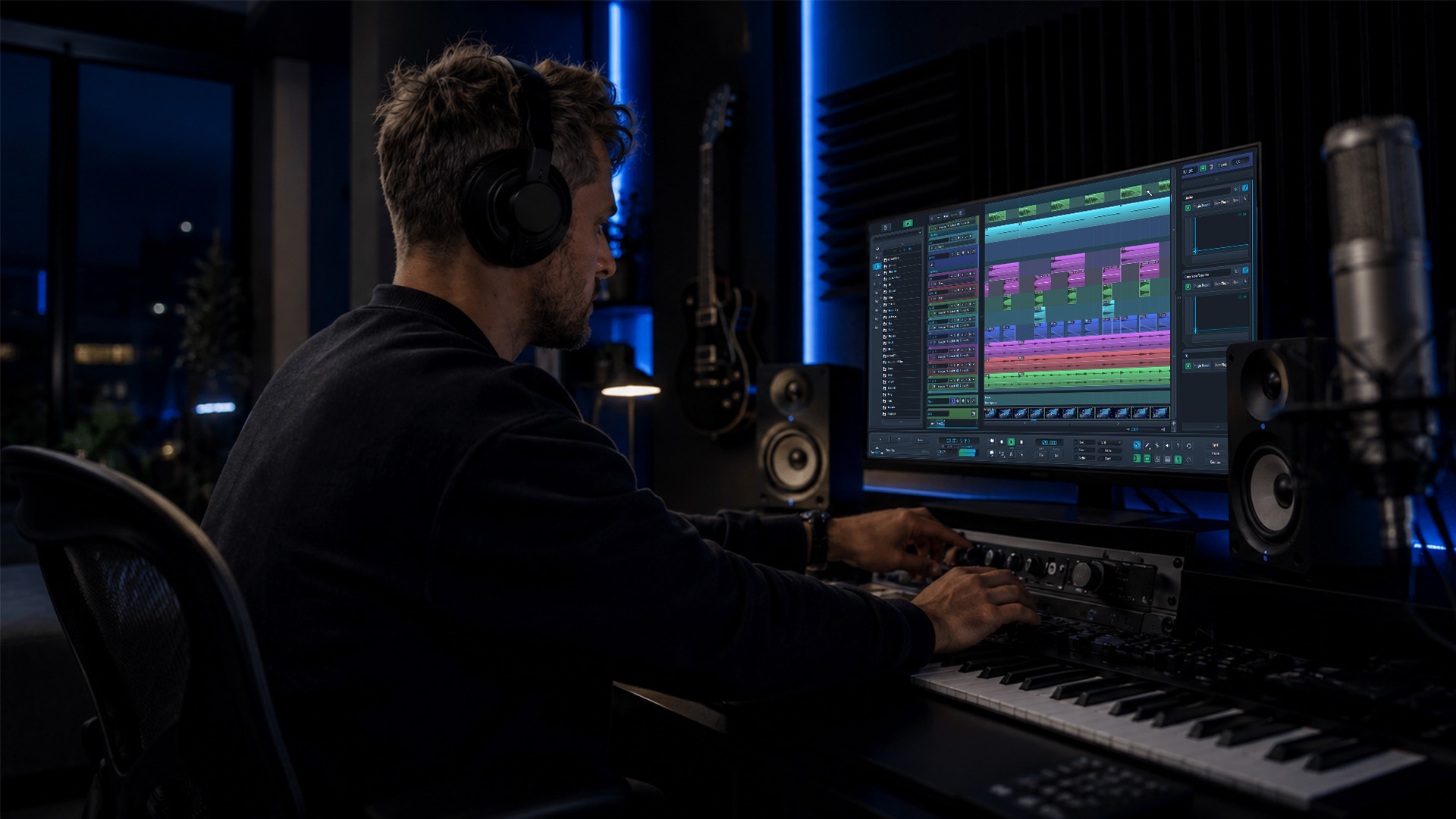
A DAW with low-latency monitoring is a digital audio workstation that returns your input signal to your headphones or monitors with a delay so short that your brain cannot detect it, typically under 10 milliseconds. This is the single most important performance metric for recording vocalists, guitarists, and live instrumentalists. When latency creeps above 20 ms, timing falls apart, and performance suffers. The technologies that determine your monitoring latency include buffer size settings, audio interface driver efficiency, and onboard DSP hardware from companies like Universal Audio and RME. Getting this right separates a frustrating session from a locked-in one.
How Do Buffer Size and Sample Rate Affect Latency in DAWs?
Buffer size is the number of audio samples your DAW collects before processing them. Smaller buffers mean less waiting, which means lower latency. The trade-off is direct: cut your buffer in half, and your CPU load roughly doubles. At a 44.1 kHz sample rate with a 128-sample buffer, you are looking at roughly 2.9 ms of pure buffer latency before driver and interface overhead are added. Push that buffer to 512 samples, and the buffer latency alone climbs past 11 ms, which is where most performers start to feel the drag.
Sample rate affects latency differently. Higher sample rates, such as 96 kHz or 192 kHz, process each sample faster, slightly reducing the time it takes for each buffer to fill. The practical gain is modest for monitoring purposes, but it matters in high-precision tracking environments. Most producers run 48 kHz for tracking sessions and reserve 96 kHz for projects where audio quality justifies the CPU cost.
The latency gap between DAWs at identical buffer sizes is real and measurable. At a 128-sample buffer, Blackmagic Fairlight Live measures 12.94 ms of round-trip latency versus Reaper’s 10.17 ms. At 256 samples, Fairlight reaches 20.94 ms while Reaper stays at 15.50 ms. That 5 ms difference reflects extra buffer stages in Fairlight’s engine design, not just the buffer setting itself.
| Buffer size (samples) | Fairlight Live latency | Reaper latency |
|---|---|---|
| 128 | 12.94 ms | 10.17 ms |
| 256 | 20.94 ms | 15.50 ms |
Pro Tip: Set your buffer to 128 samples during tracking and raise it to 512 or 1024 during mixing. This gives you responsive monitoring when a performer is in the booth and stable CPU headroom when you are stacking plugins.
What Role Do Audio Interfaces and DSP Play in Near-Zero Latency?
True zero-latency monitoring is achieved by creating a cue mix directly in an audio interface’s onboard DSP, bypassing the DAW round-trip entirely. When audio goes into your interface, is sent to the DAW, processed, and returned to your headphones, the full round trip adds latency at every stage. Hardware monitoring skips the DAW entirely. The signal goes in, gets mixed in the interface’s DSP, and comes straight back out. The result is sub-millisecond monitoring latency regardless of your DAW buffer setting.
RME’s TotalMix FX is the most widely used DSP mixer in professional studios. It runs entirely on the interface’s FPGA chip, meaning your computer’s CPU is not involved in the monitoring path at all. Universal Audio takes this concept further with Accelerated Real-time Monitoring, or ARM. ARM routes audio through Apollo DSP, allowing you to monitor through UAD plugins like 1176 compressors and Neve preamp emulations with near-zero latency while your DAW buffer stays high for processing. This is a genuine technical achievement that no amount of buffer tweaking can replicate in software alone.
Here is what hardware DSP monitoring gives you that software cannot:
- Sub-millisecond input monitoring regardless of DAW buffer size
- Plugin processing on the interface without adding to round-trip latency
- Stable monitoring even when your CPU is under heavy plugin load
- Independent cue mixes for performers without touching the DAW mix
The mistake most producers make is treating latency as a DAW problem when it is actually a system architecture problem. Plugin latency compensation creates a latency floor in software monitoring. A real-world Logic Pro session showed that adding a reverb plugin to a recording chain pushed monitoring latency beyond what the buffer setting alone would suggest, because Logic’s plugin latency compensation delayed the entire monitoring signal. Moving that reverb to the RME TotalMix hardware mixer solved it instantly.
Pro Tip: If you are using software monitoring and cannot get latency below 10 ms, check whether plugin latency compensation is the culprit. Bypass all plugins on your input channel and test again. If latency drops significantly, shift your monitoring effects to a hardware DSP mixer.
Which DAWs Have the Best Low-Latency Monitoring Performance in 2026?
DAW engine design matters as much as buffer settings. DAW latency is affected not only by buffer size but also by the audio interface’s hardware design and driver efficiency. Some DAWs add extra internal buffer stages that inflate round-trip latency even at identical settings. Here is how the major platforms compare for low-latency music production.
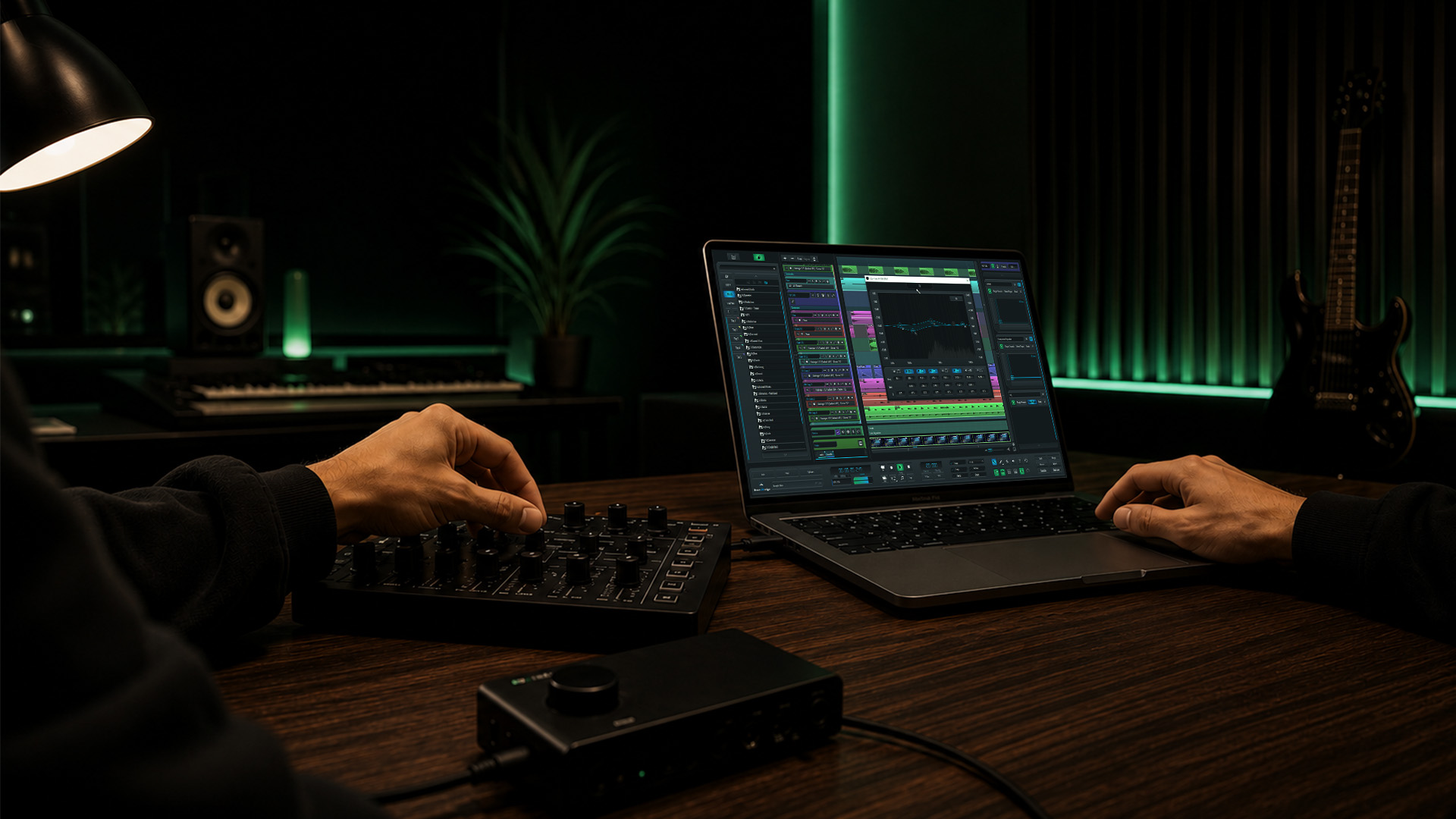
Reaper consistently delivers the lowest software monitoring latency of any major DAW. Its audio engine is lean, adds minimal overhead, and handles ASIO drivers on Windows with exceptional efficiency. For producers who want the best raw latency numbers from software alone, Reaper is the benchmark.
Logic Pro includes a dedicated Low Latency Mode that automatically bypasses plugins exceeding a user-defined latency threshold during recording. This is one of the smartest monitoring features in any DAW. It lets you keep a complex mix open while tracking, without having to turn off plugins manually. The trade-off is that your monitoring signal sounds different from your mix signal during recording.
Ableton Live is optimized for performance and real-time triggering, but its audio engine adds slightly more overhead than Reaper at low buffer sizes. It works well with hardware DSP setups and is the preferred choice for live electronic performance where clip launching and monitoring happen simultaneously.
Pro Tools with an Avid interface benefits from tightly integrated hardware and software, and its HDX hardware systems achieve near-zero latency through dedicated DSP cards. Without HDX hardware, Pro Tools performs similarly to other software-monitored DAWs.
| DAW | Low-latency feature | Best use case |
|---|---|---|
| Reaper | Lean engine, minimal overhead | Tracking, live recording |
| Logic Pro | Low Latency Mode, plugin bypass | Studio recording on Mac |
| Ableton Live | Performance-optimized engine | Live electronic performance |
| Pro Tools | HDX DSP hardware integration | Professional studio tracking |
| Fairlight Live | Higher latency floor at the same buffer | Broadcast and post-production |
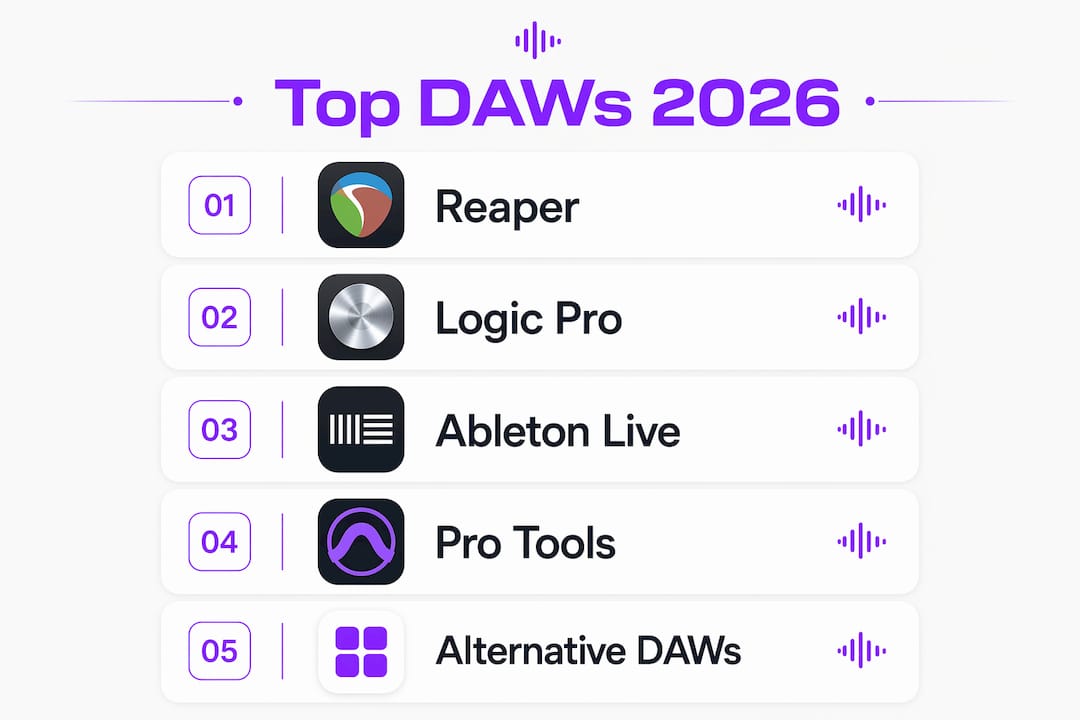
For producers exploring DAW alternatives beyond the mainstream options, the latency performance gap between platforms is worth testing before committing to a workflow.
What System Optimizations Reduce Latency in Your DAW?
Software and OS configuration can make or break your low-latency audio performance. The DAW is only as fast as the system underneath it. Windows, macOS, and Linux each have specific tuning steps that directly affect how low you can push your buffer without dropouts.
On Windows, DPC latency should remain below 500 microseconds to ensure stable low-latency audio. Values above 1000 microseconds will cause audio dropouts even at moderate buffer sizes. This is a critical threshold that many producers never check. The leading cause of high DPC latency on Windows is not the DAW itself. It is unexpected that drivers like GPU audio, specifically NVIDIA HD Audio devices, install silently alongside graphics drivers. Turning off the NVIDIA HD Audio device in Device Manager is one of the highest-impact single fixes available on Windows.
Follow these steps to reduce latency on Windows:
- Download LatencyMon and run it while your DAW is open to identify problem drivers.
- Disable NVIDIA HD Audio and any other unused audio devices in Device Manager.
- Turn off WiFi adapters during recording sessions, as network drivers frequently spike DPC latency.
- Set your power plan to High Performance to prevent CPU frequency scaling during audio processing.
- Disable USB selective suspend in Power Options to prevent interface disconnections.
On Linux, setting PipeWire quantum to 64 samples at 48 kHz is the recommended configuration for live monitoring. A 128-sample quantum works well for production with plugins. Ubuntu Studio 26.04 ships with preconfigured real-time user privileges and a new audio configuration tool that handles PipeWire buffer tuning and CPU governor management without manual terminal work. This makes Linux a genuinely practical option for low-latency audio in 2026.
On macOS, CoreAudio is already well-optimized and rarely requires deep system tuning. The main lever is buffer size in your DAW’s audio preferences. Pairing macOS with an interface that has solid macOS drivers, such as those from RME or Universal Audio, gives you the most stable low-latency results. Understanding how your operating system affects DAW performance helps you make smarter hardware and software decisions from the start.
Pro Tip: On any platform, avoid running browser windows, video players, or streaming apps during a tracking session. These applications trigger system interrupts that compete with your audio driver, causing unpredictable latency spikes.
Key Takeaways
The most effective approach to low-latency monitoring combines hardware DSP for near-zero input monitoring with OS-level optimization and a DAW engine that adds minimal overhead.
| Point | Details |
|---|---|
| Buffer size is the primary lever | Use 128 samples for tracking, then increase to 512 or higher for mixing. |
| Hardware DSP eliminates round-trip latency. | RME TotalMix and Universal Audio ARM monitor through the interface, bypassing the DAW entirely. |
| Plugin latency compensation creates a floor. | Bypass input-chain plugins or shift them to hardware DSP to break through the latency floor. |
| DAW engine design affects latency | Reaper adds less overhead than Fairlight Live at identical buffer sizes, by up to 5.4 ms. |
| OS optimization is non-negotiable on Windows. | Disable GPU audio drivers and monitor DPC latency with LatencyMon to stay below 500 microseconds. |
Why Your Daw Settings Alone Will Never Solve the Latency Problem
I have watched producers spend hours tweaking buffer sizes in their DAW while ignoring the NVIDIA HD Audio device sitting silently in Device Manager, spiking DPC latency to 3000 microseconds. The DAW gets blamed for dropouts that a single driver disable would have fixed in 30 seconds.
The deeper issue is that most producers think about latency as a single number when it is actually a chain. You have interface input latency, driver round-trip latency, DAW buffer latency, plugin latency compensation, and output latency. Each link adds a delay. Fixing one link while ignoring the others gets you nowhere. The producers I have seen achieve genuinely transparent monitoring all share one habit: they choose their audio interface and DAW together, not separately. An RME Fireface with Reaper on a properly tuned Windows machine will outperform a high-end interface paired with a poorly configured system running a DAW with a bloated audio engine.
Hardware DSP is not a luxury for large studios. It is the most practical tool available for any producer who records live instruments or vocals. The moment you move your monitoring chain into the interface DSP, you stop fighting the system and start making music. SoundBridge’s approach to real-time monitoring workflows reflects this philosophy: the interface between hardware and software should feel invisible, not like an obstacle you constantly have to work around.
— Wake
Take Your Monitoring Setup Further With SoundBridge
SoundBridge is built for producers and engineers who refuse to let technical friction interrupt creative momentum. Its zero-latency remote tracking architecture and support for 192 kHz sample rates give you the headroom to work at the highest quality without sacrificing real-time responsiveness.

Whether you are tracking vocals in a home studio or collaborating remotely with musicians across time zones, SoundBridge handles the latency management so you can focus on the performance. If you are still building your foundation in DAW technology, the 2026 DAW guide covers everything from core concepts to advanced monitoring workflows. Start there, then bring what you learn directly into your SoundBridge sessions.
FAQ
What is low-latency monitoring in a DAW?
Low-latency monitoring is the ability to hear your recorded input signal in real time with a delay short enough not to affect your performance, typically under 10 ms. It is achieved through small buffer sizes, efficient audio drivers, or hardware DSP monitoring built into your audio interface.
What buffer size gives the lowest latency for recording?
A 64 or 128-sample buffer delivers the lowest software monitoring latency for most recording sessions. At 48 kHz, a 128-sample buffer produces roughly 2.7 ms of buffer latency before driver overhead is added.
Does the choice of DAW affect monitoring latency?
Yes. DAW engine design directly affects round-trip latency. Reaper measures 10.17 ms at a 128-sample buffer while Fairlight Live measures 12.94 ms at the same setting, a difference caused by extra internal buffer stages in Fairlight’s architecture.
How do I fix high latency on a Windows DAW?
Run LatencyMon to identify problem drivers, then disable NVIDIA HD Audio and unused network adapters in Device Manager. Windows DPC latency must stay below 500 microseconds for stable low-latency audio performance.
Can I use plugins while monitoring with zero latency?
Yes, if your audio interface supports hardware DSP monitoring. Universal Audio’s ARM technology processes UAD plugins on the Apollo interface DSP, delivering near-zero latency monitoring even with compressors and EQs active in your monitoring chain.
Recommended
MASTER MUSIC PRODUCTION
Expert-led courses designed to take you from fundamentals to finished tracks.

HOUSEFrom bouncy bass and solid kicks, this course teaches you the most modern House music production techniques needed to succeed and stand out.

TRAPQuit sounding like generic Trap and produce something World with hints of the Far East. Create ethnic soundscapes to put your Trap ahead of the curve.

AMBIENTProduce relaxing, sophisticated psy-influenced ambient. Psychedelic and relaxing to listen to, create meditative soundscapes to put your listeners in Zen.