

Why a Multi-Platform DAW Boosts Your Workflow and Collab
Last Edited: May 14, 2026
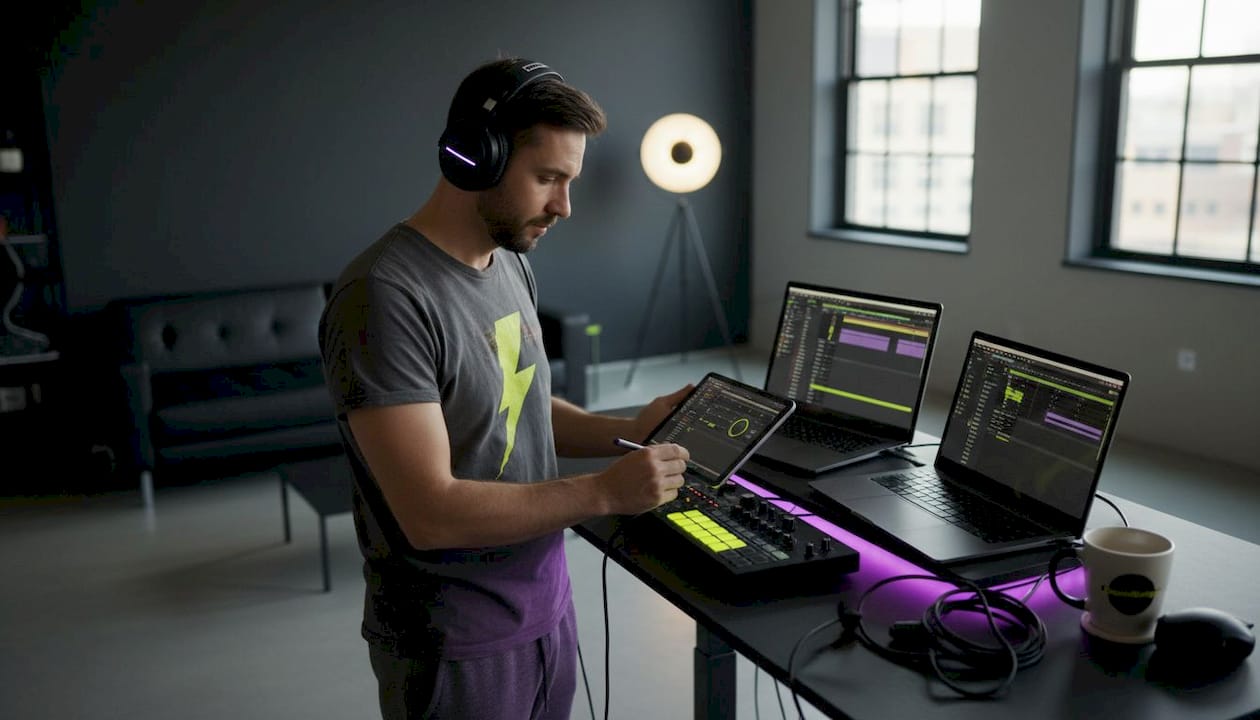
Picture this: you finish a killer session in Logic Pro, pack your project file, and send it to your mixing engineer—only to get a message that reads “I can’t open this, I’m on Windows.” That single moment of friction can unravel days of creative momentum, delay a release, and strain a professional relationship. OS lock-in is one of the most underestimated bottlenecks in modern music production, and it’s entirely avoidable. This guide breaks down exactly how multi-platform DAWs remove those walls, sharpen your performance, and open the door to the kind of borderless collaboration today’s producers need.
Key Takeaways
| Point | Details |
|---|---|
| Break free from lock-in | Multi-platform DAWs let you work across Mac, Windows, and even Linux, ensuring flexibility and long-term compatibility. |
| Boost creative collaboration | Universal file support and cloud tools make working remotely with any team smooth and efficient. |
| Maximize performance and stability. | Top multi-platform DAWs offer efficient CPU use, solid reliability, and the ability to handle large sessions without crashes. |
| Enable custom workflows | Mix and match DAWs for composition, mixing, or mastering, without being tied down by operating system limitations. |
The Problem With DAW Lock-in
DAW lock-in occurs when your primary tool runs only on one operating system. You build your workflow around it, load it with indispensable plugins, and suddenly your entire creative universe is chained to a single ecosystem. That sounds manageable until a collaborator, a client, or a new studio machine runs a different OS.
The pain points show up fast. Project files fail to transfer cleanly. Plugins installed on your Mac aren’t available on the Windows machine at the rented studio. Worse, you spend hours troubleshooting compatibility errors instead of making music. Here’s what lock-in looks like in practice:
- A vocalist on Windows can’t open your Logic session and has to wait for you to bounce stems.
- You switch laptops mid-tour and lose access to your entire plugin chain.
- A collaborator on Linux gets handed a session they literally cannot run.
- Plugin licensing systems tied to a single OS complicate machine swaps.
Logic Pro is the classic example. It’s an exceptional DAW with a loyal community, but it is Mac-only, full stop. GarageBand has the same limitation. When those are your primary tools, you’re essentially betting your production career on Apple hardware forever. By contrast, multi-platform DAWs like Studio One, Reaper, Ableton Live, FL Studio, and Pro Tools run on both Windows and Mac, avoiding that single-OS trap entirely.
Staying plugged into music production news shows just how rapidly the industry is shifting toward cross-platform workflows. Remote work, distributed teams, and global collaborations are now the standard, not the exception. A DAW that can’t follow you across operating systems is a liability, not an asset.
“The best tool is the one that removes friction from your creative process. If your DAW creates friction at the OS level, you’re solving the wrong problem.”
Multi-platform DAWs futureproof your studio. They let you respond to whatever hardware environment you walk into, whether it’s your home rig, a friend’s studio, or a professional facility across the country.
Cross-Platform Workflow: Consistency and Performance Gains
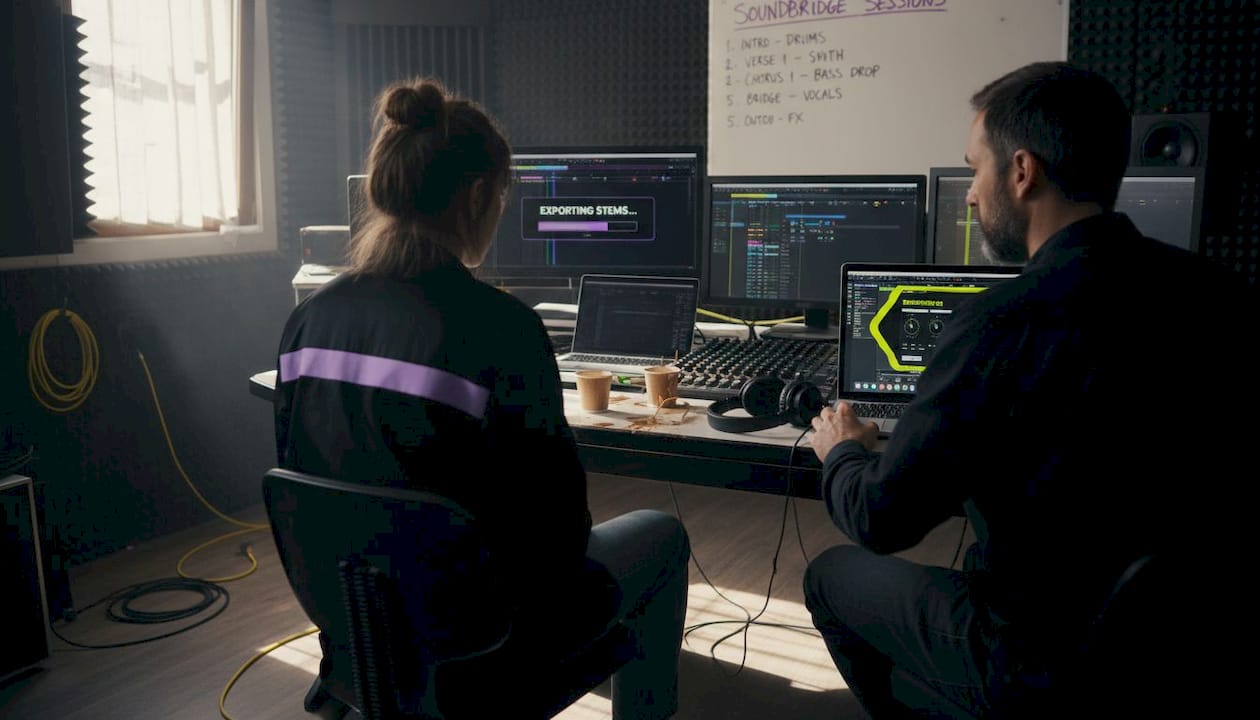
Switching operating systems used to mean relearning your DAW from scratch. Modern multi-platform DAWs have made that fear obsolete. You get the same interface, the same key commands, and the same project behavior whether you boot up on a Mac or a PC. That consistency is a major creative advantage because your muscle memory transfers completely.
Performance matters as much. Consistent, efficient performance across platforms with low overhead is a hallmark of well-engineered multi-platform DAWs. Reaper, for example, is legendary for its minimal CPU and RAM footprint. You can run sessions with hundreds of tracks and a heavy plugin load on hardware that would bring other DAWs to their knees. That efficiency isn’t a happy accident—it reflects deliberate engineering choices that prioritize audio processing over visual flash.
Stability is the other pillar. Reaper and Studio One earn praise for running large, complex sessions across operating systems without crashes, something that becomes critically important when you’re deep in a film scoring session or a mix with 60-plus tracks and multiple reverb-heavy buses. Platform-specific DAWs often struggle with driver conflicts specific to one OS, while multi-platform DAWs are battle-tested across both environments.
Here’s a quick comparison of how leading multi-platform DAWs stack up on key cross-platform performance factors:
| DAW | Windows | Mac | CPU Efficiency | Portable Install | Large Session Stability |
|---|---|---|---|---|---|
| Reaper | Yes | Yes | Excellent | Yes (USB) | Excellent |
| Studio One | Yes | Yes | Very Good | No | Excellent |
| Ableton Live | Yes | Yes | Good | No | Good |
| FL Studio | Yes | Yes | Good | No | Good |
| Pro Tools | Yes | Yes | Moderate | No | Very Good |
Pro Tip: Reaper supports a fully portable install. Drop it on a USB drive, plug it into any compatible machine, and your entire session is ready to run—no installation needed. This is a game-changer for producers who move between studios or teach workshops.
Understanding critical frequency ranges becomes much easier when your EQ plugin behaves identically on every machine you touch. Cross-platform consistency means your sound decisions translate accurately from your home studio to any remote environment.
Remote Collaboration Made Easy With Multi-Platform DAWs
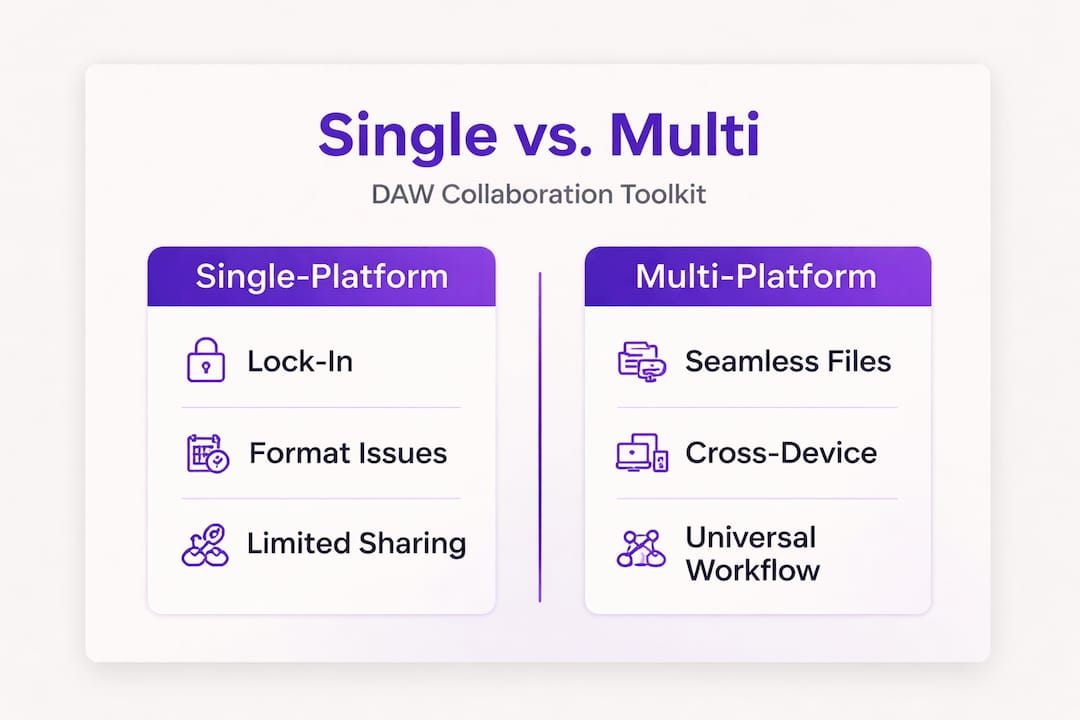
Remote collaboration is where multi-platform DAWs truly shine. The moment two producers on different operating systems try to share a project, the potential for disaster multiplies. File formats clash, plugin states get lost, audio references go missing, and sync falls apart. These aren’t edge cases—they’re everyday realities for distributed production teams.
Common remote collaboration hurdles include:
- Incompatible project formats: A proprietary format works only with its native DAW/OS.
- Missing plugin states: Even if the other person has the same plugin, preset data may not transfer.
- Sync issues: Without a shared reference, timeline mismatches derail revisions.
- Version conflicts: One party updates their DAW, and the other can’t open the newer file.
Multi-platform DAWs resolve most of these through universal standards. Standardized formats like WAV, MIDI, OMF, and AAF, combined with cloud integration through tools like Splice and streaming plugins like AudioMovers LISTENTO, create a DAW-agnostic pipeline where remote teamwork feels as natural as sitting in the same room.
Here’s a breakdown of remote collaboration feature support across top multi-platform DAWs:
| DAW | AAF/OMF Export | Splice Integration | AudioMovers Compatible | Cloud Project Sync |
|---|---|---|---|---|
| Reaper | Yes | Partial | Yes | Via third-party |
| Studio One | Yes | Yes | Yes | Yes (Sphere) |
| Ableton Live | Partial | Yes | Yes | Via third-party |
| FL Studio | Limited | Yes | Yes | Via third-party |
| Pro Tools | Yes | Yes | Yes | Yes (Avid Cloud) |
The impact of remote teamwork on modern production pipelines cannot be understated. When the entire chain—from tracking to mixing to mastering—can happen across time zones with zero OS friction, your creative network expands exponentially.
Pro Tip: Pair your multi-platform DAW with Splice for async stem sharing and AudioMovers LISTENTO for real-time, low-latency audio streaming directly into a collaborator’s DAW. That combination gives you a virtually borderless studio setup. Explore parallel processing tips to make your remotely tracked sessions sound even more polished once everything lands on your end.
Hybrid Workflows: The Power of Mixing and Matching
Once you’ve cracked the code on cross-platform collaboration, a more exciting possibility opens up: using more than one DAW intentionally. The hybrid workflow concept is about choosing the right tool for each stage of your production, rather than limiting yourself to a single environment because of OS friction.
A hybrid setup might look like this: you sketch ideas and build arrangements in FL Studio, then hand off polished stems to a Pro Tools room for mixing. Or you compose in Reaper, score in Studio One, and send final deliverables to an Avid-based post-production house. This used to be complicated because DAWs lived on different operating systems, and projects didn’t translate cleanly. Multi-platform DAWs erase that friction.
Here’s a practical outline for building a multi-DAW workflow in a modern studio:
- Choose your composition DAW. Pick the tool that matches your creative speed for writing and arranging. Ableton Live and FL Studio are strong here because of their pattern-based workflows.
- Record and track. Use a DAW with solid MIDI and audio recording stability. Studio One and Reaper excel at clean, reliable tracking sessions.
- Export a universal session package. Consolidate your audio files, MIDI data, and tempo maps. Export as AAF or OMF if the next station requires it.
- Open in your mix or mastering DAW. Pro Tools is often the standard in mixing rooms. Import your universal session, and your engineer can work without any OS headaches.
- Deliver and archive. Bounce your final mixes as WAV or AIFF and upload to a shared cloud space. Splice, Dropbox, or Avid Cloud all work.
“Using two DAWs isn’t a compromise. It’s a deliberate choice that leverages the best of each tool without forcing a single platform to do everything. Multi-platform DAWs make this practical because the OS is no longer the bottleneck.” — Production Expert
When you build unique vocal techniques in one DAW and then port those elements to a mix-focused environment, you get the best of both worlds without compromise. The same applies to arpeggiator techniques built in one environment that translate cleanly into another when file formats are universal.
The creative freedom here is substantial. You stop asking “what can my DAW do?” and start asking “what’s the best tool for this specific task?” That mindset shift is what separates producers who grow from producers who plateau.
Conventional Wisdom vs. Real-World Flexibility
There’s a stubborn belief in some corners of the industry that a Mac-only studio signals professional credibility. The thinking goes: if you’re serious, you’re on a Mac, and if you’re on a Mac, you probably use Logic. It’s an aesthetic argument dressed up as technical wisdom, and it’s worth pushing back on hard.
The real world of professional production doesn’t care about that status signal. It cares about whether your session opens, whether your track sounds right on a playback system across town, and whether your remote collaborator can receive your project tonight and deliver stems by morning. Those outcomes depend on flexibility, not brand loyalty.
DAWbench testing reveals that multi-core scaling beyond 32 threads is inconsistent across DAWs. Still, multi-platform tools like Reaper and Studio One deliver more consistent performance across a wider range of hardware than OS-restricted alternatives. Translation: on a well-specced Windows machine, these DAWs perform just as well, and in some benchmarks better, than a comparable Mac setup.
The real competitive edge in 2026 isn’t which logo is on your laptop. It’s how quickly you can adapt. Can you drop into any studio, any OS, any collaborator’s workflow, and still deliver? Multi-platform fluency is the skill. Creative sound design doesn’t get bottlenecked by hardware brands when your tools travel with you across ecosystems.
Pro Tip: Before any major remote deadline, stress-test your project on both Mac and Windows. Open the same session file on both machines, check plugin states, sample paths, and routing. This one habit will save you from emergency troubleshooting at 2 AM the night before a release.
The producers and engineers who thrive in the long term are those who master platform-agnostic thinking. They pick the best tool for the task, maintain cross-platform project hygiene, and never let one OS become a single point of failure.
Take Your Production Further With a Flexible DAW
You’ve seen how multi-platform DAWs remove barriers, sharpen performance, and power up remote collaboration. Now imagine a single environment where all of that is built in from day one.

SoundBridge is built for producers and engineers who demand versatility without compromise. With zero-latency remote recording, studio-accurate synchronization, and support for 192kHz audio processing, it brings professional-grade tools to any session regardless of OS. You can explore multi-effect guitar processing to push your sound design further, or sharpen your ear by studying master EQ techniques directly in the platform. Whether you’re scoring for picture, tracking remotely, or mixing a dense arrangement, SoundBridge is designed to keep pace with your ambition. Start free and grow at your own speed.
Frequently Asked Questions
What are the top multi-platform DAWs in 2026?
The leading options include Studio One, Reaper, Ableton Live, FL Studio, and Pro Tools—all available on both Windows and Mac, giving you maximum compatibility across studios and collaborators.
How do multi-platform DAWs support remote collaboration?
They use universal file formats like WAV, MIDI, OMF, and AAF, combined with cloud sync tools like Splice and real-time streaming plugins like AudioMovers LISTENTO, making team sessions seamless across any OS.
Is CPU efficiency better in multi-platform DAWs?
Yes, DAWs like Reaper are recognized for low overhead and efficiency, allowing smooth, high-track-count sessions even on modest hardware without sacrificing audio quality.
Can I run my DAW from a portable device?
Reaper supports fully portable installs on USB drives, meaning you can carry your entire session setup and run it on any compatible machine without installing anything.
Recommended
MASTER MUSIC PRODUCTION
Expert-led Kurse, die dich von den Basics bis zu fertigen Tracks bringen.

HOUSEVon bouncy Bass und solid Kicks: Dieser Kurs zeigt dir die modernsten House-Production-Techniken, um zu gewinnen und herauszustechen.

TRAPKling nicht nach 08/15-Trap, sondern produziere etwas World mit Far-East-Vibes. Erstelle ethnische Soundscapes, damit dein Trap der Konkurrenz voraus ist.

AMBIENTProduziere entspannte, sofisticierte psy-influenced Ambient. Psychedelisch und relaxed zum Hören – erschaffe meditative Soundscapes für Zen.