

Direct vs Software Monitoring: Why Home Studio Effects Add Latency
Last Edited: Oct 21, 2026
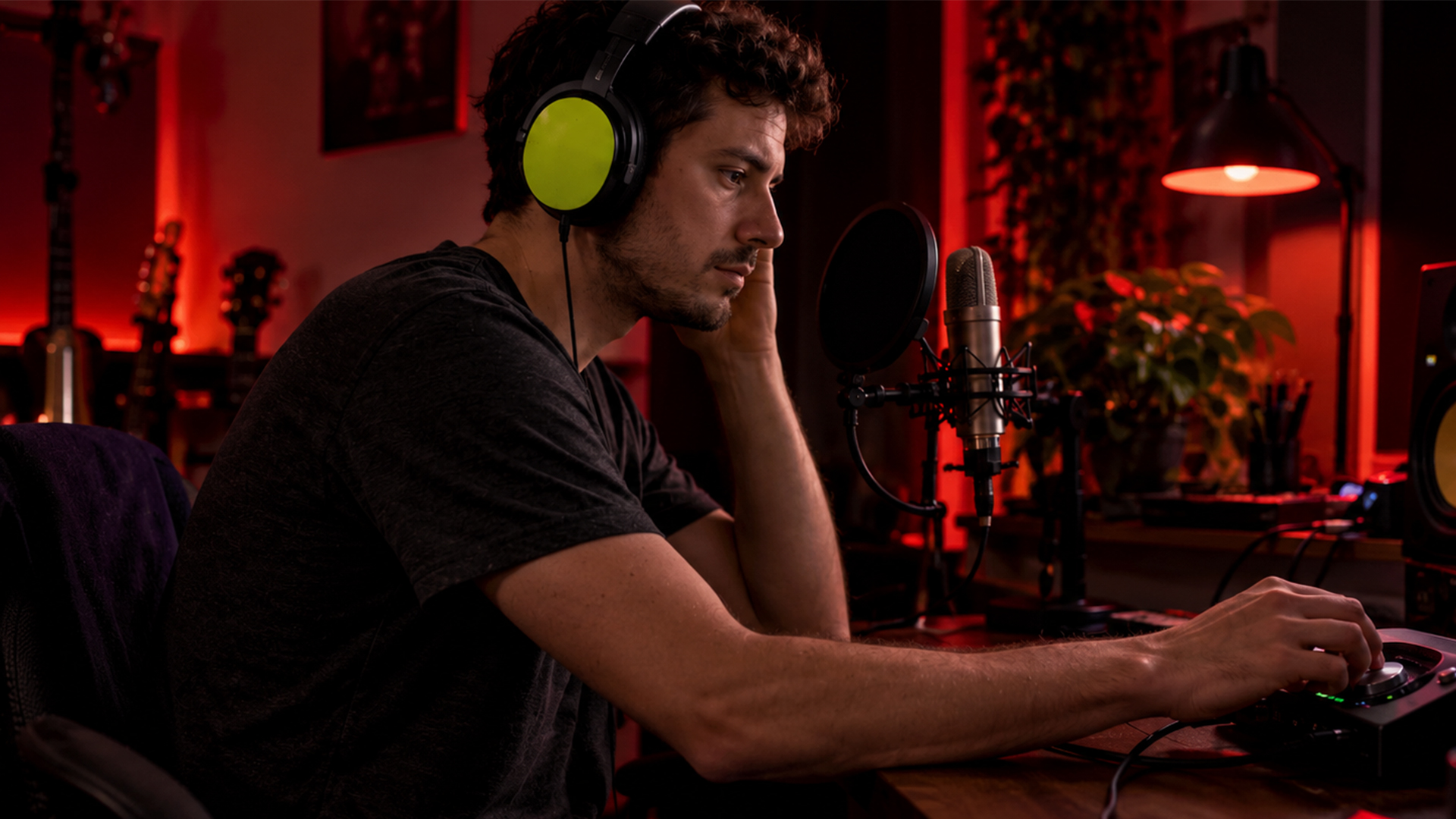
Use direct (hardware) monitoring when you need zero-latency tracking for vocals, drums, or acoustic instruments. Use software (DAW) monitoring when you need to hear processed effects, like amp sims or reverb, while you perform. Most home studios end up blending both, routing a dry hardware signal alongside a wet DAW return for the best of both worlds.
TL;DR:
-
Mute the armed track in your DAW while using interface monitoring, or the dry and delayed signals can create an echo or flanging effect.
-
Effects or virtual instruments need software monitoring; start with a buffer of 64 to 128 samples, since buffers of 512 samples or more can feel laggy.
-
Aim to keep software monitoring below roughly 10 to 15 milliseconds; the threshold varies by performer and instrument, and lower settings can increase dropouts.
-
For remote sessions, monitor your own performance through your interface and let the network return carry collaborators; local buffer changes cannot remove network delay
How Direct Monitoring Works and Why It Feels Instant
Direct monitoring routes your input signal straight to your headphone or speaker output inside your audio interface, before it ever reaches your computer. Your voice or guitar hits the interface, gets split, and one copy heads to your headphones while another gets converted and sent to your DAW for recording. Because the monitored copy skips the analog-to-digital and digital-to-analog round trip, you hear yourself with virtually no delay.
That hardware bypass is the entire point. Direct monitoring bypasses computer processing entirely, sending a copy of the input signal back to the outputs before conversion or processing ever happens. This matters most when timing is everything:
-
Tracking a lead vocal where pitch and phrasing depend on hearing yourself instantly
-
Recording drums, where a few milliseconds of lag throws off a performer’s feel
-
Layering acoustic guitar or strings against a click track
-
Any take where you’d rather feel locked in than hear a polished tone
Many interfaces and USB mics now ship with a built-in hardware monitor mix control for exactly this reason, letting you dial in a direct signal without touching your DAW’s buffer settings.
How Software Monitoring Works and What It Costs You in Latency
Software monitoring sends your signal on a longer trip: microphone to analog-to-digital converter, into your DAW and any plugins loaded on that track, back out through digital-to-analog conversion, and finally to your headphones. Each step adds time, and the sum of those delays is what you perceive as latency.
Several factors stack up along the way:
-
Buffer size, which determines how much audio your system processes per cycle before passing it along
-
Plugin load, since reverb, amp sims, and dynamics processors all add their own processing time
-
Driver quality, with ASIO on Windows and Core Audio on Mac generally offering tighter, more predictable performance than generic drivers
-
Overall CPU headroom, since an overloaded processor struggles to keep buffers moving smoothly
Software monitoring lets you hear DAW effects live but requires very small buffer sizes to keep that lag from becoming audible or distracting. That trade-off is why software monitoring earns its place for specific tasks: auditioning an amp simulator while tracking guitar, hearing a vocal through a compressor and reverb chain during a take, or playing a virtual instrument in real time where the sound you hear needs to match what’s actually being recorded.
Use-Case Checklist: Which Monitoring Mode Fits Your Session
Picking a monitoring mode gets easier when you match it to the task at hand rather than defaulting to whatever your interface does out of the box.
-
Tracking a vocal with no effects needed: choose direct monitoring for the tightest timing and most natural feel.
-
Tracking a vocalist who performs better with reverb in their ears: choose software or hybrid monitoring, routing a touch of DAW reverb alongside the dry signal.
-
Recording a guitarist expecting a specific amp tone: lean on software monitoring through an amp sim, since a dry signal won’t give them the feedback they need to play convincingly.
-
Tracking drums or any fast, percussive source: stick with direct monitoring, where even small delays throw off timing.
-
Programming or playing virtual instruments: you need software monitoring, since there’s no hardware signal to monitor directly.
-
Comping multiple takes with background atmosphere: use hybrid monitoring to keep timing solid while still hearing context.
A vocalist chasing a performance reverb and a guitarist expecting an amp simulator represent the two poles of this decision: one wants timing above all, the other needs to hear the actual tone they’re shaping in order to play it well.
Pro Tip: Mute the record-enabled track in your DAW whenever you’re monitoring directly through your interface; otherwise, you’ll hear both the instant dry signal and the delayed DAW copy stacked together, creating a flanging or echo-like smear that makes it hard to sing or play in time.
Setting Up and Troubleshooting Your Monitoring Chain
Getting direct monitoring running usually starts with your interface. Most units have a physical monitor mix knob or a software control panel where you blend “direct input” against “playback from computer.” Turn that knob fully toward direct input for zero-latency tracking, and mute the corresponding track in your DAW so you don't hear a doubled signal.
For software monitoring, your buffer size setting balances latency and stability. Smaller buffers (64 to 128 samples) cut latency but ask more of your CPU, while larger buffers (512 samples and up) are safer for mixing but noticeably laggier for tracking. Confirm you’re running the correct driver, ASIO on Windows or Core Audio on Mac, since generic drivers add unnecessary overhead. Match your interface’s sample rate to your DAW project settings, since a mismatch here is a common, overlooked source of glitches.
When latency or dropouts persist, work through this list:
-
Update your interface’s drivers to the latest version from the manufacturer
-
Close background applications competing for CPU and disk access
-
Plug your interface directly into a USB port rather than through a hub, which can introduce jitter
-
Double-check that your DAW’s sample rate matches your interface’s sample rate
Latency under roughly 10 to 15 milliseconds is generally less perceptible to most performers, though the exact threshold varies by person and instrument. That range is a useful target when you’re dialing in buffer size for a session, since going lower often isn’t worth the added dropout risk once you’re comfortably under that threshold.
What a Low-Latency DAW Changes About Software Monitoring
A DAW built around low-latency workflows changes the calculus above. SoundBridge is built for zero-latency remote tracking, bi-directional control of plugins and hardware, and high-fidelity processing up to 192kHz, so software monitoring stops being a compromise when it used to cost you timing. When your DAW itself is engineered to minimize the round trip, you can monitor through effects live without the usual trade-off between hearing your processing and staying locked to the beat. That makes a DAW with built-in low-latency architecture worth considering any time your sessions depend on real-time effects, virtual instruments, or remote collaborators tracking together.
Monitoring When You’re Recording Remotely or With Collaborators
Remote and collaborative sessions add a layer on top of everything above: now you’re managing not just your own monitoring chain, but keeping multiple performers in time with each other over a network connection. A drummer in one location and a vocalist in another both need to hear a clean, timed reference, and network latency stacks on top of whatever local latency your interface and DAW already introduce.
In these setups, each performer typically monitors themselves directly through their own interface while hearing collaborators through a low-latency network return. This keeps local timing tight even when the connection between studios adds unavoidable delay. Talkback features and synced video references help collaborators stay coordinated when they can’t be in the same room, and platforms built for real-time audio streaming during remote sessions are designed around exactly this problem.
The practical takeaway: treat your own local monitoring the same way you would in a solo session, direct for timing, blended or software when you need to hear effects, and let your remote collaboration tools handle the network side separately rather than trying to compensate for network lag with your local buffer settings.
How I Choose Between Direct and Hybrid Monitoring
In small-studio sessions, I default to direct monitoring when feel matters more than polish: scratch vocals, drum takes, first passes on guitar. I’ll switch to a hybrid blend the moment a performer asks for reverb or a bit of compression to sing against. Before any take, I do a quick buffer and driver check so I’m not troubleshooting mid-session.
— Wake
A Quick Note on SoundBridge for Low-Latency Tracking
If your sessions call for tight timing and live effects, we built SoundBridge around zero-latency remote tracking and bi-directional plugin control, so you don’t have to choose one over the other. Explore different software versions and licenses to find the setup that fits your studio.

FAQ
What does direct monitoring mean?
Direct monitoring routes your input signal straight to your headphones before it reaches your computer, giving you a dry, near-instant signal with no processing delay. It’s the standard choice when you need to track without hearing any lag.
What is software monitoring?
Software monitoring means you hear your signal after it passes through your DAW, including any plugins on that track, before it returns to your headphones. It introduces more latency than direct monitoring but lets you hear effects like reverb or amp simulation live as you play.
Should I use a direct monitor on my audio interface?
Use your interface’s direct monitor control when tracking vocals, drums, or acoustic instruments, and you don’t need live effects, since it eliminates latency. Switch to software or hybrid monitoring only when hearing processed sound matters more than instant feedback.
How do I avoid hearing both dry and delayed signals at once?
Mute the record-enabled track in your DAW while monitoring directly through your interface, since leaving it unmuted causes the dry and delayed copies to combine into a flanging or echo effect. Most interfaces also offer a direct/playback mix knob that lets you balance the two signals instead of hearing them fully stacked.
Sources
-
Low-latency monitoring in DAWs: what it is and why it matters (Antares Tech)
-
Improve your performances with direct monitoring (Samson Tech)
-
Microphone hardware monitoring vs software monitoring (Maono Help Center)
Recommended
MASTER MUSIC PRODUCTION
Expert-led courses designed to take you from fundamentals to finished tracks.

HOUSEFrom bouncy bass and solid kicks, this course teaches you the most modern House music production techniques needed to succeed and stand out.

TRAPQuit sounding like generic Trap and produce something World with hints of the Far East. Create ethnic soundscapes to put your Trap ahead of the curve.

AMBIENTProduce relaxing, sophisticated psy-influenced ambient. Psychedelic and relaxing to listen to, create meditative soundscapes to put your listeners in Zen.