

Expert Tips to Maximize Your Remote Music Collaboration
Last Edited: May 13, 2026
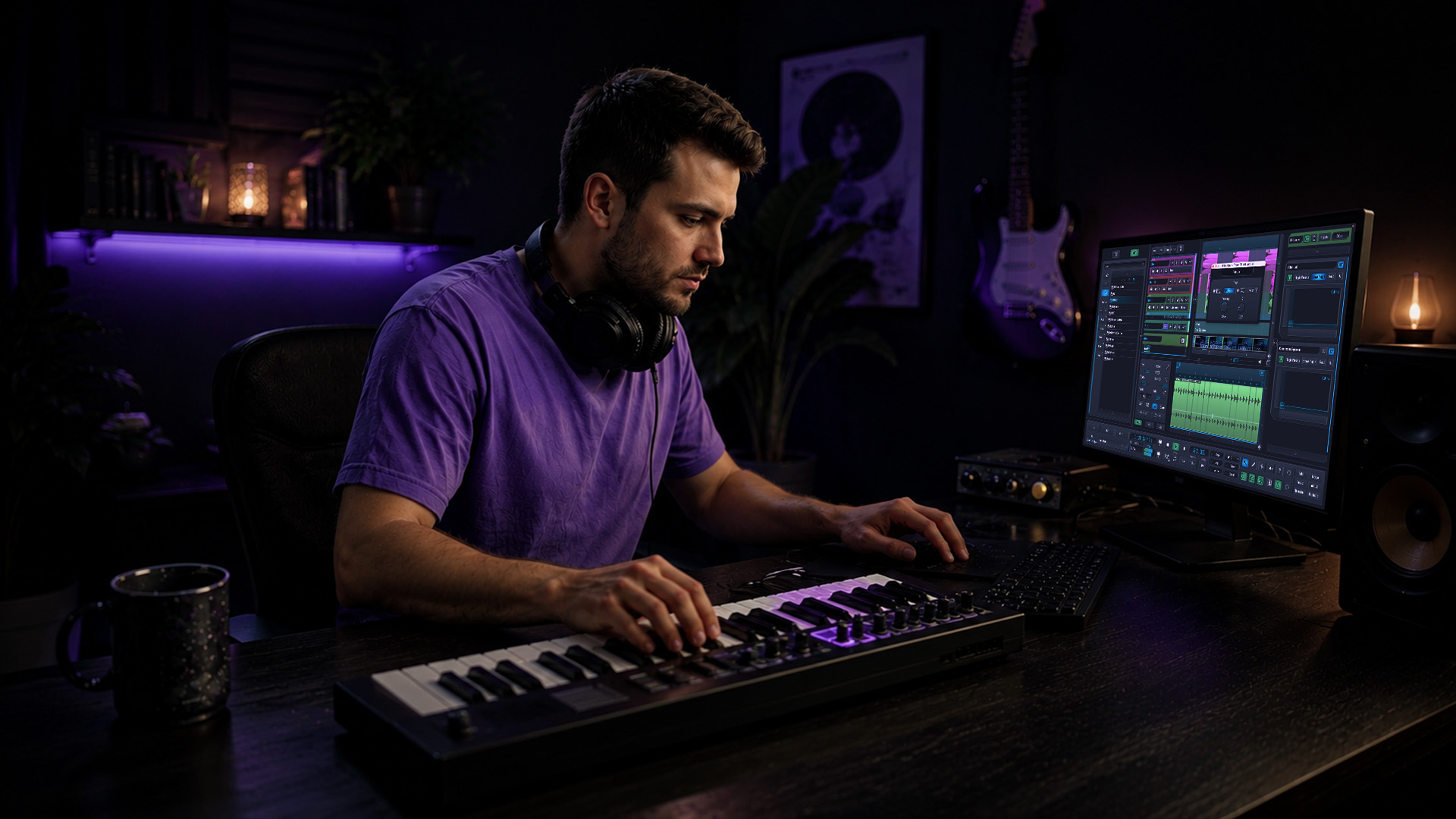
Remote music collaboration sounds exciting until you send a session file and your co-producer replies, “It won’t open.” Plugin mismatches, sample rate conflicts, and scattered feedback threads can stall even the most inspired creative partnership. The good news is that these obstacles can be overcome with the right framework. Whether you’re co-writing pop tracks across time zones or building intricate soundscapes with a film composer on another continent, the strategies in this article will sharpen your workflow, protect your creative momentum, and help you build music that sounds like it was made in the same room.
Key Takeaways
| Point | Details |
|---|---|
| Document everything | Clear specs and project details prevent technical mishaps from disrupting your workflow. |
| Use stem files | Exporting stems or bounces effectively addresses plugin and DAW incompatibilities. |
| Leverage cloud tools | Cloud storage and versioning streamline edits and feedback for remote teams. |
| Choose robust DAWs | Platforms like SoundBridge enable real-time sessions and simplify plugin management. |
| Prioritize communication | Setting clear project goals and regular check-ins keeps everyone aligned and productive. |
Establish Clear Communication and Project Goals
Every successful remote collaboration starts before anyone opens a DAW. Without clear goals, even the most talented team drifts. Clear project goals reduce confusion and speed up every production decision from arrangement choices to final mixing calls.
Start by choosing a dedicated communication channel and sticking to it. Tools like Slack, Discord, or DAW-native chat plugins keep conversations organized and searchable. Scattered messages across email, text, and social DMs are a recipe for missed feedback and duplicated work. Pick one platform, set up project-specific channels, and make it the single source of truth for your session.
From day one, document your shared goals in writing. That means project deadlines, individual roles (who handles arrangement, who owns mixing), deliverable formats, and a clear revision policy. A shared Google Doc or Notion board works perfectly for this. When everyone knows what “done” looks like, you spend less energy on misaligned expectations and more energy on making great music.
Schedule brief check-ins at regular intervals, whether that’s a quick 15-minute video call every few days or an async voice note summary. These touchpoints catch roadblocks early before they become session-breaking problems.
- Use a single dedicated messaging platform (Slack, Discord, or similar)
- Document project goals, roles, and deadlines in a shared doc from day one
- Set a revision and feedback policy so no one’s stuck waiting for direction
- Schedule regular check-ins to maintain momentum and clear bottlenecks
- Share reference tracks and visual mood boards via cloud folders for instant alignment
Pro Tip: Drop reference tracks directly into a shared Dropbox or Google Drive folder labeled “direction.” When collaborators can hear what you’re reaching for, alignment happens faster than any written description. Stay current with music production news to discover new tools that keep your communication workflow sharp. Understanding music and best practices can also help you frame your creative direction clearly from the start.
Once your team is focused and aligned, the next step is to streamline your workflow across different software platforms.
Manage DAW and Plugin Compatibility for Seamless Sharing
Nothing kills a session faster than a file that opens with half the plugins missing. Plugin and DAW incompatibility is one of the most common causes of broken session sharing, and it’s entirely preventable with the right prep work.
When sharing session files, always include a detailed spec sheet. List the sample rate (48kHz, 96kHz, or 192kHz), bit depth (24-bit or 32-bit float), DAW version, and every third-party plugin used with its version number. This one step saves hours of back-and-forth troubleshooting. For a deeper look at creative sound design approaches that stay compatible across platforms, it’s worth building your sound library around widely supported formats.
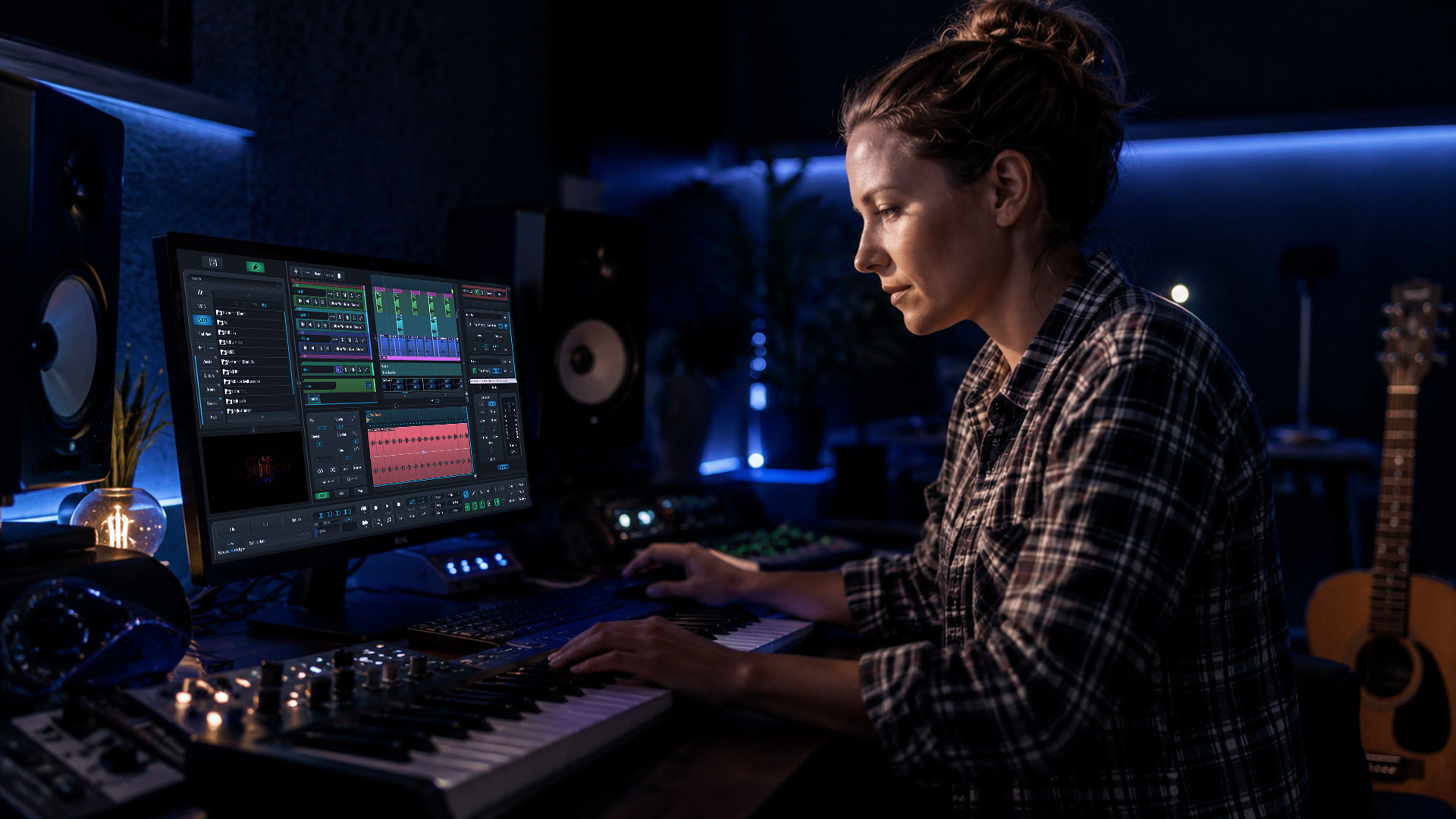
When full session sharing is too risky, export stems. A well-labeled stem export with one file per instrument group gives your collaborator everything they need, regardless of their DAW. It’s the universal language of remote production.
| DAW | Cross-platform | Native plugin set | Session export options |
|---|---|---|---|
| SoundBridge | Mac and Windows | Extensive built-in FX | Stems, bounce, full session |
| Ableton Live | Mac and Windows | Solid core suite | Stems, ALS project export |
| Logic Pro | Mac only | Outstanding native tools | Stems, AAF export |
| BandLab | Browser and mobile | Basic built-in tools | Stems and mixdown |
- Agree on a common sample rate and bit depth before recording begins
- Share a plugin list with version numbers at project start
- Use stems as a fallback whenever a full session transfer isn’t viable
- Prefer widely distributed plugins (like stock DAW effects) for shared sessions
- Test your zero-latency remote DAW setup before the first live session
Pro Tip: Create a one-page compatibility checklist at the start of every project. Include DAW version, audio interface specs, plugin list, and preferred file formats. Paste it into your project folder and update it as the session evolves. Also, check out this video creation tools comparison if your collaboration involves visual elements alongside your music.
With the technical groundwork set, let’s move to the creative techniques that drive collaborative success.
Creative Workflow Techniques for Remote Collaboration
Once your communication and compatibility foundations are solid, you can focus on the creative strategies that keep remote sessions exciting and productive. The best remote collaborations feel alive, not like file-sharing exercises.
“Cross-platform plugin issues are inevitable; creative workflows like stems and thorough session documentation mitigate interruptions.”
Here are four techniques that top producers use to keep their remote sessions moving at full creative speed:
-
Version control. Use cloud storage with versioning enabled, like Google Drive, Dropbox, or a dedicated Git-based tool for audio. Label every major iteration clearly (“v1_arrangement_draft,” “v2_bridge_added”) so you never lose a great idea that got replaced.
-
Role-based layering. Assign distinct creative responsibilities to each collaborator. One person owns arrangement, another handles sound design, a third manages mixing decisions. This prevents creative overlap, reduces revision cycles, and keeps everyone in their zone of genius. Think of it like a band where each instrument has its own space in the mix.
-
Parallel creative sessions. Instead of waiting for one collaborator to finish before the next starts, work on separate sections simultaneously. One producer builds the verses while another experiments with the chorus. Merge the best ideas in a sync session. This is how the most prolific remote teams output tracks quickly without sacrificing quality. You can find inspiration on how legendary rap collaborations structured their creative chemistry.
-
Real-time audio streaming. Platforms that support live audio streaming let collaborators hear changes as they happen, not hours later via email. This closes the feedback loop dramatically and recreates the energy of a live studio session.
| Technique | Best for | Key benefit |
|---|---|---|
| Version control | All session types | Never lose a good take or arrangement idea |
| Role-based layering | Larger teams | Reduces overlap and speeds up decisions |
| Parallel sessions | Genre-based splitting | Doubles output without doubling effort |
| Real-time streaming | Live feedback sessions | Recreates in-studio creative energy |
Adding strategic spatial effects also enhances remote sessions. Techniques like reverb for uplifters and creative delay effects can define a track’s emotional character, even when collaborators add from different locations. And when you’re searching for a shared creative direction, referencing for inspiration is one of the most effective alignment tools available.
After mastering these creative techniques, it’s time to consider the specific tools that streamline collaboration and elevate your workflow.
Recommended Tools and Platforms for Effective Music Collaboration
Choosing the right platform shapes every other aspect of your remote workflow. Not every DAW was built with collaboration in mind. Some platforms prioritize deep plugin ecosystems; others focus on seamless cloud sharing or real-time remote capabilities.
SoundBridge DAW supports zero-latency remote recording and advanced creative workflows, making it a standout choice for producers who need studio-accurate results from geographically distributed teams. Its integrated video and talkback features mean you can score film, produce beats, and give real-time direction without switching between a dozen apps.
| Platform | Zero-latency remote | Cloud collaboration | Plugin management | Sample rate support |
|---|---|---|---|---|
| SoundBridge | Yes | Yes | Advanced bi-directional | Up to 192kHz |
| Ableton Live | Limited (via third-party) | Via third-party tools | Strong | Up to 192kHz |
| BandLab | No | Native cloud-first | Basic | Up to 44.1kHz |
| Logic Pro | No (Mac only) | iCloud limited | Excellent native | Up to 192kHz |
Key platforms and tools worth having in your remote collaboration stack:
- SoundBridge: Zero-latency recording, integrated talkback, native video support, 192kHz processing
- Ableton Live: Rock-solid for loop-based workflows and live performance collaboration
- BandLab: Browser-based, great for quick sketch sessions and onboarding non-technical collaborators
- Splice: Cloud storage and loop sharing with version history built in
- Audiomovers LISTENTO: Real-time high-quality audio streaming between DAWs
- Dropbox or Google Drive: For stems, session specs, and project documentation
Expanding your technical vocabulary also makes collaborating smoother. Understanding tools like arpeggiators and distortion techniques lets you communicate your creative intentions precisely, without relying on vague descriptions. Want more inspiration for your collaborative process? Check out these video collaboration insights from other creative producers.
Having explored the leading tools, let’s look at what seasoned producers actually learn from real collaborative experience.
What Real Producers Wish They Knew About Remote Collaboration
Here’s the truth that most workflow guides skip: the technology is rarely the problem. The real challenge in remote collaboration is human. Miscommunication, unclear expectations, and ego-driven creative decisions cause far more session breakdowns than plugin incompatibilities ever will.
Professional producers who’ve built careers on remote collaboration consistently report the same hard-won lesson: over-document everything. Every session spec, every creative decision, every agreed change. It feels excessive until the moment your collaborator opens a file three weeks later and can’t remember why that kick was pitched up two semitones. That documentation is your creative memory.
“The right attitude and clear communication are as important as the tools you use.”
The second lesson is counterintuitive. Simpler workflows almost always outperform complex, technology-heavy ones in real-world remote production. It’s tempting to build elaborate plugin chains, automate every parameter, and layer twelve virtual instruments. But when that session gets shared, every added layer of complexity is another potential point of failure. The producers who ship the most music remotely are the ones who document specs clearly and keep their signal chains clean enough that anyone could pick them up and run with them.
The third insight is about trust. Remote collaboration works best when each person is genuinely empowered to make decisions within their role. Micromanaging a mix engineer via async voice notes is exhausting for both parties and produces worse results than giving them creative latitude within a clear brief. Define the vision together, then trust your collaborator’s expertise.
Using reference tracks for shared inspiration is one of the most underused tools for building that shared creative trust. When both collaborators are referencing the same sonic targets, creative friction drops, and the music gets better faster.
Pro Tip: Run a small pilot project before committing to a full-length release collaboration. Produce a single loop or short demo together using your planned workflow. This stress-tests your communication, compatibility setup, and creative dynamic before the stakes are high.
With these truths in mind, here’s how SoundBridge can help you take your next collaborative session to the next level.
Upgrade Your Remote Collaboration With SoundBridge
Remote music production doesn’t have to feel like a technical obstacle course. With the right platform, your workflow becomes something you build on, not fight against.

SoundBridge is built specifically for producers and musicians who take remote collaboration seriously. Its zero-latency remote recording environment gives you studio-accurate results whether your co-producer is across the city or across the world. Integrated talkback, real-time plugin synchronization, and support for 192kHz sample rates mean your sessions stay high-fidelity from first idea to final bounce. Dive deeper into production techniques with expert guides like parallel processing tips and mastering equalization to sharpen every dimension of your sound.
Try SoundBridge on your next collaboration and experience what it feels like when the tools finally match your creative ambition.
Frequently Asked Questions
The most reliable method is to export stems or bounces with documented specs, such as sample rate and bit depth, so that every collaborator can access the session regardless of their software.
How do I avoid plugin issues when collaborating remotely?
Coordinate plugin lists early in the project and default to widely supported stock plugins or stems if cross-platform incompatibility becomes a recurring obstacle.
What tools support real-time remote music collaboration?
SoundBridge DAW enables zero-latency remote sessions with integrated talkback and is designed from the ground up for high-performance cloud-based creative workflows.
Can creative workflow techniques overcome location barriers?
Yes, combining version control, parallel session structures, and cloud file sharing allows teams to collaborate at full creative capacity regardless of physical distance.
Recommended
MASTER MUSIC PRODUCTION
Expert-led courses designed to take you from fundamentals to finished tracks.

HOUSEFrom bouncy bass and solid kicks, this course teaches you the most modern House music production techniques needed to succeed and stand out.

TRAPQuit sounding like generic Trap and produce something World with hints of the Far East. Create ethnic soundscapes to put your Trap ahead of the curve.

AMBIENTProduce relaxing, sophisticated psy-influenced ambient. Psychedelic and relaxing to listen to, create meditative soundscapes to put your listeners in Zen.