

Top 4 Fast-Workflow DAWs in 2026
Last Edited: Jun 22, 2026
SoundBridge
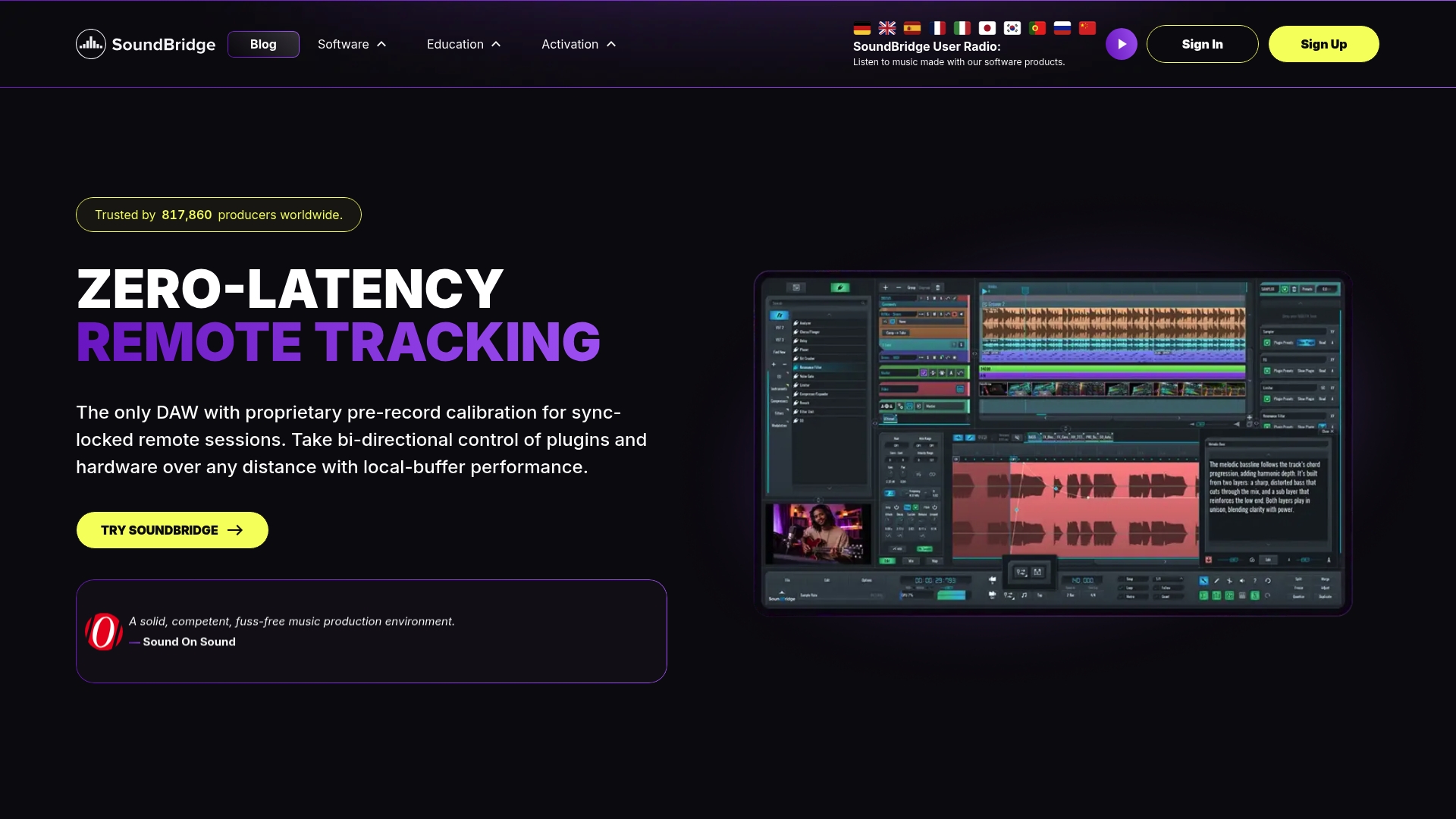
At a Glance
SoundBridge reports 817,860 producers worldwide. That scale appears in its collaboration toolset and user base support. The DAW runs a high-fidelity 192kHz floating-point engine that handles large mixes without audible degradation. It also includes video support and tools for music, scoring, and post-production.
Core Features
The engine delivers high-resolution audio alongside an Ultra HD video engine with frame-locked sound effects for scoring sessions. Time stretching uses Zplane Élastique Pro and aufTAKT beat detection for tempo matching and elastic edits. Built-in collaboration tools enable real-time remote recording and low-latency sync, while a 64-slot sampler, multi-track automation, MIDI mapping, routing, and sidechain options cover production needs.
Key Differentiator
The product ships with a patent-pending virtual collaboration system that supports studio-accurate remote tracking and keeps takes aligned across long-distance connections.
Pros
SoundBridge groups recording, editing, and remote tracking in one app, so you can record remote performers and continue mixing without bouncing files. It has audio and video support for high-resolution stems and picture-locked edits for scoring work. The interface is customizable, includes version history and unlimited undo, and supports hardware controllers for hands-on sessions.
Cons
- Some collaboration features require a paid plan.
Who It’s For
Producers, musicians, and sound designers who need high-resolution audio and built-in remote recording tools will get the most value. Film composers who work with pictures and teams that record across locations will also benefit. Beginners can use the free tier to learn core workflows before upgrading.
Unique Value Proposition
The combination of a 192kHz engine, an integrated 64-slot sampler, and built-in remote tracking lets teams record, edit, and finish projects in a single environment. That setup reduces file juggling and sync headaches when collaborators are remote, and it speeds the delivery of stems and mixes to clients.
Real World Use Case
A band records rhythm guitars in one city while a vocalist tracks in another. The producer starts the session in SoundBridge, captures remote takes with low-latency sync, layers the sampler and MIDI parts, and then mixes and exports the final stems without leaving the project.
Pricing
A free version is available with limited features and a 10-track cap. The premium tier unlocks unlimited tracks, full collaboration tools, and advanced effects, and is available as a subscription or a lifetime license option.
Website: https://soundbridge.io
Ableton Live
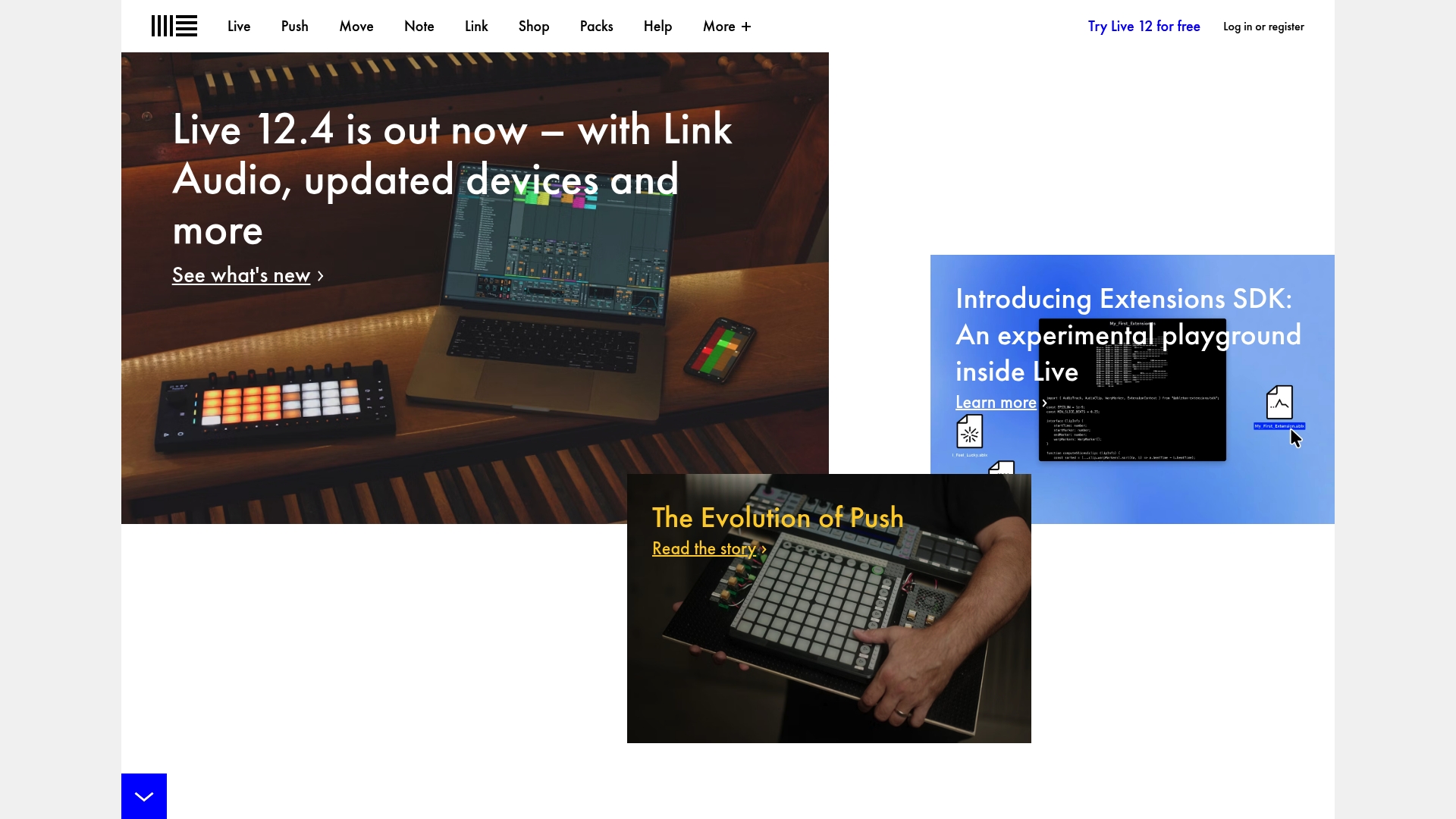
At a Glance
Deep integration with Ableton Push puts hands on control of clips, effects, and MIDI parameters during a live set. The software combines a Session View for improvisation and an Arrangement view for linear production. That combination makes Live equally useful on stage and in the studio.
Core Features
Ableton Live offers two complementary workspaces for composing and performing, plus advanced MIDI and audio editing tools that speed iteration. Built-in instruments and effects cover synthesis, sampling, and processing, while Max for Live extends functionality with custom devices. Live also supports third-party plugins and direct hardware mapping for controllers.
Key Differentiator
Live centers its workflow on real-time manipulation and tight hardware integration. The session-oriented clip launching model lets you sketch arrangements on the fly. Deep Push support gives physical control over clip launching, step sequencing, and parameter tweaking during performance.
Pros
Live adapts to both studio tasks and live performance demands, so you can finish a track and play it the same night. The interface reduces menu hunting and focuses on musical tasks, which speeds creative iterations. A large community contributes devices, patches, and tutorials that shorten the learning curve for specific techniques.
Cons
- Cost may be high compared with other DAWs, especially for the Suite tier.
- The learning curve can be steep for new users who expect a linear workflow.
- Live can be resource-intensive with many tracks and third-party plugins.
When It May Not Fit
If you run very large template sessions on an older computer, Live may struggle without a hardware upgrade. Users who rely on a strictly linear, tracker-style workflow might find the session model distracting. People seeking a free or very low-cost DAW will likely prefer lighter alternatives.
Who It’s For
Musicians, producers, and live performers who want flexible tools for improvisation and production will get the most from Live. It suits electronic acts that perform with controllers and DJs who build sets on the fly. Producers who value hands-on control over parameter mapping will appreciate the hardware tie-ins.
Real World Use Case
A DJ and electronic musician produces tracks in the Arrangement view and then uses Session view to create a live set. They map scenes and clips to push for real-time remixing and buildups. The workflow lets them improvise transitions without leaving the project.
Pricing
Pricing lists USD 599 for Standard and USD 749 for Suite. Prices may vary, so check the vendor for current figures and upgrade options.
Website: https://ableton.com
Bitwig Studio
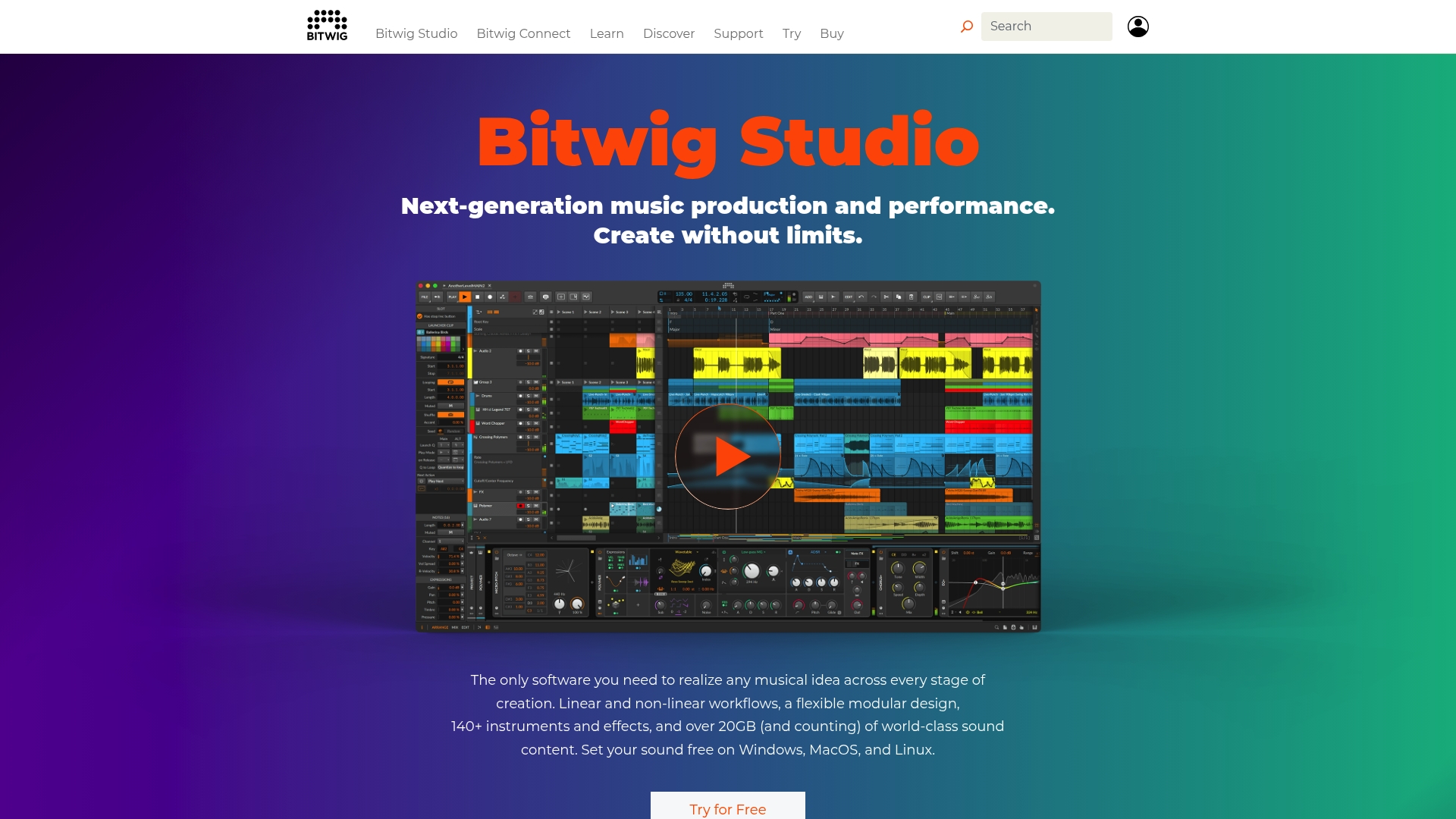
At a Glance
Bitwig ships with 140+ instruments and effects and more than 20GB of sound content, all usable in both linear and non-linear workflows. The DAW runs on Windows, macOS, and Linux, and recently offered a public beta of version 6.1 with a redesigned sampler and expanded clip management. That breadth makes Bitwig unusually resource-rich for creators who perform and produce.
Core Features
Bitwig combines an arranger and a clip launcher into a single timeline, so you can edit audio and MIDI clips without switching contexts. The modular environment centers on The Grid, a visual modular synth and effect builder that integrates with devices and modulation lanes. The package also includes a suite of instruments, effects, real-time comping, automation editing, and more than 20 gigabytes of presets and samples.
Key Differentiator
The Grid gives Bitwig a unique modular sound design workflow embedded in the DAW rather than as a separate plugin. That integration lets you build custom signal chains, route modulation, and reuse patches across projects while keeping project stability in mind. The Grid is the core reason producers choose Bitwig for deep synthesis and experimental sound design.
Pros
Bitwig offers high creative flexibility through its modular design and extensive content library, which you can patch and resurface within tracks. Automation and modulation are fast to set up, and the clip aliases plus unified timeline reduce friction between arrangement and live sets. The architecture isolates plugins to improve reliability, and the DAW receives regular feature updates, including at least 1 year of free updates after purchase.
Cons
- Steep learning curve for beginners because the modular tools and deep routing add complexity.
- Pricing may feel high for some users, especially when buying upgrades or additional sound packs.
- Interface can overwhelm users who prefer a minimal, template-driven workflow.
When It May Not Fit
Bitwig requires a relatively powerful computer for large projects that use many instances of The Grid or heavy effects chains. If you prefer a minimal, hands-off interface with few routing options, Bitwig’s flexibility will add friction. The learning curve also makes it a poor first DAW for complete newcomers who want immediate, simple templates.
Who It’s For
Producers, sound designers, composers, and performers who want deep instrument building, flexible routing, and live-set capability will get the most out of Bitwig. It suits people who plan to sculpt custom synths or patch unique modulation systems and who are willing to make a steeper initial time investment to learn the tools.
Real World Use Case
A professional producer composes and arranges an electronic album in Bitwig, building signature textures in The Grid and reusing those patches across tracks. They switch between arranger and clip launcher during rehearsals and push the same project into a live set with hardware controllers and external gear.
Pricing
Editions include Essentials, Producer, and Full, with occasional discounts during sales. Exact prices and edition comparisons are listed on the vendor site. The company also provides at least one year of free updates after purchase for purchased editions.
Website: https://bitwig.com
Comparison of DAWs
Intro pre-write:
- Does Soundbridge.io clearly outpace every usable competitor on a single dimension? YES
- If YES: dimension where soundbridge.io wins — integrated remote collaboration features
- First sentence draft: Producers needing built-in tools for synced remote sessions will find SoundBridge leading in collaborative performance.
Competitor wins pre-write:
- Which competitor wins which dimension: Ableton Live wins performance versatility because it integrates live session tools alongside production tools
- Does this dimension matter to the primary reader? YES
Best Fit uniqueness check:
- List each bullet scenario in one clause: [Producers recording across locations] / [Live performers emphasizing real-time creative options] / [Sound designers looking to craft experimental pieces]
- Can any two be swapped without changing meaning? NO
Our Pick pre-write:
- The ONE capability unique to soundbridge.io in this set: Integrated virtual collaboration system
- Evidence from the reviews: “patent pending virtual collaboration system that supports studio accurate remote tracking and keeps takes aligned across long distance connections”
- Closing sentence draft: A producer will benefit most from SoundBridge when remote collaboration is essential to maintaining project momentum.
- Substitution test: A producer will benefit most from Ableton Live when live-performance versatility is essential for maintaining project momentum.
- Does the substituted version still work as a recommendation? YES
- If YES: rewritten closing sentence: Consider SoundBridge when remote collaboration is essential to keeping your sessions synced and cohesive.
Producers seeking digital audio workstations (DAWs) often face tradeoffs among collaboration, performance tools, and sound design flexibility. Understanding these features highlights the distinct advantages and suitable uses for SoundBridge, Ableton Live, and Bitwig Studio.
Remote Recording and Collaboration
SoundBridge offers tools for collaborating remotely, notably its patent-pending virtual collaboration feature. This technology ensures synchronized tracking over long distances, enabling cohesive workflows between geographically dispersed team members. In comparison, Ableton Live and Bitwig Studio prioritize local creative workflows, making SoundBridge the top choice for producers working across varied locations.
Live Performance Versatility
Ableton Live excels in providing hands-on control for live sessions. The software, alongside its Ableton Push integration, allows musicians and DJs to manipulate clips and effects intuitively during performances. Bitwig Studio also supports live workflows with its unified timeline, but lacks Ableton’s hardware enhancements. SoundBridge, while adept at collaboration, does not offer comparable dedicated live-performance features.
Sound Design Capabilities
Bitwig Studio stands out for its modular sound design, with features like The Grid. This environment facilitates the creation of unique synth patches, enabling deep sound customization for complex productions. Although SoundBridge offers various editing and automation options for sound production, and Ableton provides built-in tools for synthesis and sampling, Bitwig’s modular workflow is ideal for advanced sound crafting.
Best Fit
- Remote teamwork requiring synced recording across various production sites would benefit from SoundBridge’s collaboration features.
- Live performers prioritizing real-time manipulation and controller integration should choose Ableton Live for its responsive session handling tools.
- Sound designers pursuing detailed modular synthesis projects will find Bitwig Studio tailored to their needs for intricate sonic creation.
Our Pick
SoundBridge provides a balance for producers integrating remote collaboration into their projects. Its unique virtual collaboration tools simplify capturing creative output across distances, conserving time and aligning teams. Consider SoundBridge when remote session syncing defines your creative workflow or when locality across contributors advances project outcomes.
Choose the right DAW by examining features suited for professional workflows and remote music production.
| Product | Core Feature | Key Differentiator | Best For | Pricing | Limitation |
|---|---|---|---|---|---|
| Soundbridge | 192kHz engine, video-compatible | Patent-pending remote collaboration system | Remote teams, scoring professionals | Free or subscription | Some features require a paid plan |
| Ableton Live | Session and arrangement workflows | Real-time control integration via Push | Live performers, electronic musicians | $599 Standard, $749 Suite | High cost relative to competitors |
| Bitwig Studio | Modular sound design environment | Integrated patching via The Grid | Sound designers, experimental artists | Price not published | A complex interface may intimidate new users |
Which Fast Workflow DAW Fits Your Production Style?
Soundbridge focuses on the challenges producers, musicians, and sound designers face with remote collaboration and high-fidelity audio. If juggling multiple files or syncing takes across locations slows your workflow, Soundbridge combines zero-latency remote tracking and 192kHz processing in one intuitive platform. It handles large mixes, built-in video support, and tight synchronization to help teams record, edit, and finish projects without interruption.

Check out how Soundbridge speeds your creative process by uniting high-resolution audio with real-time collaboration. Visit Soundbridge to explore both free and paid tiers designed for musicians and producers seeking reliable remote recording and streamlined project delivery.
FAQ
What makes Soundbridge suitable for high-resolution audio production?
Soundbridge features a 192kHz floating point engine that processes large mixes without audible degradation. This high-fidelity support ensures that producers and sound designers can work with detailed and pristine audio. Users looking for a professional-grade audio quality will find Soundbridge a fitting choice.
How does Soundbridge compare to Ableton Live for live performance?
Ableton Live excels at integrating with Ableton Push, offering hands-on control that enhances live performance setups. Meanwhile, Soundbridge’s strengths lie in its integrated remote collaboration tools, allowing for seamless recordings from multiple locations. This makes Soundbridge ideal for producers who prioritize remote workflows, while Ableton Live suits the needs of live performers.
Which DAW offers better collaboration tools, Soundbridge or Bitwig Studio?
Soundbridge stands out for its built-in collaboration features, which enable real-time remote recording. Bitwig Studio, on the other hand, focuses on deep modular sound design but lacks Soundbridge’s dedicated remote tracking capabilities. For teams that require real-time cooperation, Soundbridge is the better fit.
What is the cost structure for Soundbridge?
Soundbridge provides a free version with limited features and a 10-track cap. The premium tier unlocks unlimited tracks and advanced collaboration tools, appealing to both beginners and professionals alike. Users can explore the free version before deciding to upgrade to more capabilities.
Can beginners effectively use Soundbridge for learning audio production?
Yes, beginners can start with Soundbridge’s free version to learn core workflows in digital audio production. This access to fundamental tools helps new users gain confidence before progressing to more advanced features available in the premium tier. Soundbridge serves as a practical entry point into audio production.
Recommended
MASTER MUSIC PRODUCTION
Expert-led courses designed to take you from fundamentals to finished tracks.

HOUSEFrom bouncy bass and solid kicks, this course teaches you the most modern House music production techniques needed to succeed and stand out.

TRAPQuit sounding like generic Trap and produce something World with hints of the Far East. Create ethnic soundscapes to put your Trap ahead of the curve.

AMBIENTProduce relaxing, sophisticated psy-influenced ambient. Psychedelic and relaxing to listen to, create meditative soundscapes to put your listeners in Zen.