

Top 4 Free DAWs 2026
Last Edited: Jun 16, 2026
Finding a free DAW that offers powerful music production tools without compromises is harder than it should be. Many free DAWs restrict collaboration, limit track counts, or hold back AI composition features unless you pay or switch platforms. This comparison highlights collaboration, AI tools, and platform limits so you can pick a free DAW that matches your workflow for 2026.
SoundBridge
At a Glance
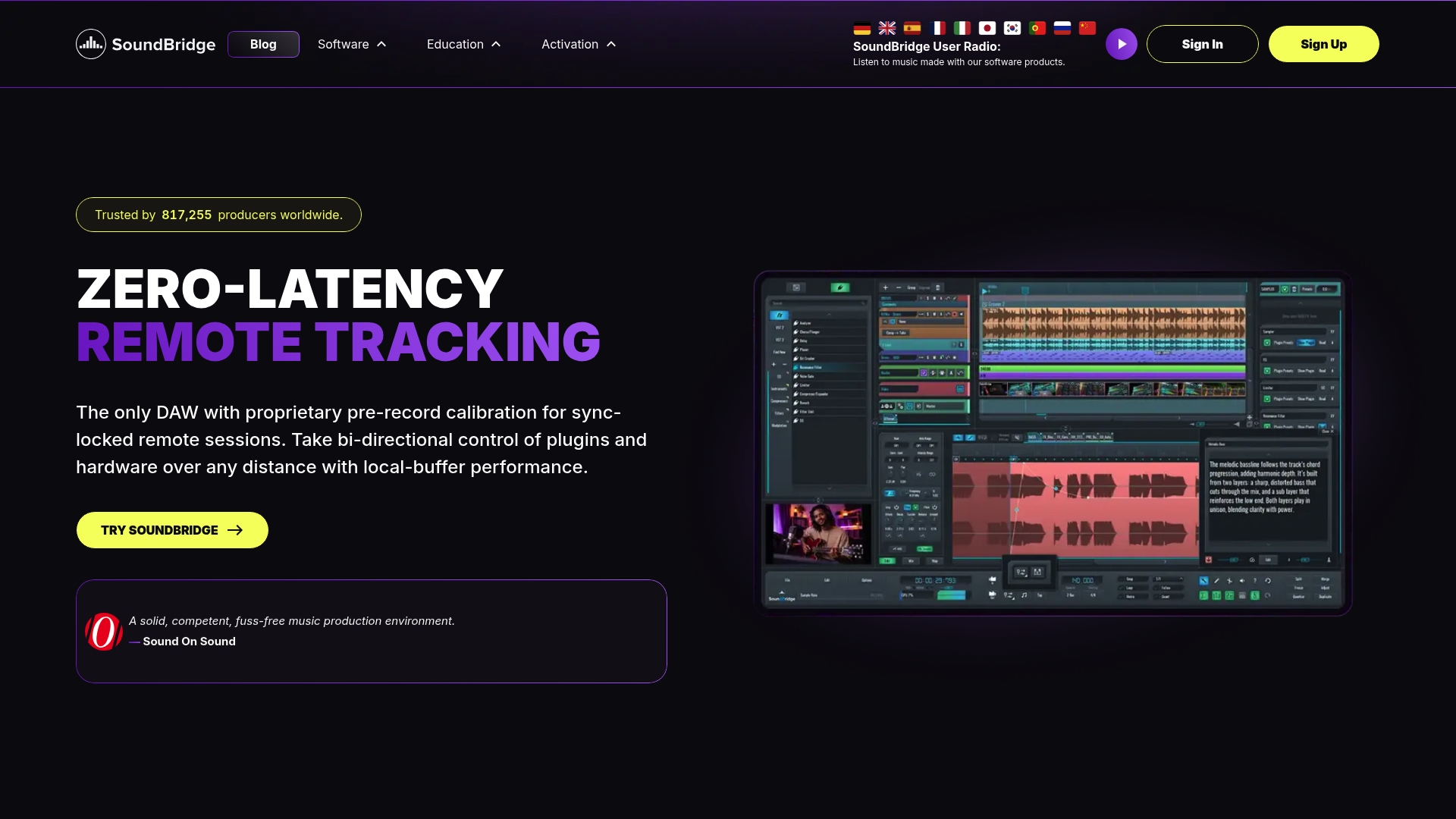
Proprietary low-latency remote collaboration enables live, studio-accurate sessions across any distance. SoundBridge runs a high-fidelity 192kHz floating-point engine and supports native ASIO and Core Audio. It also includes integrated video support for frame-locked scoring. The free tier limits tracks, while paid tiers remove that cap.
Core Features
- 192 kHz floating-point engine with native ASIO and Core Audio support for high-resolution recording and mixing.
- Real-time remote collaboration that supports live tracking and two-way control between participants.
- Ultra HD Video Engine for frame-locked scoring and high-bitrate playback with picture reference.
- Multi-track automation, a 64-slot sampler, and advanced audio editing tools for mixing and creative production.
- Native support for VST plugins plus a built-in effects library that covers EQ, compression, delay, reverb, modulation, and distortion pages.
Key Differentiator
The standout technical claim is SoundBridge's proprietary low-latency collaboration technology, which enables studio-accurate sessions over long distances. That mechanism combines audio transport with synchronization, allowing remote musicians to record together with minimal timing drift. It also ties into the DAW's two-way control, allowing a producer to tweak plugins or hardware from another location. This focus on live remote sessions sets it apart from DAWs that only sync stems or cloud-based projects.
Pros
- Powerful remote session tools let you track musicians in real time. This reduces the back-and-forth of file sharing and keeps things tight.
- High-quality audio processing supports film scoring and music production at professional sample rates. You get cleaner edits and more headroom when working at 192kHz.
- The interface is intentionally streamlined for speed. Beginners can move quickly from idea to arrangement without hunting through menus.
- Built-in effects and the native sampler provide creative flexibility without forcing extra purchases. That helps producers test sounds and iterate faster.
- Multiple licensing options, including lifetime plans, let you choose a payment model that fits your budget and workflow.
Cons
- The free version limits you to 10 tracks, so larger projects require a premium upgrade.
Who It’s For
SoundBridge suits producers, composers, and film editors who need a DAW with remote session capability and high-resolution audio. It works for solo musicians who want a clear, fast interface and for collaborators who record across cities or countries. Students will find the free tier useful for learning before upgrading for larger projects.
Unique Value Proposition
Bi-directional control of plugins and hardware during remote sessions lets you manage a live mix from elsewhere. That capability turns a remote laptop into a studio control surface and avoids constant file handoffs. For collaborators, this reduces setup time and preserves creative momentum during sessions.
Real World Use Case
A producer in Los Angeles runs a session with a vocalist in London. They both hear a locked video reference while recording. The producer adjusts vocal compression in real time, and the vocalist records a performance that stays in sync. The team exports a near-final mix without exchanging dozens of files.
Pricing
SoundBridge offers a free tier with limited tracks and features, and a Premium option available monthly, annually, or as a lifetime license. Paid tiers unlock unlimited tracks, full collaboration tools, and extra customization.
Website: https://soundbridge.io
Audiotool
At a Glance
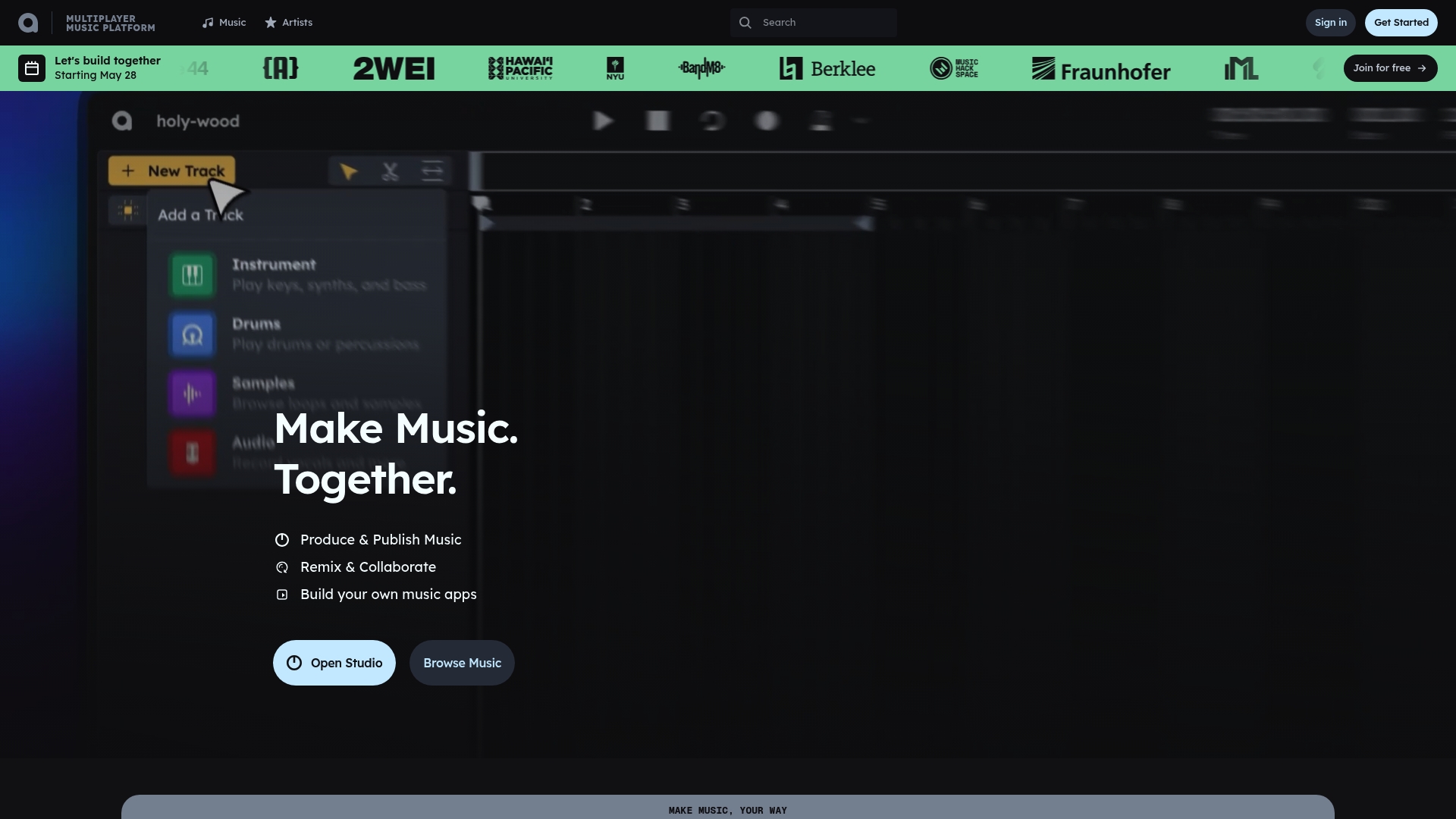
Audiotool runs entirely in the browser. The platform combines a sequencer, synthesizers, drum machines, and effects into a single online workspace. You can invite collaborators to edit a session in real time from different locations.
Core Features
- A browser-based music production environment with a pattern sequencer and mixer.
- Real-time collaboration tools for live co‑editing and shared project access.
- Built in synthesizers, drum machines, effects, and utilities for sound design.
- Automation and modulation tools that support custom signal chains and routing.
Key Differentiator
Audiotool centers its workflow on an integrated community and live collaboration inside the browser. That combination makes sharing, remix contests, and direct feedback part of the production loop. This focus shifts the product toward collaborative learning and quick idea exchange rather than deep offline mixing sessions.
Pros
-
Free access on any device with internet access. You can start a project on a laptop and continue on a tablet.
-
Strong community features for sharing projects and getting feedback. The community hub helps tracks find listeners and collaborators.
-
Interface designed for fast experimentation. Beginners can sketch ideas quickly and audition synth patches in seconds.
-
Live and asynchronous collaboration support multiple contributors. You can co-produce sessions without bouncing files back and forth.
-
Built-in sound design and automation tools enable complex modulation chains. You can shape evolving textures without third-party software.
Cons
-
The learning curve is steep for absolute beginners, given the depth of sound design features. New users may feel overwhelmed by routing and modulation options.
-
The selection of virtual instruments and sample libraries is smaller than that of mature desktop DAWs. Serious sample hunters will find gaps.
-
Documentation and tutorial coverage are more limited than in larger DAW ecosystems. You may spend time learning by exploring projects rather than following guided lessons.
-
Updates and feature additions arrive less frequently than some desktop competitors. Roadmap momentum can feel slow at times.
When It May Not Fit
If you need a huge library of premium virtual instruments and factory samples, Audiotool may not meet that need. If your workflow relies on detailed offline editing or advanced mastering tools, a desktop DAW will be a better fit. Teams that require guaranteed rapid feature updates should consider other options.
Who It’s For
Audiotool is for music enthusiasts, students, and community-minded producers who want a free, accessible way to make and share music online. It suits collaborators who prefer immediate feedback and live co-production. It also serves learners who benefit from studying public projects shared by other users.
Real World Use Case
An independent producer opens a session and invites two vocalists in different cities to record and arrange parts together. They load a VST3 chorus, tweak automation live, and publish the finished track to the community hub. The group collects feedback, iterates a mix, and launches a remix contest to broaden reach.
Website: https://audiotool.com
MAGDA
At a Glance
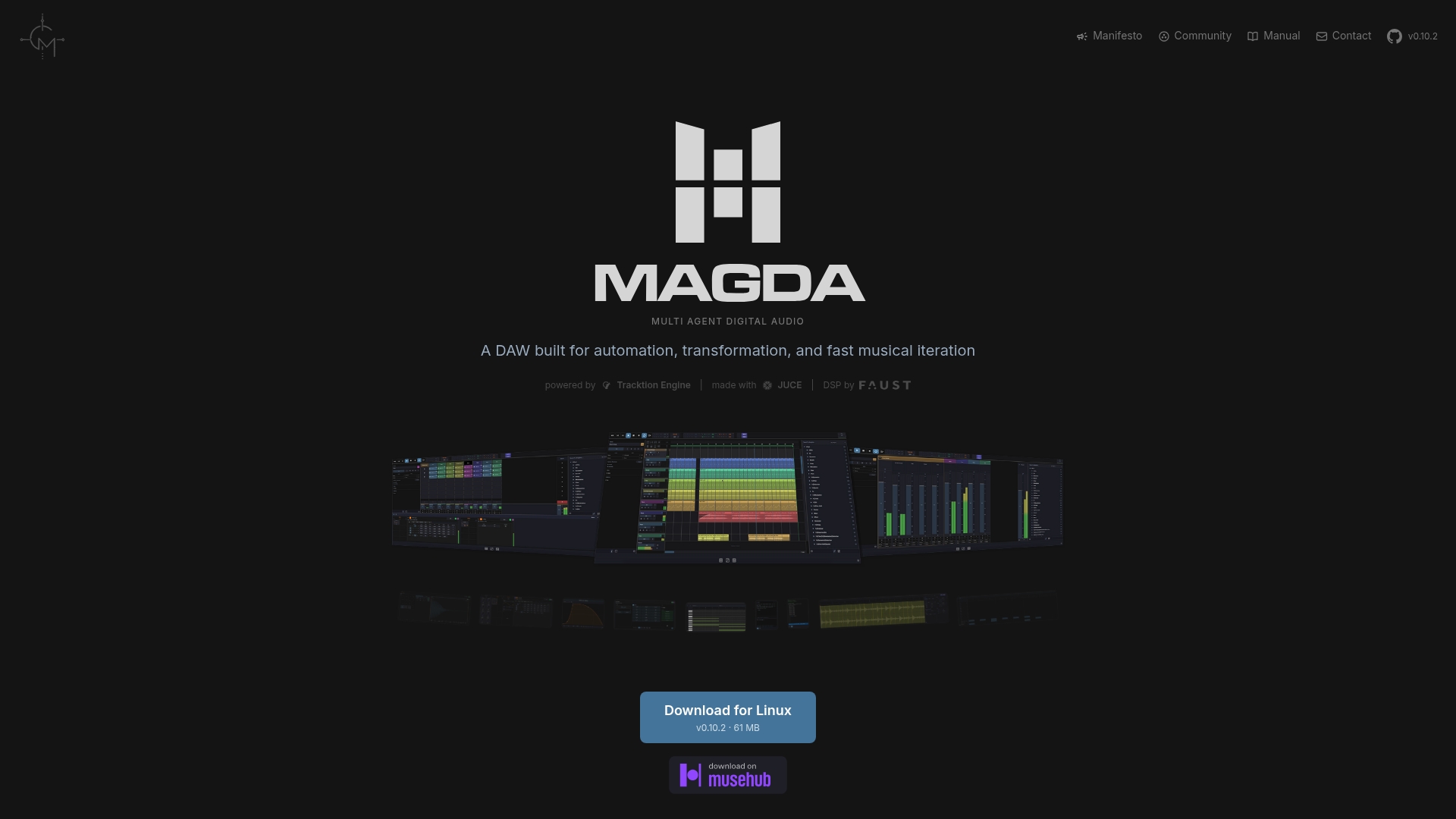
MAGDA integrates multi-agent AI directly into the DAW for session understanding and sound generation. It combines session, arrangement, and mixer views with instruments and effects powered by Faust and JUCE. The project is open source and free to download, and it runs on Linux, macOS, and Windows.
Core Features
The feature set prioritizes automation and programmable sound design. It includes session, arrangement, and mixer views, plus instruments, a Faust-powered effects bank, and a 4OSC synth. The environment exposes AI agents and a DSL console for session analysis and sound generation, as well as automation and MIDI mapping. A searchable media library uses AI similarity ranking, while the Chord engine provides real-time detection and AI-generated progressions. It also offers an arpeggiator, step sequencer, time bend, and groove tools, as well as a Hybrid audio and MIDI workflow with bounce, freeze, async detection, and QWERTY MIDI input.
Key Differentiator
MAGDA centers multi-agent AI inside the DAW instead of tacking it on as a plugin. That architecture puts session understanding and sound generation into the same environment where you arrange and mix. For producers who want AI to suggest progressions or alter textures inside their project, this is the main distinction.
Pros
-
Rich production toolset. The DAW combines arrangement, mixing, instrument, and DSP tools for automation and sound design.
-
Open source and free. You can download and modify the code on Linux, macOS, or Windows.
-
AI agents enhance creativity. The agents handle session analysis, suggest chord progressions, and generate sound design starting points.
-
Customizable routing and modulation. Parameter macros, racks, and presets let you build complex signal chains you can save and recall.
-
Supports hybrid workflows. The audio and MIDI features handle bouncing, freezing, async detection, and live QWERTY input for sketching ideas quickly.
Cons
-
Limited public feedback. There are few third-party reviews or broad community reports, which suggest early-stage or niche adoption.
-
Older hardware limitations. Intel Mac support is limited, and some AI features may not run on older machines.
-
Sparse official learning resources. The data lists no formal support channels or extensive tutorial libraries, which raises the learning curve for beginners.
When It May Not Fit
If you need extensive official tutorials or full customer support channels, MAGDA may feel thin. Producers who run only older Intel Macs risk missing AI features or encountering performance limits. If you require mature community forums and many third-party tutorials, this early-stage project may not match that need.
Who It’s For
This software suits musicians and producers who read technical documentation and want to experiment with AI-guided sound design. It fits people who value automation and want to script or program DSP behavior inside a DAW. Developers building custom DSP tools will also find the open-source code useful.
Real World Use Case
A producer sketches an electronic track by letting MAGDA agents suggest chord ideas and generate pads. They map agent outputs to macros and automate parameters across the arrangement. The session moves from idea to mix within the same environment, with real-time chord detection and rapid bounce options.
Website: https://magda.land
yosAI studio
At a Glance
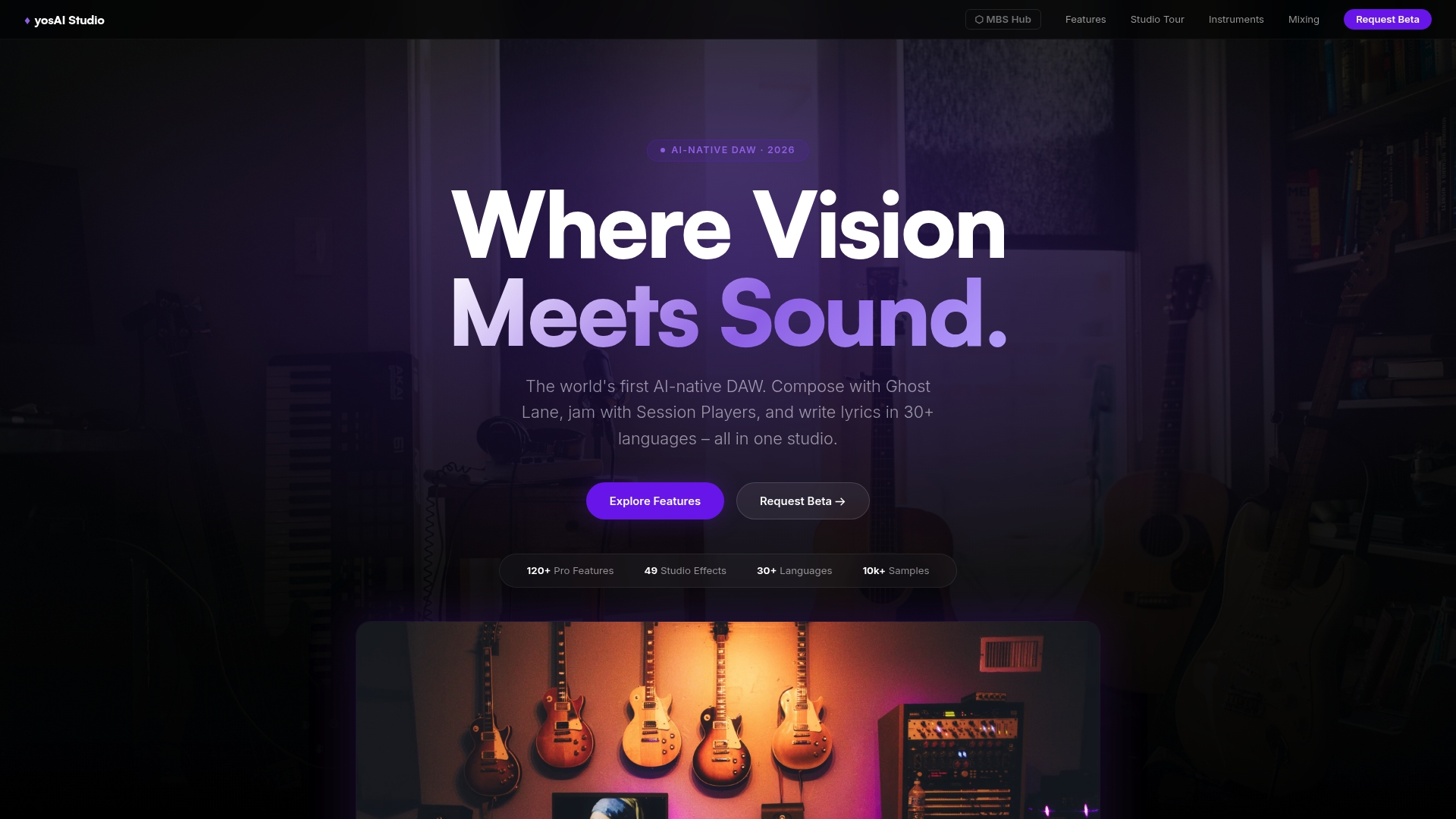
YosAI Studio’s marketing materials state that it supports 30+ languages for lyric writing. That claim frames the DAW as useful for global projects and multilingual songwriting. The environment combines composition, mixing, and AI assistance without visible subscription layers. Expect a full-featured desktop DAW built with JUCE and C++ for low-latency performance.
Core Features
- Ghost Lane for AI-generated arrangements. Use it to sketch instrument parts and expand simple ideas into full sections.
- Session Players is an AI musician band that fills parts with realistic performances. It speeds up mockups when you do not have live players. An
- AI Song Generator that converts voice memos and images into musical sketches. Includes Image-to-Music, SFX Generator, Inspire Mode, and Mashup tools.
- Vocal AI correction and voice conversion tools for pitch and timbre edits during production.
- AI-powered scoring tools for film and TV, including automated sync, hit point suggestions, and AI cues.
Key Differentiator
yosAI Studio positions itself as the first DAW with native AI tools for composition, arrangement, and multilingual lyric work. That positioning matters for composers who want AI features built into the timeline rather than added as external services. The integration reduces context switching between sketching, arranging, and scoring. It targets users who want production-grade tools plus assisted creative workflows.
Pros
-
Comprehensive studio tools and AI assistance in one desktop app. You can record, arrange, and mix without bouncing between multiple programs.
-
no subscription fees and transparent pricing claims. The product advertises one-time access rather than ongoing payments.
-
Strong support for multilingual lyric and vocal production. The language features help when you write for international artists or film projects.
-
Built on JUCE and C++ for responsiveness and low latency. That technical stack favors real-time tracking and plugin hosting.
-
Includes a built-in royalty-free sound library for sketches and final production elements.
Cons
-
No substantive third-party reviews are available, so independent user feedback is limited.
-
The interface may feel complex to beginners because many AI tools and routing options appear at once.
-
Limited third-party evaluation means less verified performance history for large-scale studio adoption.
Who It’s For
Professional musicians, composers, and media creators who want AI-assisted workflows inside a single DAW will get the most value. Film and TV composers who need fast mockups and scoring assistance will appreciate the timeline-integrated cues. Producers who write for multilingual artists will find the lyric and vocal tools particularly helpful.
Real World Use Case
A film composer loads footage, runs the AI Song Generator to produce thematic sketches, and refines orchestral sections with Ghost Lane. The composer uses Session Players to quickly audition realistic band parts. The integrated scoring tools cut iteration time between spotting and mockup.
Pricing
The vendor states the DAW requires no subscription fees or hidden costs. The product data lists pricing as not applicable and positions the offering as informational only. Confirm licensing and any paid content on the vendor site before production use.
Website: https://yosai.space
Comparing Top Free DAW Software Options
Explore the key features and limitations of various free digital audio workstation solutions to determine which best suits your creative needs.
| Product | Core Feature | Key Differentiator | Best For | Pricing | Notable Limitation |
|---|---|---|---|---|---|
| SoundBridge | 192kHz audio engine, built-in effects | Proprietary low-latency remote tools | Remote musicians and producers | Free; paid tiers | Limited to 10 tracks on the free plan |
| Audiotool | Browser-based sequencer and mixer | Community-driven collaborative platform | Community-driven creators | Free | Smaller virtual instrument and sample library |
| MAGDA | AI agents for creative sound design | Integrated AI for sound generation | Tech-savvy sound designers | Free | Sparse learning resources, early-stage product |
| yosAI Studio | Multilingual, AI-assisted music workflows | AI tools embedded into the DAW timeline | Multilingual music producers | No subscription fees | Complex interface for beginners |
Discover a Professional Free DAW Software With SoundBridge
Finding the right free DAW software can feel frustrating when you want both simplicity and professional features. SoundBridge addresses key challenges like latency, limited collaboration, and track count restrictions. It combines studio-accurate remote collaboration, bi-directional control of plugins and hardware, and high-fidelity 192kHz audio processing. This makes it ideal for musicians and producers who want fast workflow without sacrificing quality.

Explore how SoundBridge makes remote sessions feel like the same room, enabling you to record, edit, and mix with precision. Don’t let limited track counts or slow feedback hold you back—visit SoundBridge and unlock powerful features that elevate your music production. Try the free version today and experience real-time collaboration that keeps your creative flow alive.
FAQ
How does SoundBridge support real-time remote collaboration for music production?
SoundBridge offers real-time remote collaboration that enables live tracking and bi-directional control between participants. This feature combines audio transport with synchronization, allowing remote musicians to record together without significant timing drift. You can efficiently collaborate regardless of distance, enhancing creative momentum during sessions.
What is the difference between SoundBridge and Audiotool in terms of collaboration features?
Audiotool provides a browser-based environment where users can collaborate in real time, making it easy to share projects and receive instant feedback. In contrast, SoundBridge excels thanks to its proprietary low-latency technology, enabling professional-quality sessions over long distances. If your focus is on live remote recording with studio accuracy, SoundBridge may be the better option.
Can I use SoundBridge for large projects, and what are its limitations?
SoundBridge has a free tier that limits you to 10 tracks, which may not be sufficient for larger projects. If you need to work on more extensive arrangements, you will need to upgrade to a paid tier that removes this cap and allows unlimited tracks. This flexibility can help you expand your production capabilities as your projects grow.
How does SoundBridge’s audio quality compare to other free DAW options?
SoundBridge operates with a 192kHz floating-point engine, providing high-resolution recording and mixing. This level of audio quality supports film scoring and professional music production, setting it apart from many free DAWs that may not offer such high fidelity. If audio quality is a priority for you, SoundBridge is an excellent choice.
What are the licensing options for SoundBridge?
SoundBridge offers multiple licensing choices, including a free tier and premium options available monthly, annually, or as a lifetime license. This variety enables users to select a payment model that best fits their budget and workflow, making it accessible to a wide range of users.
Recommended
MASTER MUSIC PRODUCTION
Expert-led courses designed to take you from fundamentals to finished tracks.

HOUSEFrom bouncy bass and solid kicks, this course teaches you the most modern House music production techniques needed to succeed and stand out.

TRAPQuit sounding like generic Trap and produce something World with hints of the Far East. Create ethnic soundscapes to put your Trap ahead of the curve.

AMBIENTProduce relaxing, sophisticated psy-influenced ambient. Psychedelic and relaxing to listen to, create meditative soundscapes to put your listeners in Zen.