

Essential Music Production Effects and How to Use Them
Last Edited: May 21, 2026
Raw tracks rarely speak for themselves. The magic happens when you layer the right effects, shape the dynamics, and sculpt the space around every sound. But with hundreds of plugins available and dozens of effect categories to choose from, knowing where to start can feel overwhelming. This guide cuts through the noise. You’ll learn which effects belong in every producer’s toolkit, how to dial in practical settings for real results, and how to make creative choices that push your mixes from decent to genuinely distinctive.
Key Takeaways
| Point | Details |
|---|---|
| Start with key effects | EQ, compression, and saturation form the backbone of every professional mix. |
| Choose effects by need. | Decide which effect to use based on your genre and mixing goal to streamline your workflow. |
| Comparison boosts clarity | Use effect comparison tables to make quick, confident decisions during production. |
| Creative use stands out. | Thoughtful automation and effect blending give your tracks a unique, memorable sound. |
Setting Your Criteria: What Makes an Effect Essential?
Before you load up a plugin and start tweaking knobs, it helps to ask a simple question: Does this effect solve a real problem in my mix, or am I just reaching for something new? The best producers build their effect chains with intention, not habit.
An essential effect earns its place by showing up consistently across professional mixes, regardless of genre. Think about how often EQ and compression appear on every single track in a session. These are your bread-and-butter tools. They fix problems, balance energy, and give each element its own space. Flavor effects like chorus, distortion, and phaser are different. They add personality and texture, but they’re not always needed. Knowing the difference saves you time and keeps your mixes clean.
Here’s a practical way to categorize effects before committing to them:
- Corrective effects (EQ, noise reduction, de-esser): Fix problems in the source audio before anything else.
- Dynamic effects (compression, limiting, transient shaping): Control how a sound behaves in terms of loudness over time.
- Tonal effects (saturation, distortion, exciter): Add harmonic richness or edge to a sound.
- Spatial effects (reverb, delay, stereo widening): Place sounds in a physical or imagined space.
- Modulation effects (chorus, flanger, phaser, tremolo): Add movement and animation to otherwise static sounds.
Workflow matters as much as sound quality. If an effect takes five minutes to set up every time you use it, it will slow down your creative momentum. Explore more effective tips on the SoundBridge blog to find streamlined approaches that keep your sessions moving.
The compression parameters you’ll use most often, like a 3:1 to 4:1 ratio with attack times between 10 and 30 ms and release times between 60 and 150 ms, should become second nature. Memorize a few starting points so you can make fast decisions and focus on the music.
Pro Tip: Stick to effects with intuitive controls and clear visual feedback. A compressor with a gain reduction meter you can actually read will always outperform a “boutique” plugin that hides what it’s doing.
The Core Lineup: EQ, Compression, and Saturation
These three effects form the backbone of nearly every professional mix. Master them, and you’ll have a serious advantage over producers who chase exotic plugins before nailing the fundamentals.
1. EQ: Shaping the Frequency Picture
Equalization (EQ) is how you carve out space for each instrument in your mix. Without it, tracks compete for the same frequency ranges, resulting in a muddy sound. With it, every element has its own lane.
For vocals, a high-pass filter around 80-100 Hz removes low-end rumble that adds nothing but mud. A gentle boost around 3-5 kHz adds presence and clarity. For drums, cutting overlapping low-mids between 200 and 400 Hz on non-kick elements keeps the kick punchy and defined. You can dig deeper into mono vs stereo EQ techniques to get even more surgical with your frequency shaping.
2. Compression: Controlling Dynamics With Precision
Compression reduces the dynamic range of a signal, reducing the difference between its loudest and quietest parts. Done well, it makes tracks feel more consistent, powerful, and glued together. Done wrong, it kills the life out of a performance.
The recommended vocal compression settings are a ratio of 3:1 to 4:1, an attack of 10 to 30 ms, a release of 60 to 150 ms, and 3 to 6 dB of gain reduction on peaks. For the mix bus, pull back to a 1.5:1 to 3:1 ratio with just 1 to 3 dB of gain reduction to glue the full mix without squashing it. Understanding how to handle controlling transients with multiband processing takes this even further.
“Subtle compression settings are almost always more musical than aggressive ones. Your goal is to make the listener feel the compression, not hear it.”
3. Saturation: Adding Warmth and Harmonic Richness
Saturation is a form of gentle distortion that adds even and odd harmonics to a signal. It’s what gives analog recordings that warm, full quality that purely digital audio can sometimes lack. A touch of tape saturation on a drum bus thickens the sound without changing the fundamental character. On a synth pad, it adds complexity and makes the sound feel more alive.
Recent neural modeling research shows that LSTM models excel at simulating distortion and EQ behaviors, while SSM and ED-LSTM architectures perform better at modeling compression and saturation. This is why modern saturation plugins feel increasingly realistic. They’re built on smarter science.
Here’s a quick reference table for starting settings on vocals and drums:
| Effect | Vocals | Drums |
|---|---|---|
| EQ high-pass | 80 to 100 Hz | 40 to 60 Hz (kick only) |
| EQ presence boost | +2 dB at 3 to 5 kHz | +3 dB at 5 to 8 kHz (snare) |
| Compression ratio | 3:1 to 4:1 | 4:1 to 6:1 |
| Compression attack | 10 to 30 ms | 5 to 15 ms |
| Compression release | 60 to 150 ms | 40 to 80 ms |
| Saturation drive | Light (10 to 20%) | Medium (20 to 40%) |
For more advanced vocal processing ideas, check out the SoundBridge tutorial library, where you’ll find genre-specific approaches for pop, R&B, and electronic music.
Pro Tip: Stack a light saturation plugin before your compressor on vocals. The added harmonics help the compressor respond more musically, and the result sounds noticeably fuller without any extra effort.
Creative Effects: Delay, Reverb, and Modulation
Once your foundation is solid, creative effects give your mix its personality. These are the tools that make a listener close their eyes and feel transported to a specific place.
Delay: Space Without Clutter
Delay repeats a signal after a set time interval. Sync it to your tempo, and it becomes a rhythmic tool. A quarter-note delay on a vocal can fill space between phrases without adding reverb wash. A ping-pong delay on a lead synth adds width and movement, keeping the listener engaged.
The key to great delay is feedback control. Keep it low (10-30%) for subtle depth, or push it higher for dramatic, cascading echoes. A high-pass filter on the delay return (cutting below 200 Hz) prevents the repeats from muddying the low end.
Reverb: Placing Sounds in a World
Reverb simulates the acoustic behavior of a physical space, whether that’s a tight drum room, a large concert hall, or an imagined ambient void. Pre-delay is one of the most underused reverb parameters. Setting it between 20 and 40 ms separates the dry signal from the reverb tail, keeping the original sound clear while the space blooms behind it.
Short room reverbs (decay under 1 second) work well on drums and percussion to add realism without smearing transients. Longer plate or hall reverbs suit pads, strings, and atmospheric elements where you want sounds to breathe and linger.
Modulation: Movement and Life
Chorus, flanger, and phaser all work by splitting a signal and introducing slight pitch or phase differences between the copies. The result is movement, width, and animation. A slow chorus on a rhythm guitar makes it feel wider in the stereo field. A phaser on a synth bass gives it a hypnotic, swirling quality that static sounds can’t achieve.
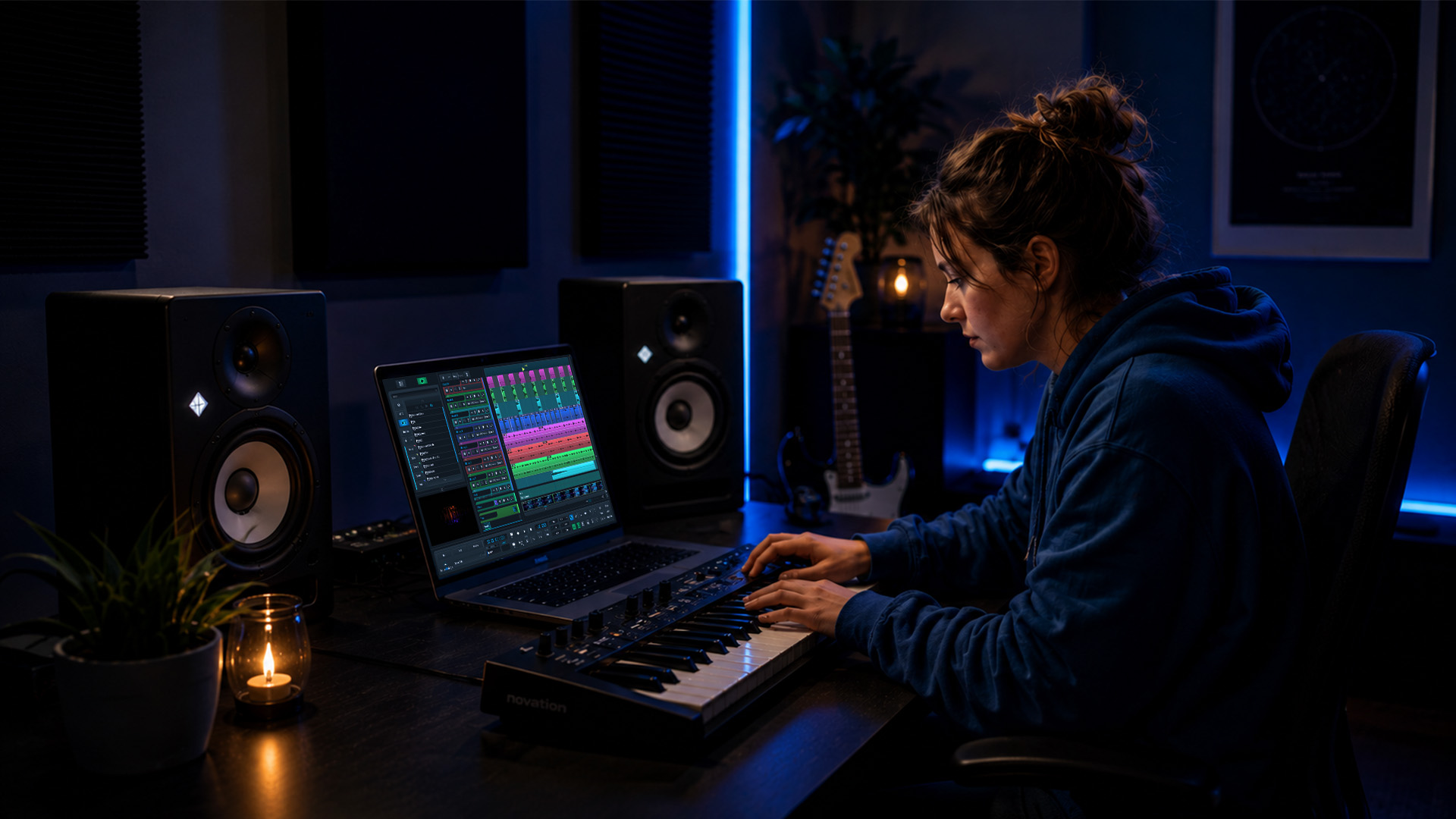
Layering techniques that combine modulation with reverb and delay can produce rich, evolving textures that are perfect for buildups and transitions.
Recent LSTM benchmark data confirms that neural models trained with TBPTT hyperparameters (batch size 64, sequence length 32k) improve both accuracy and stability when modeling these complex, time-varying effects. The practical takeaway: modern modulation plugins are more accurate than ever at simulating vintage hardware behavior.
Pro Tip: Automate your reverb wet/dry mix to increase depth during chorus sections and pull back during verses. This creates a natural sense of space that breathes with the arrangement rather than against it.
Effect Comparison Matrix: Matching Effects to Your Production Needs
Choosing the right effect for the right moment is a skill that develops with experience. This matrix gives you a shortcut.
| Effect | Primary strength | Best use case | Watch out for |
|---|---|---|---|
| EQ | Frequency balance | Every track, every genre | Over-cutting removes character |
| Compression | Dynamic control | Vocals, drums, mix bus | Over-compression kills dynamics |
| Saturation | Harmonic warmth | Synths, drums, bass, vocals | Too much sounds harsh |
| Delay | Rhythmic space | Vocals, leads, guitars | Unsynced delay creates chaos |
| Reverb | Spatial depth | Pads, strings, drums, FX | Too much washing loses clarity |
| Modulation | Movement and width | Guitars, synths, pads | Overuse sounds dated |
The vocal compression guidelines of a 3:1 to 4:1 ratio with 3 to 6 dB of gain reduction apply directly to the “watch out for” column. Gain reduction beyond 6 dB on a vocal bus typically signals over-compression, and the performance will start to sound mechanical.
Here are a few genre-based tips to sharpen your effect decisions:
- Electronic and dance music: Heavy compression on drums, generous saturation on bass, and tempo-synced delay on leads.
- Hip-hop and trap: Parallel compression on drums for punch, plate reverb on vocals, subtle chorus on melodic elements.
- Indie and alternative: Room reverb for organic drum sounds, light tape saturation across the mix bus, analog-style delay on guitars.
- Film scoring and sound design: Long reverb tails for atmosphere, heavy modulation for tension, dynamic EQ to manage evolving textures. Sound design for games follows similar principles with an emphasis on impact and clarity.
The Real Difference: How Smart Effect Choices Define Your Signature Sound
Here’s something most tutorials won’t tell you directly: the producers with the most distinctive sounds are rarely the ones with the most expensive plugins. They’re the ones who know exactly what each effect does and use it with intention.
There’s a common trap in production culture. You spend hours auditioning reverb plugins, comparing subtle differences in tail decay, and convincing yourself that the right plugin will unlock something new. Meanwhile, the actual creative decisions, like how much reverb to use, where to automate it, and how it interacts with the delay and saturation on the same track, go unexplored.
Your signature sound doesn’t come from a plugin. It comes from the choices you make repeatedly, the compression style you prefer, the reverb length you gravitate toward, and the way you use saturation to glue a mix. Those habits, refined over hundreds of sessions, become your fingerprint.
We’ve seen this pattern consistently in long-term audio innovation: the producers who grow fastest are those who commit to understanding a small set of tools deeply rather than collecting a large set superficially.
Break the rules deliberately. Use reverb on a kick drum in a way that shouldn’t work, then filter it until it does. Run a vocal through heavy distortion, then blend it at 5% with the clean signal. These experiments teach you more about effects than any preset ever will. The goal isn’t to follow a signal chain. It’s to build one that sounds like you.
Level up Your Mix With SoundBridge
You’ve now got a solid framework for choosing and using music production effects with confidence. The next step is to put that knowledge into practice in a DAW built to support every technique covered here.

SoundBridge DAW provides a space to experiment with EQ, compression, saturation, delay, reverb, and modulation, all within an intuitive, high-performance workflow. Whether you’re working solo or collaborating remotely with studio-accurate synchronization, every effect decision you make translates cleanly at up to 192kHz. You’ll also find an extensive library of tutorials, including detailed vocal sound tutorials that walk you through real-world effect chains for genres ranging from pop to film scoring. Start with the free tier and build your skills at your own pace.
Frequently Asked Questions
Which effect should I add first to a new track?
Start with EQ to remove problem frequencies and balance the tone, then apply compression to control dynamics if needed. Following this order means your compressor responds to a cleaner signal, leading to more predictable, musical results in line with standard vocal compression practice.
What’s a typical compression setting for vocals?
A 3:1 or 4:1 ratio, with an attack of 10 to 30 ms and a release of 60 to 150 ms, is a reliable starting point for most vocal recordings, aiming for 3 to 6 dB of gain reduction at peaks.
How do digital effects plugins model analog gear?
Modern plugins use machine learning architectures such as LSTM and SSM to simulate analog hardware behavior, with LSTM models performing best for distortion and EQ, while SSM and ED-LSTM handle compression and saturation more accurately.
Should I use effects in a different order for live vs studio recording?
The standard order of EQ first, then compression, then creative effects, applies well in both contexts. Live setups often benefit from simpler, more predictable chains, since real-time performance leaves less room for on-the-fly fine-tuning.
Recommended
DOMINA LA PRODUZIONE
Corsi guidati da esperti per portarti dalle basi alle tracce finite.

HOUSEDa bassi rimbalzanti e kick solidi, questo corso insegna le tecniche di produzione House più moderne per riuscire e distinguerti.

TRAPSmetti di suonare come Trap generica e produci qualcosa di World con tocchi del Far East. Crea soundscape etnici per portare la tua Trap avanti.

AMBIENTProduci ambient rilassante e sofisticata con influenza psy. Psichedelica e rilassante all'ascolto, crea soundscape meditativi per mettere i tuoi ascoltatori in Zen.