

Top 4 FL Studio Alternatives for Music Production in 2026
Last Edited: May 21, 2026
Finding a digital audio workstation that balances pro-level features, real-time collaboration, and fair pricing remains difficult for many music producers. Most DAWs either limit free versions with feature caps or tie advanced tools to hardware bundles and rigid license models. This comparison highlights the collaboration tools, hardware integration, pricing, and platform support of four major DAWs so you can pick the setup that matches your workflow and budget without compromise.
SoundBridge
At a Glance
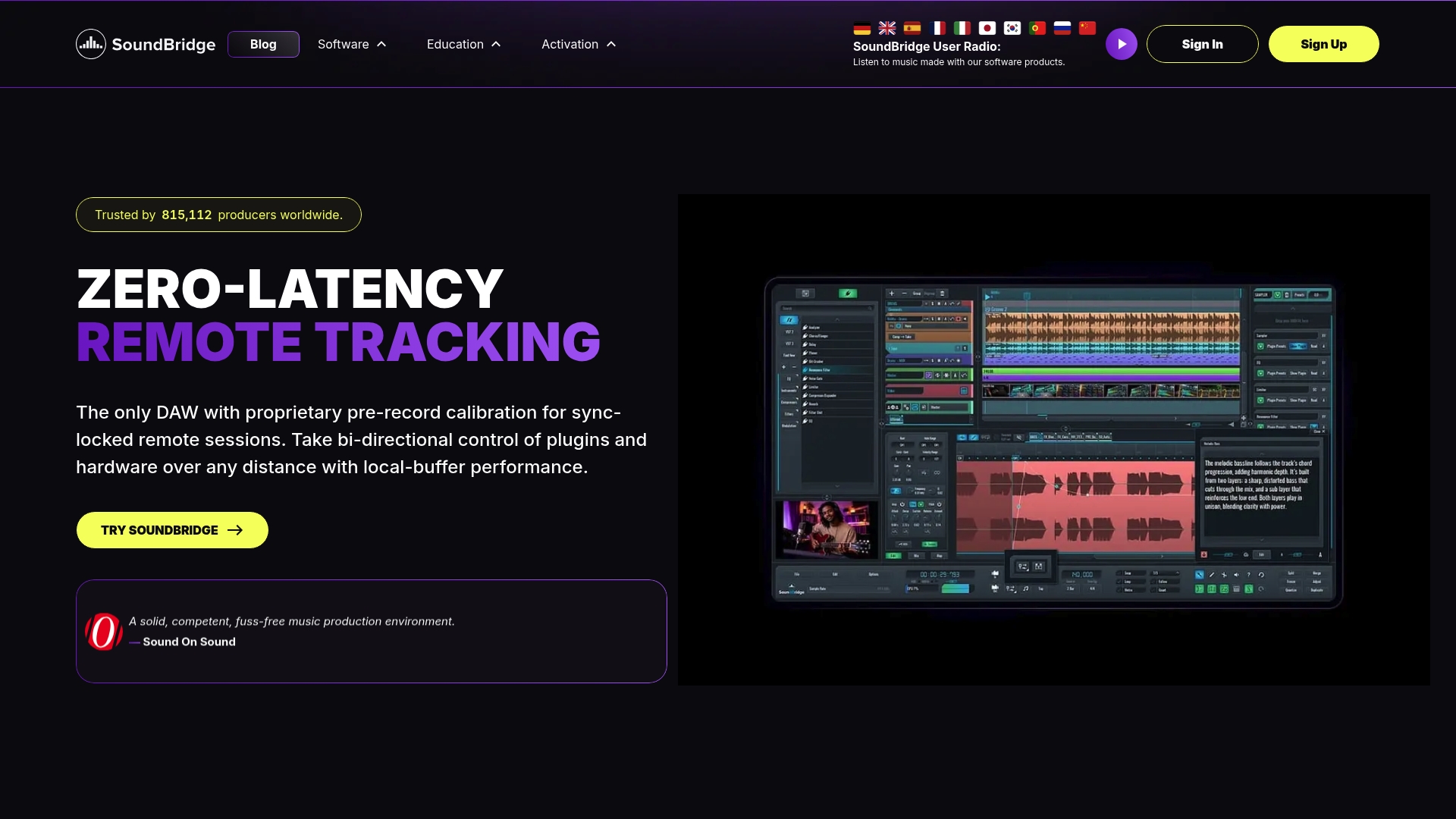
Patented zero-latency remote collaboration with studio-accurate sync and bi-directional DAW control is the feature producers notice first. SoundBridge pairs that capability with a 192kHz sound engine, native video support, and both free and paid tiers on Mac and Windows.
Core Features
- Zero-latency remote tracking with proprietary calibration for live remote takes and low perceived delay.
- Sample-accurate remote collaboration and bi-directional session control so performers and engineers operate the same transport and plugin parameters.
- High-fidelity 192kHz sound engine with ASIO and Core Audio support for pro workflows.
- Native Ultra-HD video support with frame-locked scrubbing for scoring and post work.
- Complete VST compatibility, an integrated 64-slot sampler, and extensive MIDI mapping and editing tools.
Key Differentiator
The patented zero-latency remote collaboration system with studio-accurate synchronization and two-way control is the single capability that separates SoundBridge from most DAWs. That mechanism is built into session transport and plugin control rather than bolted on as a separate remote tool.
Pros
- Robust remote sessions let a producer record a vocalist in another country with near-instrument timing and direct plugin tweaks from the control room.
- The 192kHz engine and advanced time-stretching maintain high audio quality for mastering and film scoring.
- Frame-accurate video playback removes guesswork when lining cues to picture for composers and post engineers.
- Flexible workflow tools, including a 64-slot sampler, modular interface widgets, and customizable GUI skins, speed up sound design and template setup.
- Bi-directional control of plugins and hardware during live sessions reduces version chasing and prevents lost parameter settings.
Cons
- The free tier limits the number of tracks and collaboration features, so full remote session capability requires the premium upgrade.
Who It’s For
Producers, composers, and bands who need real-time collaboration across locations and expect pro audio quality. Also useful for film scorers who require frame-locked video support while composing and mixing on Mac or Windows.
Unique Value Proposition
Live two-way control of plugins and the session transport lets you treat remote musicians like they are in the same room. That changes session economics: fewer travel days, faster passbacks, and fewer offline mix rounds when a producer can tweak a player’s plugin settings in real time.
Real World Use Case
A band records drums in Berlin while the producer in Los Angeles controls the preamp plugin, records takes with zero-latency monitoring, and watches reference video for sync. Talkback and frame-accurate scrubbing keep edits tight and reduce the need for later comping.
Pricing
A usable free version is available with track and collaboration limits. Upgrading to premium unlocks unlimited tracks, full real-time collaboration, and additional features. The vendor also advertises discounts and occasional lifetime license options.
Website: https://soundbridge.io
PreSonus Studio One
At a Glance
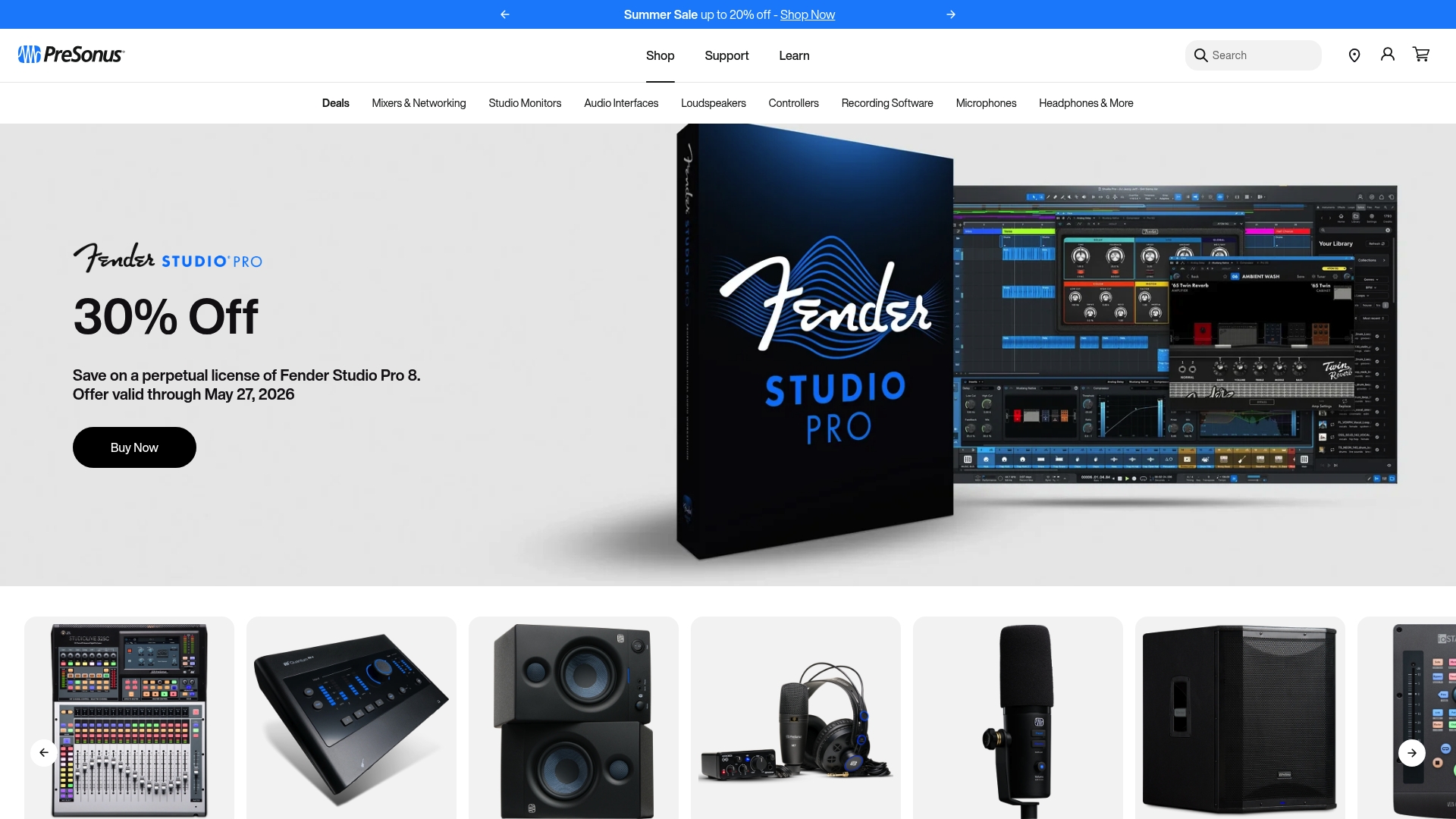
Studio One pairs a drag-and-drop interface with tight PreSonus hardware mapping, so physical controls often mirror the DAW immediately. The workflow emphasis shortens routine tasks like routing, tracking, and arrangement, while some users report driver stability and support issues that affect reliability.
Core Features
The DAW centers on an intuitive drag-and-drop workflow that accelerates comping, editing, and arranging. Strong hardware integration means PreSonus control surfaces and interfaces sync with channel strips and routing. Robust MIDI and audio editing tools support advanced comping, tempo detection, and transient editing. The arranger track gives quick structural reordering for song drafts. Select editions include virtual instruments and effects.
Key Differentiator
Studio One stands out for how its interface and PreSonus hardware work together as a single system. That design reduces configuration time when you use PreSonus interfaces or mixers and makes hands-on tracking and automation feel direct. This is the primary reason producers choose it when hardware control speed matters.
Pros
-
Faster tracking workflow when you use PreSonus gear. Hardware control often maps automatically, which keeps you at the console rather than the mouse.
-
Arranges tracks and song structure experiments. Move sections, audition arrangements, and commit changes without rebuilding playlists.
-
Powerful editing tools for both MIDI and audio. Comping, transient detection, and pitch editing are precise and accessible from the same window.
-
Some editions include a wide set of virtual instruments and effects, providing a usable palette for sketch to final mix without immediate third-party purchases.
-
The interface is approachable for beginners yet deep enough for experienced producers who want fast, repeatable workflows.
Cons
-
Customer support quality draws frequent criticism. Expect variable response times and mixed experiences according to user reports.
-
Driver instability has been reported and can affect system performance, especially on complex live rigs or older machines.
-
The initial learning curve can be steep for users migrating from other DAWs because some workflows and shortcuts differ.
-
Aggressive promotional email frequency can frustrate users who prefer minimal vendor contact.
When It May Not Fit
If you run critical live performances or client sessions where driver stability is nonnegotiable, Studio One may not be the safest choice. The limitations above suggest testing your exact hardware and OS build thoroughly before committing a live rig to it. For users who need enterprise-class support SLAs, this may not be ideal.
Who It’s For
Musicians, producers, and audio engineers who want a fast, hands-on production flow and who either own or plan to buy PreSonus hardware. It suits home studios through small professional rooms where quick routing, tactile control, and arrangement speed matter.
Real World Use Case
A producer composes on keyboard and guitar, records through a PreSonus interface, then uses the arranger track to rework a chorus and verse quickly. Hardware knobs control channel parameters during tracking, and automations are recorded directly from the control surface, shortening the mix pass.
Pricing
Pricing details are not provided in this information. Studio One is typically sold in multiple editions and is often bundled or discounted with PreSonus hardware. Check PreSonus for current edition comparisons, upgrade paths, and promotional bundles.
Website: https://www.presonus.com
Bitwig Studio
At a Glance
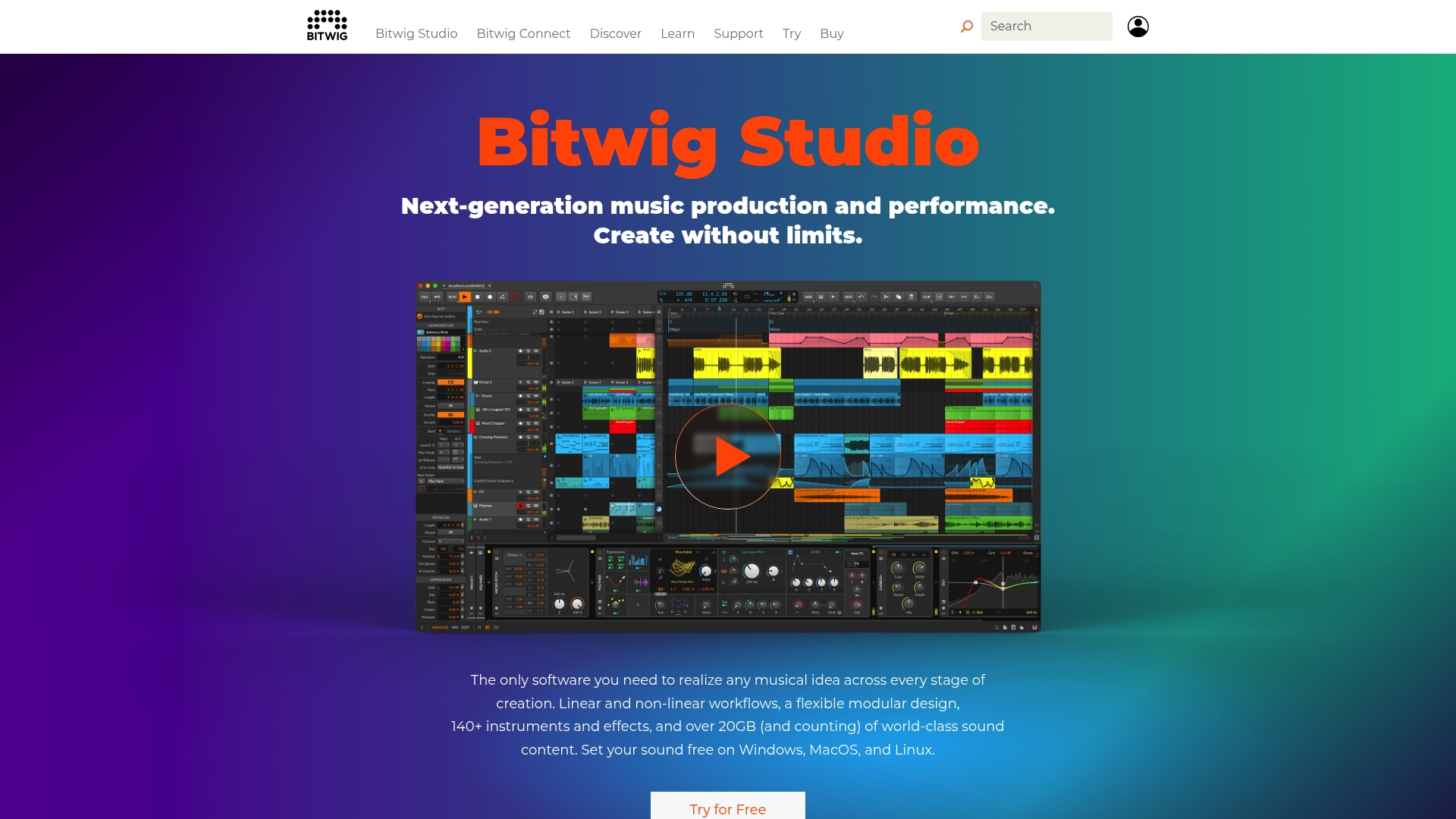
One of the few major DAWs with native Linux support, Bitwig Studio also runs on Windows and macOS, making it attractive to producers who prefer nonstandard rigs. Bitwig’s marketing highlights a sandboxed plugin architecture and reports favorable performance benchmarks, a claim that foregrounds stability and live reliability.
Core Features
- Linear and non-linear workflows that let you arrange and improvise in the same project.
- The Grid: a modular environment for building custom instruments and effects with patchable modules.
- Over 140 instruments and effects are ready for production and sound design.
- Cross-platform support, including Linux, and a plugin sandbox that isolates third-party plugins during sessions.
Key Differentiator
The standout is the sandboxed plugin architecture, which isolates misbehaving third-party plugins to prevent whole project crashes. That design is aimed at producers who perform live or keep large patch chains open for long sessions where stability matters more than a marginal CPU saving.
Pros
- Stability-focused. The sandbox model and crash isolation reduce session interruptions and make long experimental projects safer.
- Deep sound design tools. The Grid offers modular signal routing and custom DSP building, features you usually only see in dedicated modular environments.
- Cross-platform support. Native Linux builds let you use Bitwig on setups that other major DAWs often skip.
- Large content library. The reported library of presets and instruments speeds prototyping and gives quick starting points for tracks.
- Active learning resources. Tutorials and community content help you get creative workflows up and running quickly.
Cons
- Subscription and licensing practices draw complaints. Some users prefer perpetual purchases and find the current model off-putting.
- Recent versions have reported higher power consumption, which matters on laptops and battery-reliant setups.
- License management can feel inflexible for studios that share seats across multiple machines.
When It May Not Fit
If you need a one-time perpetual license with simple transfer rules, this may not feel right. Mobile- or laptop-oriented producers who require the lowest possible power draw should test recent builds on their hardware. Teams that need flexible floating licenses will find Bitwig’s current policies limiting.
Who It’s For
Producers, sound designers, and electronic musicians who want a creative playground that doubles as a reliable DAW for performance. Ideal for users who value modular sound design and cross-platform compatibility over a one-time purchase model.
Real World Use Case
An electronic musician composes in Bitwig, designs custom synth patches in The Grid, and then uses clip launching for a live set. The plugin sandbox lets them keep experimental third-party devices open without risking a complete session crash.
Pricing
Bitwig lists three editions: Essential starting at USD 99, Producer at USD 199, and Suite at USD 399. Editions differ in the included instruments and modules, so compare feature lists before buying.
Website: https://bitwig.com
Cakewalk Next
At a Glance
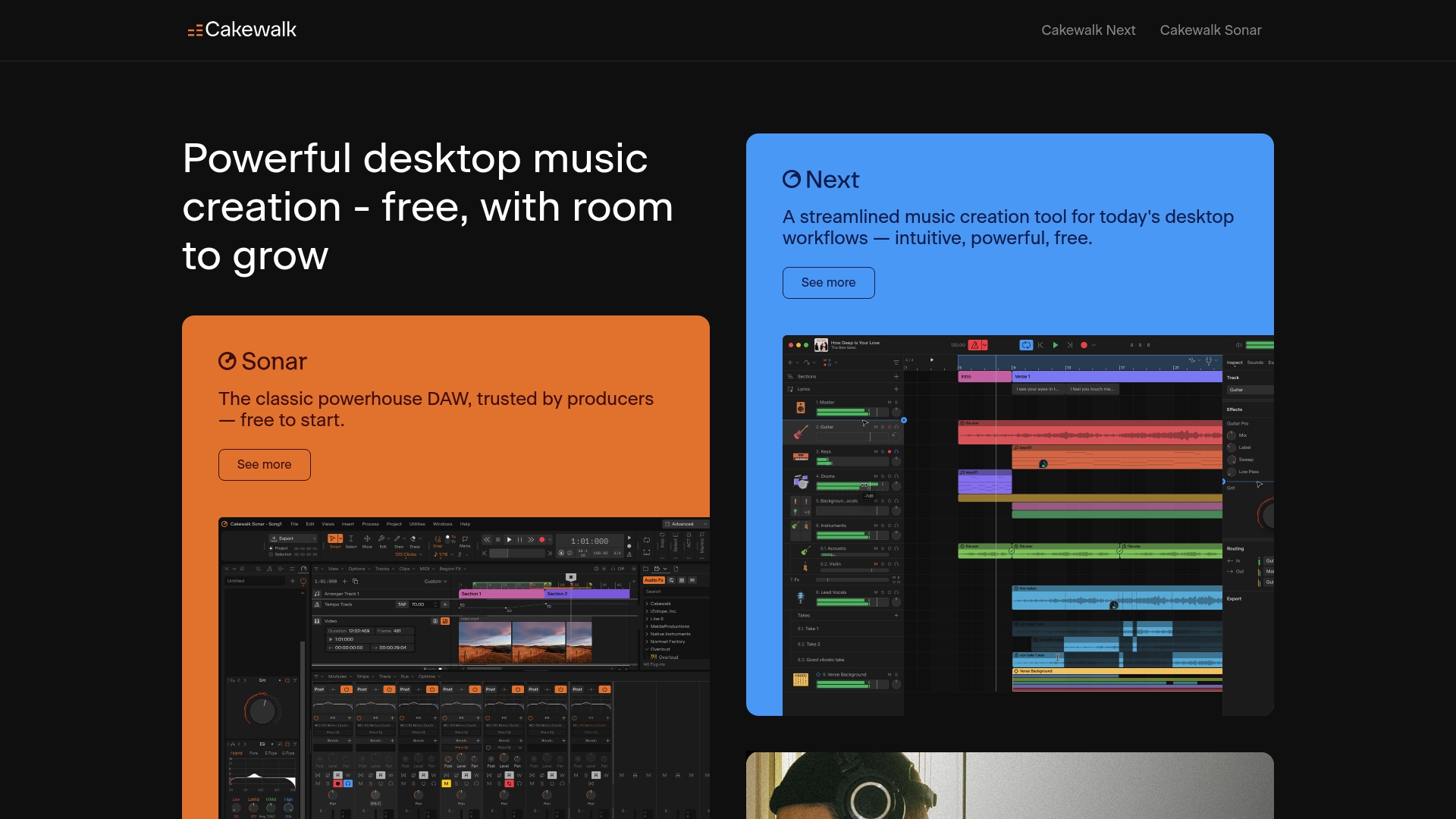
Free to use with unlimited audio and MIDI tracks, Cakewalk Next brings pro-level recording, editing, and mixing tools to both Mac and Windows users. It evolves from Cakewalk by BandLab and pairs a large sound library with ARA support and a customizable high-DPI interface.
Core Features
Cakewalk Next bundles the essentials producers reach for every session while keeping deeper tools available when you need them.
- Unlimited audio and MIDI tracks for large arrangements and template projects.
- Integrated virtual instruments and effects along with a sizeable sound library for quick sketching.
- Audio Snap for timing and groove editing and precise tempo alignment.
- ARA support to speed up compatible plugin workflows and reduce bounce time.
Key Differentiator
The product’s defining angle is its combination of being free while exposing pro workflows and deep customization. A feature set that includes ARA and high-DPI UI options puts advanced editing and visual clarity within reach of creators who do not want per-seat costs.
Pros
- Free to use with no feature gating, so hobbyists and professionals can build full projects without upfront spend. This changes how quickly you can prototype ideas.
- Powerful editing and mixing toolset that supports detailed comping, clip gain, and automation for polished mixes.
- Customizable interface improves focus: dock, scale, and color elements to match your workflow and screen resolution.
- Large built-in sound library and native plugin support speed up sketch-to-finish workflows when you need quick ideas.
- Cross-platform compatibility between Mac and Windows removes the friction of collaborating across different OS setups.
Cons
- Steeper learning curve for users new to DAWs; the depth of features means there is configuration and workflow discovery to do.
- Perceived lack of extensive official support resources; community forums and third-party tutorials fill many gaps instead.
- Mixed feedback about the pace of future updates, which can make long-term planning around feature needs harder.
- Occasional hardware compatibility quirks are reported on certain audio interfaces and driver combinations.
When It May Not Fit
If you want a DAW with a guided, entry-level onboarding path and dedicated vendor support channels, Cakewalk Next’s community-driven help model may feel thin. Also, studios that rely on specific, proprietary hardware drivers should test compatibility before committing to major projects.
Who It’s For
Musicians, producers, and sound engineers who want a full DAW without license fees and who are comfortable investing time to learn a deep tool. Great for freelancers, bedroom producers, and project studios that need pro editing features without per-seat costs.
Real World Use Case
A freelance musician composes, records, and produces a four-track EP using Cakewalk Next on a Windows laptop and a Mac for mixing. They rely on the built-in instruments for sketches, use Audio Snap to fix timing across takes, and export mastered stems without ever purchasing a license.
Website: https://cakewalk.com
Digital Audio Workstation Software Comparison
Choosing the right DAW often depends on the collaboration tools and detailed workflow features that suit your production needs.
| Product | Core Feature | Key Differentiator | Best For | Pricing | Notable Limitation |
|---|---|---|---|---|---|
| SoundBridge | Zero-latency remote tracking | Patented zero-latency collaboration | Remote production and film scoring | Not disclosed | Free tier limits tracks and collaboration features |
| PreSonus Studio One | Drag-and-drop workflow | Seamless PreSonus hardware integration | Producers using PreSonus hardware | Not disclosed | Reports of driver stability and customer support issues |
| Bitwig Studio | Modular sound design tools | Sandboxed plugin architecture | Electronic musicians and sound designers | USD 99 to USD 399 | Licensing practices draw user complaints |
| Cakewalk Next | Unlimited audio and MIDI tracks | Free with pro-level tools | Hobbyists and independent musicians | Free | Community-based support model |
Discover a Powerful FL Studio Alternative for Seamless Music Production
If you are searching for FL Studio alternatives that deliver professional music production and real-time collaboration, SoundBridge offers a standout solution. It tackles common challenges like latency during remote sessions and complicated plugin management with patented zero-latency tracking and bi-directional control of plugins and hardware. Whether you are composing, mixing, or scoring, SoundBridge’s 192kHz high-fidelity engine and native video support keep your workflow smooth and your audio crystal clear.

Explore SoundBridge to transform your creative process with features designed just for musicians and producers who need accurate timing and effortless remote cooperation. Visit SoundBridge now and start recording with studio-grade synchronization and real-time plugin tweaking. Unlock a new level of remote session productivity that saves time and cuts costs while preserving audio quality.
Frequently Asked Questions
What makes Soundbridge a good choice for remote collaboration?
Soundbridge excels at remote collaboration with its patented zero-latency remote-tracking feature. This allows users to record live takes with low perceived delay, which is crucial for maintaining performance quality. If you’re aiming to create music with musicians at different locations, Soundbridge could significantly improve your workflow.
How does Soundbridge compare to PreSonus Studio One for studio integration?
PreSonus Studio One is renowned for its intuitive drag-and-drop interface and tight hardware mapping, which facilitates faster tracking workflows. While this makes it a strong candidate for quick studio setups, Soundbridge offers superior zero-latency remote collaboration, making it more suitable for online sessions or remote studio work where timing is critical.
What audio quality can I expect from Soundbridge?
Soundbridge features a high-fidelity 192kHz sound engine that supports professional audio workflows. This ensures that audio quality remains high during recording, mixing, and mastering. If you’re focusing on producing high-quality projects, Soundbridge would meet your needs effectively.
Can I use Soundbridge for film scoring?
Yes, Soundbridge supports native Ultra-HD video with frame-locked scrubbing, making it suitable for film scoring. This feature is essential for composers who need to accurately synchronize their music with video. If scoring for film or video is your goal, Soundbridge offers the tools you need.
What are the limitations of Soundbridge’s free version?
The free tier of Soundbridge limits the number of tracks and collaboration features available to users. For full functionality, including unlimited tracks and real-time collaboration, you’ll need to upgrade to the premium version. If you’re planning extensive remote sessions, considering the premium tier might be beneficial.
Recommended
음악 프로덕션 마스터
기초부터 완성 트랙까지 이끄는 전문가 코스.

HOUSE바운시 베이스와 탄탄한 킥부터, 이 코스는 성공하고 돋보이기 위한 가장 현대적인 House 프로덕션 테크닉을 가르칩니다.

TRAP뻔한 Trap처럼 들리지 마세요—극동의 힌트를 담은 월드한 사운드를 만드세요. 에스닉 사운드스케이프로 Trap을 한발 앞서게 합니다.

AMBIENT편안하고 세련된 psy-영향 앰비언트를 제작하세요. 듣기에도 몽환적이고 편안한, 리스너를 Zen에 두는 명상적 사운드스케이프를 만드세요.