

Best DAW Tools for Remote Music Education in 2026
Last Edited: Jul 28, 2026
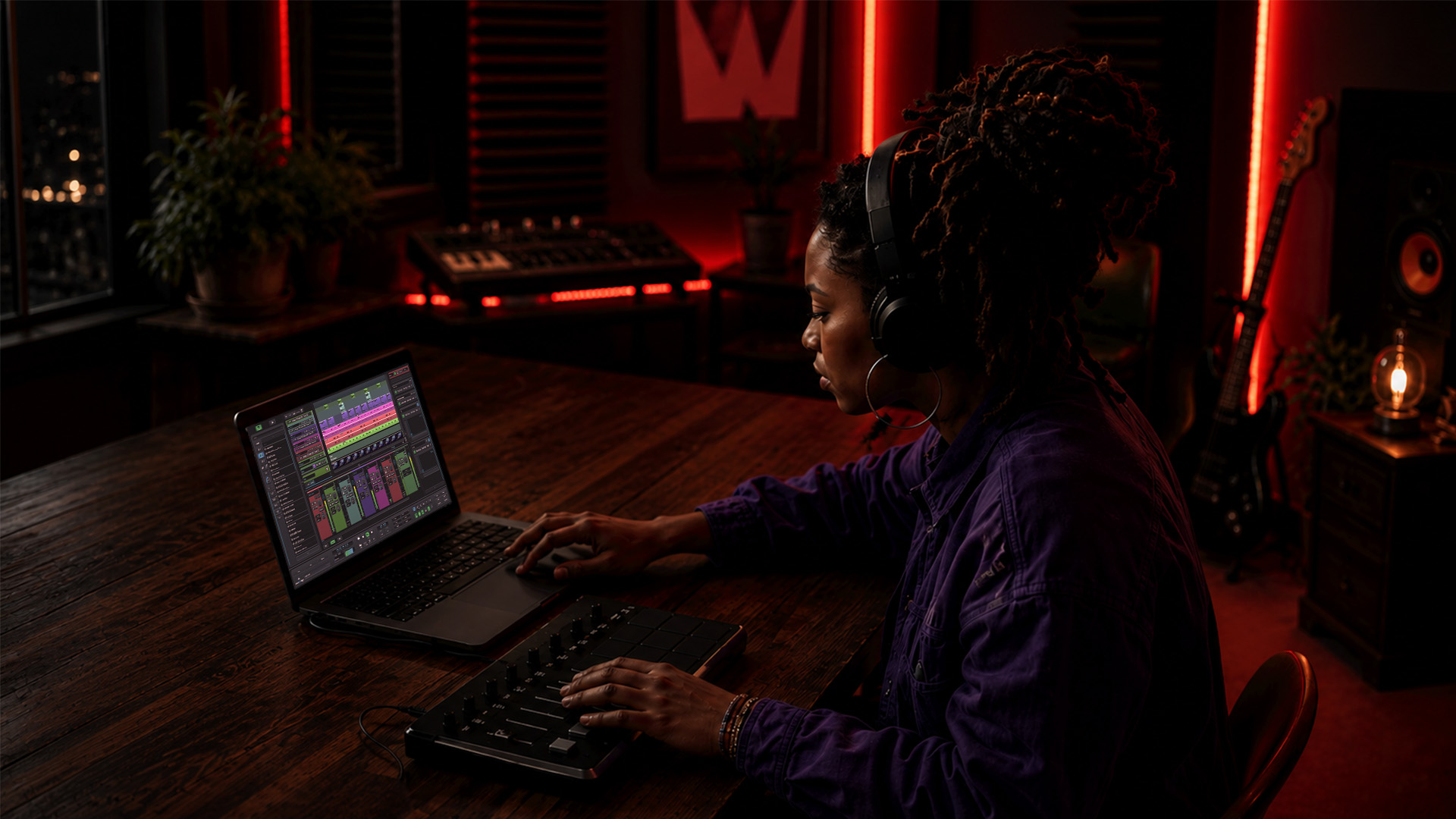
Which Digital Audio Workstation Tools Work Best for Remote Music Teaching?
The strongest music education remote DAW tools in 2026 share three qualities: studio-grade audio that survives an internet connection, built-in collaboration features that replace a patchwork of apps, and educational functions like grading or practice tracking that generic video tools cannot offer. General-purpose video platforms treat instruments as noise, triggering noise cancellation that mangles tone and introduces latency. The platforms below are built differently.
Here are the leading options for remote music instruction right now:
- Soundtrap — Browser-based, beginner-friendly, with real-time multi-user session editing and a free education tier for schools
- GarageBand — Free on Mac and iOS, polished loop library, low barrier to entry, but limited to Apple devices
- Moises — AI-powered stem separation and practice tools; reduces logistical overhead so students spend more time creating
- Flat for Education — Web-based notation and composition platform with collaborative score editing and LMS integration
- MakeMusic Cloud — Automated grading, practice tracking, and a 14-day free trial covering the full music catalog
- SoundBridge — Professional DAW with zero-latency remote tracking, 192kHz audio support, integrated video and talkback, available on Mac and Windows
Each platform targets a different point on the educator’s spectrum, from the teacher running a first-period general music class to the college instructor producing remote ensemble recordings.
Entry-Level DAWs That Make Remote Teaching Accessible
Getting students into a DAW without a two-hour setup tutorial is the real challenge at the introductory level. Two platforms consistently clear that bar.
GarageBand ships free with every Mac and iOS device, which means zero budget friction for schools already in the Apple ecosystem. Its Smart Instruments and pre-built loops let students produce a finished track in a single class period. The ceiling is real, though: Windows users are locked out entirely, and cross-platform collaboration requires workarounds.
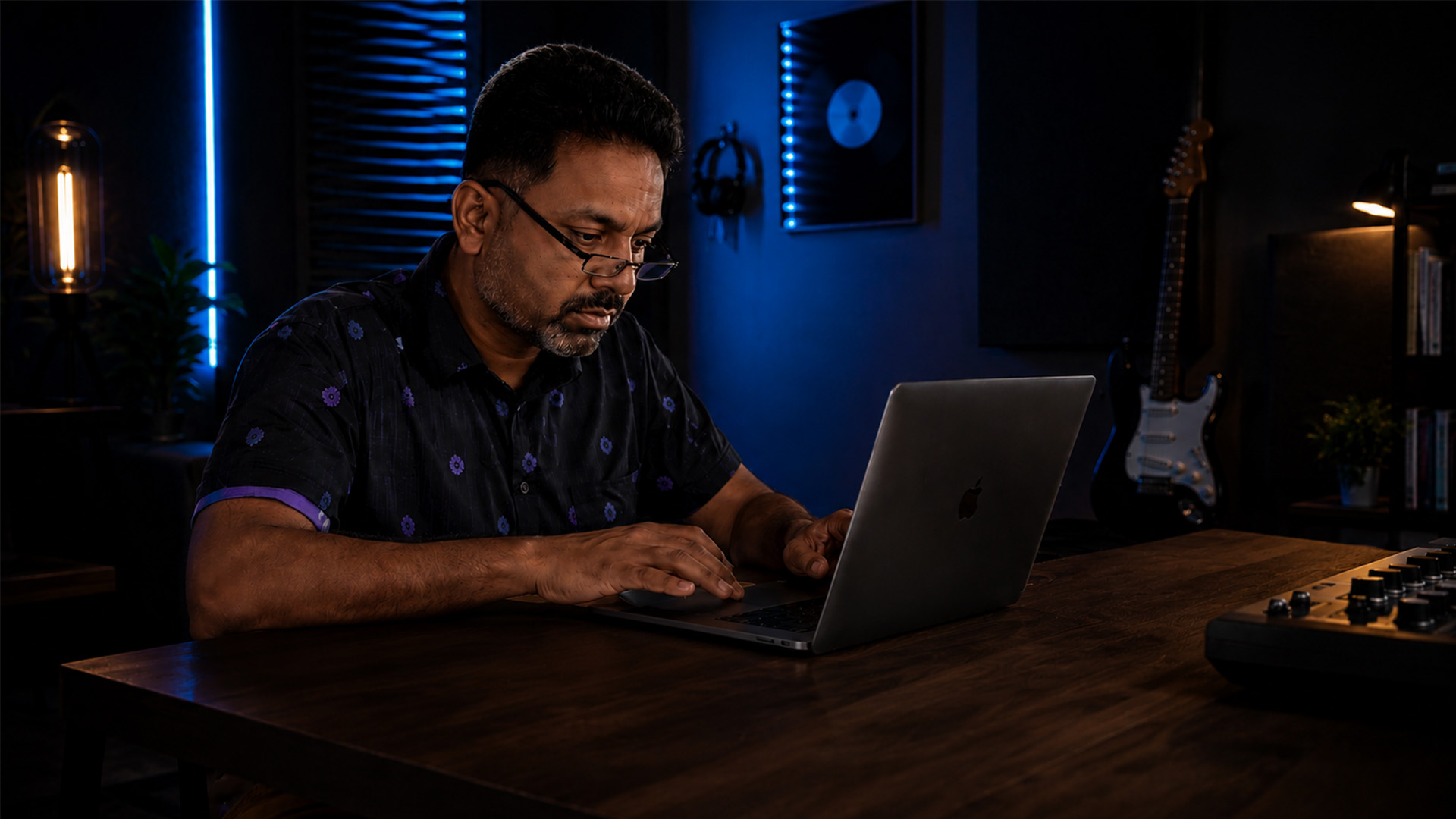
Soundtrap solves the platform problem by running entirely in a browser. Students on Chromebooks, Windows laptops, or iPads all land in the same session. Its education plan includes teacher dashboards, assignment tools, and the ability to invite collaborators directly into a project. For a general music or songwriting class, Soundtrap’s drag-and-drop workflow gets students producing before they’ve finished reading the instructions.
A quick comparison of what matters most at the introductory level:
- Usability for beginners: GarageBand wins on polish; Soundtrap wins on cross-platform reach
- Collaborative capabilities: Soundtrap’s real-time multi-user editing has no GarageBand equivalent
- Platform compatibility: GarageBand is Mac/iOS only; Soundtrap runs on any modern browser
- Education-specific features: Soundtrap offers teacher dashboards and assignment submission; GarageBand has none
- Pricing: GarageBand is free; Soundtrap offers a free tier and paid education plans
Pro Tip: If your school is mixed-device (some students on Chromebooks, some on MacBooks), Soundtrap is the only introductory option that keeps everyone in the same room.
Advanced and Specialized Tools That Push Remote Instruction Further
Once your students can navigate a basic session, the ceiling of entry-level tools becomes obvious fast. This is where AI-assisted platforms and purpose-built education suites take over.
Moises uses AI to separate audio stems, isolate vocals or instruments, and generate backing tracks on demand. AI integration in Moises decreases logistical overhead, freeing class time for actual music-making rather than file prep. Its AI Studio feature lets students collaborate with generative tools, building modern production skills alongside traditional musicianship.
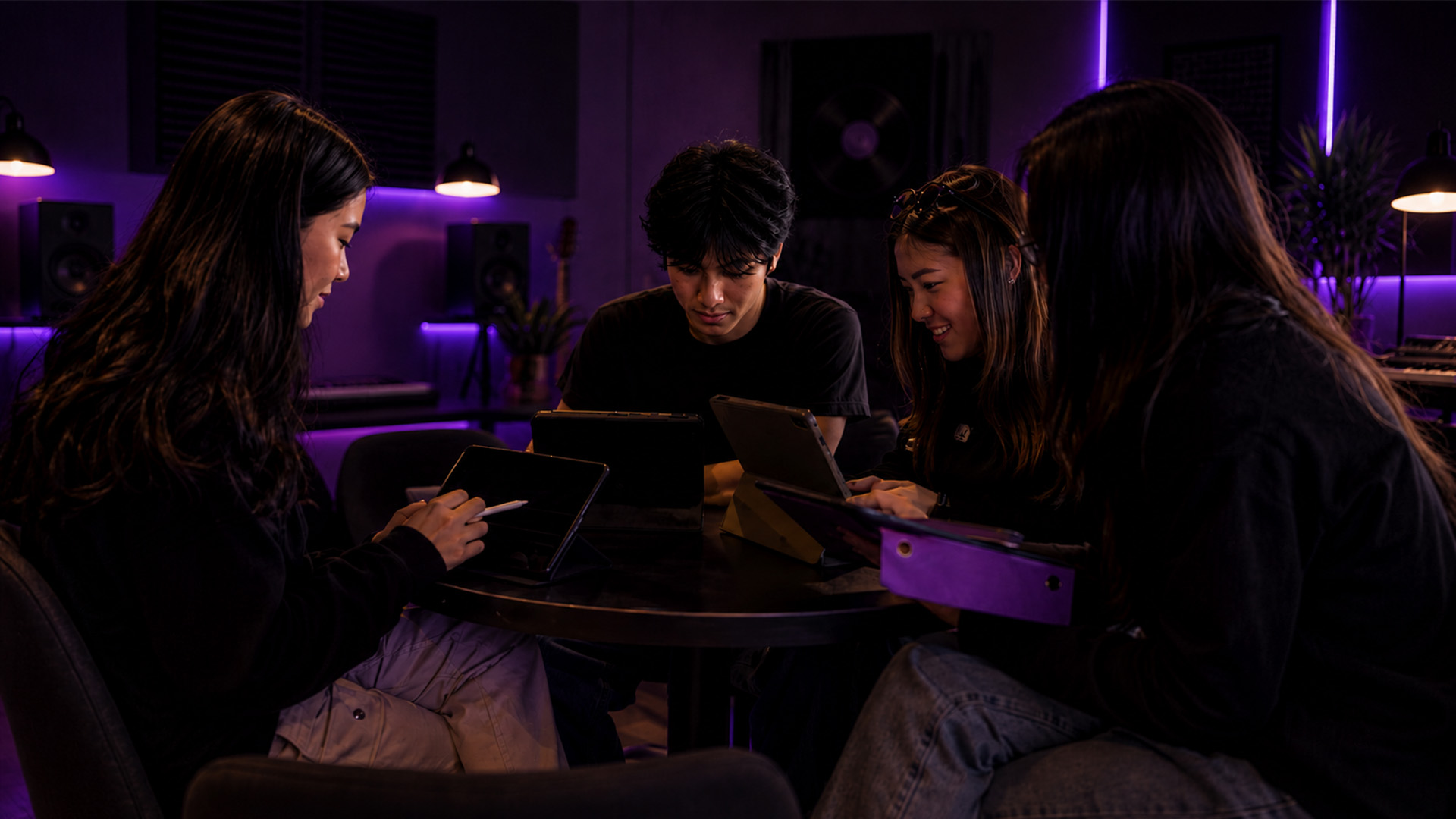
Flat for Education extends collaborative notation into the browser, letting an entire ensemble edit the same score simultaneously. Teachers can leave measure-level comments, and the platform exports to MusicXML, MIDI, and PDF, so it plugs into any existing workflow.
MakeMusic Cloud goes deepest on the administrative side. Automated grading, practice tracking, and direct integration with Google Classroom mean you can centralize assignments, gradebooks, and real-time audio feedback in one place. That kind of integration improves feedback immediacy in ways that disconnected tools cannot match.
For pure audio quality in live remote sessions, SyncStage delivers latency 5–7 times lower than standard WebRTC solutions, with 24-bit/48kHz audio piped directly into your DAW. That spec matters the moment you try to run a remote ensemble rehearsal where timing is everything.
SYNKii takes a classroom-first approach, offering a virtual keyboard with real-time note visualization so both teacher and student see each other’s keystrokes light up on screen. It also delivers better audio quality and lower latency than Zoom, without requiring any additional hardware.
Pro Tip: For ensemble work, pair a low-latency audio pipeline like SyncStage with your primary DAW rather than relying on the DAW’s built-in streaming. The difference in timing tightness is immediately audible.
How to Choose the Right DAW for Your Remote Music Classroom
The right tool depends on your students, your devices, and what you actually need to grade. Work through these criteria before committing to any platform.
Key Selection Criteria:
- Usability: Can a student open the app and start a project without a tutorial video?
- Collaboration: Does the platform support real-time multi-user editing, or file sharing?
- Platform compatibility: Will it run on every device your students own, including Chromebooks and older Windows machines?
- Education features: Do you need auto-grading, practice logs, or LMS integration, or just a clean audio environment?
- Pricing: Is there a free tier, a school license, or a per-student cost that fits your budget?
Technical Checklist Before You Commit:
- Test the platform’s audio latency on your school’s actual internet connection, not a home fiber line
- Confirm your audio interface is compatible (USB class-compliant interfaces work with most browser-based DAWs)
- Check whether the platform requires admin installation or runs in-browser (admin rights are often restricted on school devices)
- Verify student privacy compliance, specifically COPPA and FERPA, before collecting any student audio or account data
- Run a pilot session with five students before rolling out to a full class
Workflow integration between a DAW and your LMS saves real time in lesson preparation and administration. Platforms like MakeMusic Cloud and Flat for Education connect directly to Google Classroom, which means assignments, submissions, and grades stay in one place rather than scattered across email threads. For a deeper look at essential DAW features that translate directly to teaching, that resource breaks down what actually matters in a production environment.
Where to Find Training and Community Support for Remote DAW Teaching
Knowing which tool to use is half the battle. Knowing how to teach with it is the other half.
- Midnight Music (midnightmusic.com.au) — Katie Wardrobe’s site offers courses, webinars, and a community specifically for music technology teachers; covers DAW integration, notation software, and remote teaching workflows
- NAfME (National Association for Music Education) — Publishes research, webinars, and classroom guides on technology integration; a reliable starting point for standards-aligned approaches
- Official DAW tutorial channels — Soundtrap, MakeMusic, and Flat for Education each maintain YouTube channels and help centers with educator-specific walkthroughs.
- Spirit of Harmony Foundation — Publishes practical DAW guides for music educators covering setup, pedagogy, and tool selection
- Save the Music Foundation — Offers a music technology setup guide for teacher stations, including hardware and software recommendations.
- Music Teacher Guild — Covers technology tools for music education with peer-reviewed articles and classroom case studies
- Reddit communities (r/musicteachers, r/WeAreTheMusicMakers) — Active forums where educators share real-world DAW setups, troubleshooting fixes, and remote teaching strategies
For managing the broader remote team workflow around your music program, resources on coordinating remote workflows apply directly to multi-teacher departments and ensemble directors juggling schedules across time zones.
What Makes SoundBridge Stand Out for Remote Music Collaboration
SoundBridge is built for the moment when audio quality and timing actually matter, which is exactly when generic video tools fail. Its zero-latency remote tracking keeps sessions tight regardless of geographic distance, and the platform supports audio up to 192kHz, a spec that puts it in professional studio territory. For educators who want their students working at production-grade standards, that ceiling matters.
The integrated video and talkback system means you never leave the DAW to switch to a separate call. Bi-directional plugin and hardware control lets a teacher adjust a student’s virtual instrument settings in real time, the kind of hands-on feedback that remote teaching usually makes impossible. Customizable workflows mean the interface scales from a beginner’s first session to an advanced producer’s complex routing.
Key SoundBridge advantages for remote music instruction:
- Zero-latency remote tracking — Studio-accurate synchronization across geographic distances
- 192kHz audio support — Professional-grade fidelity that generic video platforms cannot approach
- Integrated video and talkback — No app-switching mid-lesson
- Bi-directional plugin control — Teachers can adjust student sessions in real time
- Mac and Windows compatibility — No ecosystem lock-in
- Free and paid tiers — Accessible entry point with room to grow
For a full breakdown of how SoundBridge handles virtual collaboration workflows, that guide covers the remote session setup step by step. You can also explore expert tips for remote collaboration to get the most out of every session from day one.
Real Collaborative Projects Educators Are Running With DAWs
Remote DAWs have moved well past solo practice assignments. Educators across the United States are using them to run genuinely collaborative creative work.
Cross-school songwriting projects use Soundtrap’s multi-user sessions to connect students from different districts on the same track. One school handles the beat, another records live instruments, and a third writes and records vocals, all without anyone traveling.
Remote ensemble recording pairs a low-latency audio pipeline with a DAW to capture each student’s part separately, then mix them into a cohesive performance. This approach sidesteps the timing problems of trying to play simultaneously over a standard internet connection.
Stem-based remix assignments use Moises to isolate individual tracks from a reference song, then challenge students to rebuild or reimagine the arrangement. The AI handles the stem separation in seconds, leaving students free to focus on the creative decisions.
Collaborative film scoring gives student groups a shared video file inside a DAW and assigns each member a cue to compose. SoundBridge’s native video support makes this workflow particularly clean, since the video and audio timeline live in the same environment.
Privacy and Copyright Considerations for Remote DAW Teaching
Student data protection and copyright compliance are not optional add-ons. They are baseline requirements for any platform you deploy in a U.S. classroom.
FERPA and COPPA compliance — Any platform that collects student account data, audio recordings, or usage logs must comply with FERPA (for students 13 and older) and COPPA (for students under 13). Before signing up for any DAW service, confirm the vendor has a signed data processing agreement and a published privacy policy that covers educational use.
Student audio recordings — Recordings made during remote lessons may contain personally identifiable information. Store them on school-controlled servers or platforms with explicit FERPA compliance, not personal cloud accounts.
Copyright in DAW projects — Loop libraries bundled with DAWs (GarageBand’s Apple Loops, Soundtrap’s built-in samples) are generally licensed for educational and commercial use within the platform. Importing third-party samples or copyrighted recordings without a license is a different matter entirely. Teach students to distinguish between royalty-free, Creative Commons, and fully copyrighted material before they start building projects.
Platform terms of service — Some free-tier DAW accounts claim a license to user-generated content. Read the terms before students upload original compositions. Paid education plans typically offer cleaner IP protections.
Live lesson recordings — If you record live sessions for review or assessment, obtain explicit consent from students and parents. Most U.S. states require at least one-party consent for recording, but school policy often requires more.
Key Takeaways
The most effective remote music teaching setups combine a purpose-built DAW with integrated educational features, low-latency audio, and clear privacy compliance from day one.
| Point | Details |
|---|---|
| Specialized DAWs outperform video tools | Generic platforms suppress instrument audio; purpose-built DAWs preserve fidelity and reduce latency. |
| Match the tool to your student level. | Entry-level educators benefit from Soundtrap or GarageBand; advanced programs gain more from MakeMusic Cloud or SoundBridge. |
| Audio latency is the technical priority. | Low-latency pipelines like SyncStage run significantly faster than standard WebRTC, critical for ensemble work. |
| Privacy compliance is non-negotiable. | Confirm FERPA and COPPA compliance before any platform collects student data or audio recordings. |
| Training resources accelerate adoption. | Midnight Music, NAfME, and official DAW channels offer educator-specific guides that shorten the learning curve. |
Ready to take your remote sessions to a professional level? SoundBridge’s 2026 DAW guide is the place to start.

Recommended
MASTER MUSIC PRODUCTION
Expert-led courses designed to take you from fundamentals to finished tracks.
HOUSEFrom bouncy bass and solid kicks, this course teaches you the most modern House music production techniques needed to succeed and stand out.
TRAPQuit sounding like generic Trap and produce something World with hints of the Far East. Create ethnic soundscapes to put your Trap ahead of the curve.
AMBIENTProduce relaxing, sophisticated psy-influenced ambient. Psychedelic and relaxing to listen to, create meditative soundscapes to put your listeners in Zen.