

Music Production on a Laptop: Your 2026 Producer's Guide
Last Edited: Jun 18, 2026
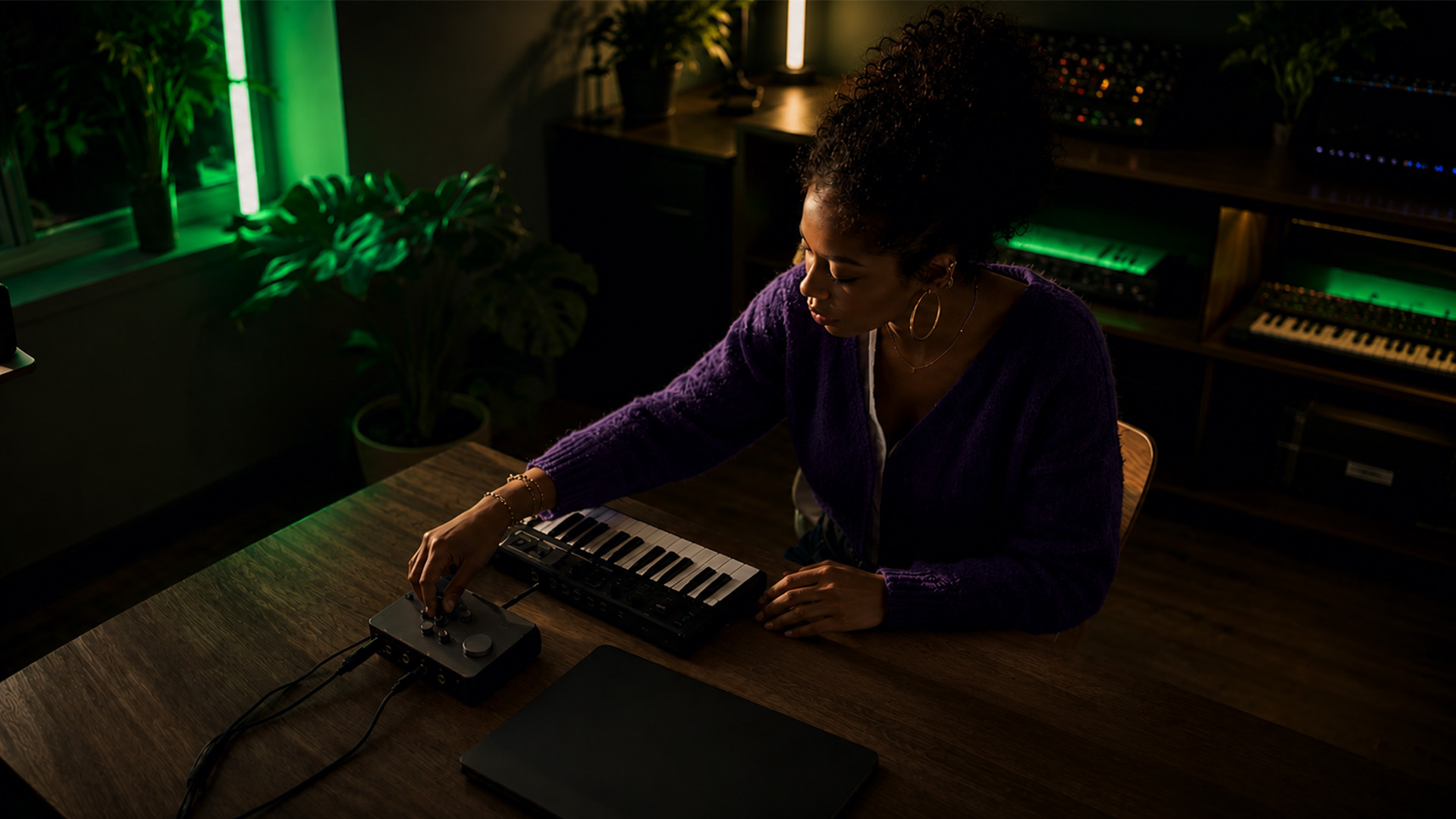
Music production on a laptop is the process of creating, recording, mixing, and mastering music on a portable computer equipped with specialized software and hardware. Producers like Billie Eilish and Bon Iver built career-defining records in bedroom setups, proving that professional results do not require a commercial studio. The right laptop, a capable DAW like Ableton Live or Logic Pro, and a disciplined workflow are all you need to start creating tracks that hold up against anything on streaming platforms. This guide covers every layer of that process, from hardware specs to export settings, so you can build a setup that actually works.
What Hardware Specs Does Music Production on a Laptop Require?
Your laptop’s hardware sets the ceiling for everything you can create. Minimum specs for music production include a modern Intel Core i5 or AMD Ryzen 5 processor, 16GB of RAM, and a fast SSD with at least 512 GB of storage. That configuration handles basic sessions, but serious producers should target a Ryzen 7, Intel Core i7, or Apple M3/M4 chip with 32GB of RAM. The difference shows up immediately when you load a session with 40+ tracks and multiple virtual instruments running simultaneously.
Apple M2 and M3 chips handle more simultaneous plugins than similarly priced Windows machines. That efficiency advantage comes from Apple’s unified memory architecture, which keeps audio processing tight and predictable. On the Windows side, AMD Ryzen 7 and Intel Core i7 processors from 2022 onward handle 80-track sessions with full processing efficiently. The MacBook Pro 14-inch M4 and the ASUS ProArt P16 represent the current top tier on their respective platforms.
Storage speed matters as much as capacity. A slow drive causes audio dropouts when streaming multiple tracks from disk. Aim for an NVMe SSD with read speeds above 3,000 MB/s. Connectivity is equally important: Thunderbolt 4 or USB-C ports let you connect an audio interface such as the Focusrite Scarlett 2i2 or the Universal Audio Volt without latency issues.
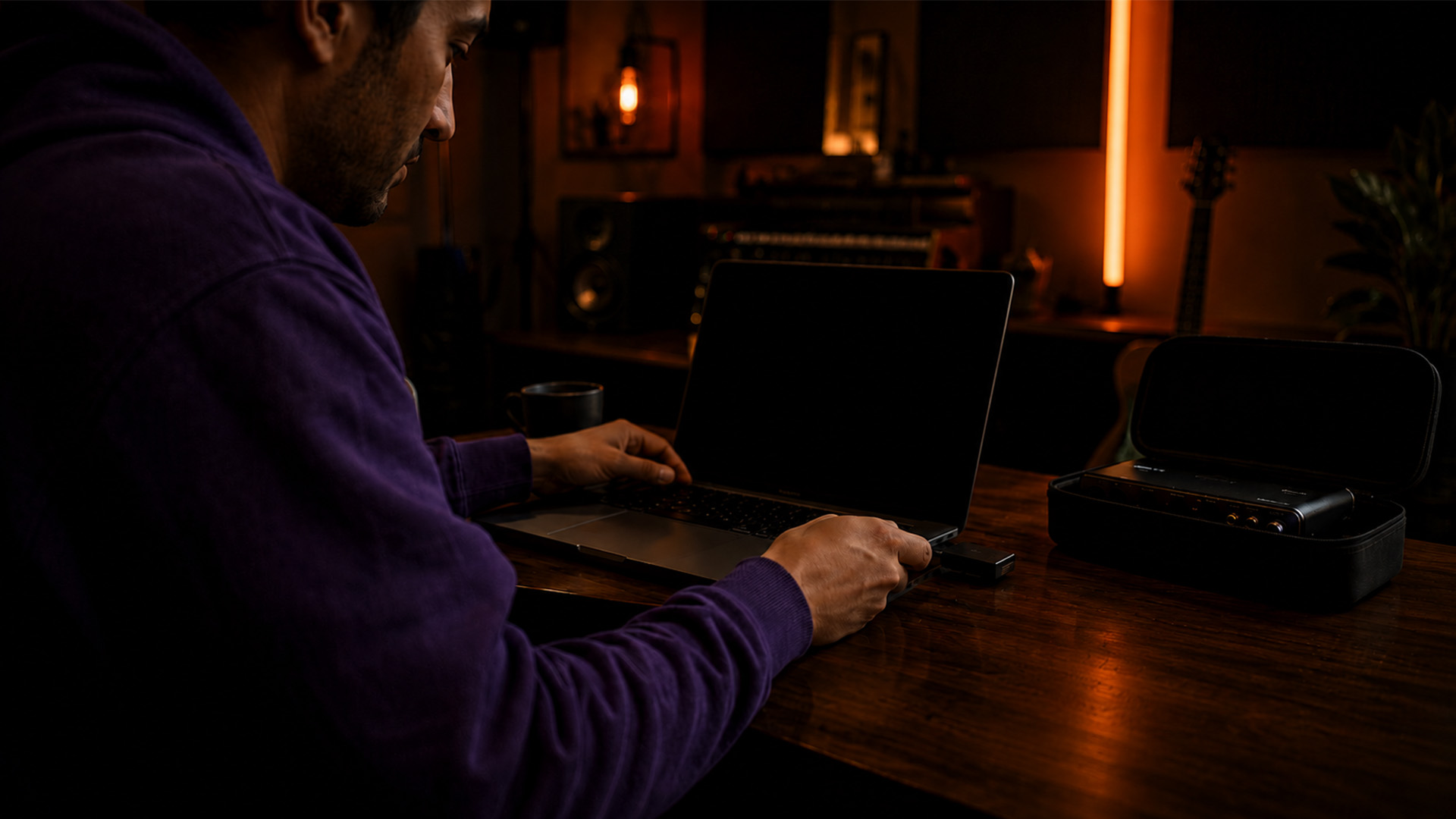
Pro Tip: If you are on a budget, prioritize RAM over CPU. You can compensate for a slower processor by freezing tracks and using fewer real-time plugins, but you cannot fake more RAM.
| Spec | Entry Level | Professional |
|---|---|---|
| Processor | Intel Core i5 / Ryzen 5 | Apple M3/M4 or Intel Core i7 / Ryzen 7 |
| RAM | 16GB | 32GB or more |
| Storage | 512GB SSD | 1TB NVMe SSD |
| Ports | USB-A, USB-C | Thunderbolt 4, USB-C |
| Estimated Cost | $800–$1,200 | $1,800–$3,500 |
Which DAW Should Laptop Producers Choose?
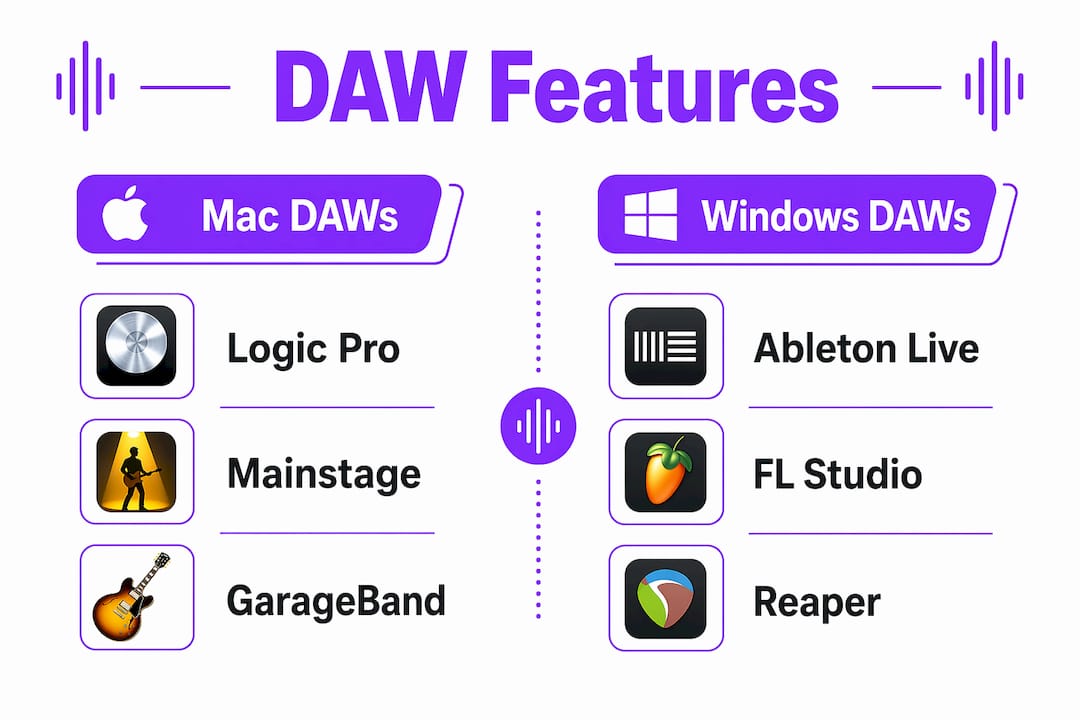
The best DAW for laptop production depends on your platform, workflow style, and experience level. Logic Pro is Mac-only and costs a flat $199.99, making it one of the strongest value propositions in music production software. Ableton Live excels at loop-based and electronic music creation, with a workflow built around real-time performance. FL Studio is Windows-first but now runs on Mac, and its lifetime free updates policy makes it a smart long-term investment for beatmakers.
Workflow mastery outweighs DAW choice in achieving professional results. The ability to finish projects consistently separates working producers from those stuck in perpetual gear research. Pick one DAW, learn it deeply, and resist the urge to switch platforms every six months.
Here is a quick comparison of the most popular options:
| DAW | Platform | Best For | Price |
|---|---|---|---|
| Logic Pro | Mac only | Singer-songwriters, film scoring | $199.99 one-time |
| Ableton Live | Mac and Windows | Electronic, live performance | $99–$749 |
| FL Studio | Mac and Windows | Beatmaking, hip-hop, EDM | $99–$499 lifetime |
| Reaper | Mac and Windows | Budget-conscious producers | $60 discounted |
| Cubase | Mac and Windows | MIDI composition, orchestral | $99–$579 |
Beyond the DAW itself, your plugin library shapes your sound. Start with the stock plugins inside your chosen DAW before spending money on third-party tools. Native Instruments Komplete, Arturia V Collection, and iZotope RX are worth adding once you outgrow the defaults. Keep your plugin count lean at first. A focused toolkit builds faster creative decisions than a bloated library you never fully learn.
How Do You Build a Productive Recording-To-Mastering Workflow?
A repeatable workflow is the engine behind consistent output. Follow these steps to structure every session from start to finish:
- Set your session format. Use 24-bit depth and 48kHz sample rate as your standard. This gives you headroom for editing without the file size penalty of 96kHz.
- Create a session template. Pre-route your audio interface inputs, load your go-to drum plugin, and set up a master bus chain. Templates eliminate setup time and preserve your creative momentum.
- Set the buffer size before recording. Use a low buffer of 64–256 samples during tracking to keep latency below 10ms. Switch to 512–1024 samples during mixing to free up CPU headroom.
- Treat your monitoring environment. Place studio monitors at least 12 inches from rear walls, arranged in an equilateral triangle with your listening position, tweeters at ear height. Misplaced monitors cause frequency buildup, leading to inaccurate mixes.
- Mix in context. Reference your mix against commercial tracks at the same volume. Use headphones such as the Beyerdynamic DT 770 Pro or the Sony MDR-7506 when monitors are unavailable.
- Export at industry standards. Final audio exports in 24-bit WAV with a target loudness of around -14 LUFS meet streaming platform requirements on Spotify, Apple Music, and Tidal.
- Back up every session. Use a cloud service like Dropbox or Google Drive alongside a local external SSD. Losing a session to a crashed drive is a preventable disaster.
Pro Tip: Proper buffer management is the single most effective way to prevent audio dropouts on a laptop. Set it low for recording, high for mixing, and never leave it on a one-size-fits-all setting.
Room acoustics delivers more sonic improvement than upgrading to more expensive microphones or hardware in untreated spaces. A $1,500 setup with proper acoustic treatment outperforms $5,000 gear in a bare room. Start with bass traps in your corners and broadband panels behind your monitors. Even budget foam panels from brands like Acoustimac or GIK Acoustics make a measurable difference.
What Mistakes Do Laptop Producers Make Most Often?
CPU overload is the most common production killer on a laptop. Every plugin you load draws processing power, and laptops throttle under sustained load faster than desktops. Here are the most frequent pitfalls and how to fix them:
- Running too many real-time plugins. Freeze or bounce tracks that are done. A frozen drum bus uses zero CPU. This one habit alone can double your available headroom.
- Ignoring background software. Antivirus scans, cloud sync clients like OneDrive, and open browser tabs all compete for CPU and RAM during your session. Disable them before you hit record.
- Skipping acoustic treatment. Thin, harsh mixes often trace back to a bad room, not bad mixing skills. Even a heavy blanket behind your listening position improves low-end accuracy.
- No backup system. Hard drives fail without warning. Set up automatic backups to two locations before you lose a project you cannot recreate.
- Draining the battery mid-session. Plug in your laptop during production. Battery-saving modes throttle CPU performance and cause audio dropouts at the worst possible moments.
“The gear does not make the music. The room, the workflow, and the discipline to finish what you start are what separate a good track from a great one.”
A fully functional home studio can be assembled for $300–$500 at the entry level, covering an audio interface, headphones, and a DAW bundle. That number puts professional-quality laptop music creation within reach for almost anyone willing to learn the craft.
How Do You Future-Proof Your Laptop Home Studio Setup?
Scaling your setup intelligently keeps you ahead of more complex projects without unnecessary spending. Here is how to plan your upgrades:
- Add an audio interface first. A Focusrite Scarlett Solo or PreSonus AudioBox USB 96 gives you clean preamps, proper monitoring outputs, and stable drivers. This upgrade has the highest impact per dollar of any addition to a laptop setup.
- Invest in studio monitors when your room is treated. Yamaha HS5 or Adam Audio T5V monitors reveal mix details that headphones miss. Buying monitors before treating your room is a waste of the investment.
- Expand storage externally. A Samsung T7 Shield SSD gives you fast, portable project storage without opening your laptop. Keep your system drive lean and your project drive dedicated.
- Explore hybrid workflows. Routing through analog hardware for character and printing stems before finalizing combines digital flexibility with analog warmth. A single outboard compressor, like the dbx 160A, can transform a mix bus.
- Watch AI plugin developments. Tools like iZotope Neutron 4 use machine learning to speed up mixing and mastering tasks. These tools reduce the technical burden so you can focus on creative decisions.
- Know when to upgrade your laptop. If your sessions consistently hit 80% CPU usage with frozen tracks and optimized settings, it is time to move up. Mac systems with Apple Silicon offer efficiency-per-watt advantages that extend the useful life of your hardware investment.
For platform decisions, the Mac vs. Windows comparison comes down to driver stability, software compatibility, and budget. Both platforms produce professional music every day.
Key Takeaways
Professional music production on a laptop requires the right hardware foundation, a mastered DAW workflow, and treated acoustics working together.
| Point | Details |
|---|---|
| Hardware baseline | Use at least 16GB RAM, a fast NVMe SSD, and a Ryzen 5 or Apple M3 chip to handle real sessions. |
| DAW mastery over gear | Pick one DAW and finish projects consistently. Workflow skill drives professional results more than software choice. |
| Buffer management | Set buffer to 64–256 samples during recording and 512–1024 during mixing to prevent dropouts. |
| Acoustic treatment first | Treat your room before buying expensive monitors or microphones for accurate, professional-sounding mixes. |
| Export to industry standards | Deliver final mixes at 24-bit WAV and target -14 LUFS for streaming platform compatibility. |
What I Have Learned After Years of Laptop Production
The biggest mistake I made early on was chasing gear instead of finishing tracks. I spent months researching the perfect plugin bundle while my project folder filled up with half-built ideas. The moment I committed to one DAW, set a rule to finish every session with something exportable, and stopped opening new projects before closing old ones, my output doubled.
Acoustic treatment was the other revelation. I mixed on a pair of decent monitors in an untreated spare room for two years and wondered why my low end never translated. Two bass traps and a pair of reflection panels later, I heard my mixes for the first time. The room was the problem all along, not my ears or my plugins.
For beginners, the most important thing I can tell you is this: start creating with what you have right now. A MacBook Air M2 with GarageBand and a $99 Focusrite interface is a legitimate production setup. The producers who get good are the ones who make music every day, not the ones who wait for the perfect rig. Your laptop is already capable of more than you think.
— Wake
Start Making Better Music With SoundBridge

SoundBridge is built for producers who want a capable, flexible DAW that works on both Mac and Windows without the learning curve of legacy software. Whether you are setting up your first home studio or scaling a professional workflow, SoundBridge gives you zero-latency remote tracking, high-fidelity audio processing up to 192kHz, and a clean interface that gets out of your way. Explore the 2026 DAW guide to understand which features matter most for your setup, and check out the audio mixing guide to sharpen your mix skills from your first session forward.
FAQ
What laptop specs do I need for music production?
Minimum specs include a modern Intel Core i5 or AMD Ryzen 5 processor, 16GB of RAM, and a 512GB SSD. Professional sessions benefit from an Apple M3/M4 or Intel Core i7 with 32GB of RAM.
Is Mac or Windows better for producing music?
Mac systems with Apple Silicon offer better low-latency performance and driver stability through Core Audio. Windows machines running AMD Ryzen 7 or Intel Core i7 chips are fully capable and often more affordable at comparable performance levels.
What is the best DAW for laptop producers?
The best DAW depends on your platform and workflow. Logic Pro is the top value pick for Mac users, Ableton Live leads for electronic and loop-based production, and FL Studio suits beatmakers on both platforms with its lifetime update model.
How do I prevent audio dropouts on a laptop?
Set your buffer size to 64–256 samples during recording, and to 512–1024 samples during mixing. Disable background apps like antivirus software and cloud sync clients, and always run your laptop plugged in during sessions.
What loudness level should I target when mastering for streaming?
Target around -14 LUFS for streaming platforms like Spotify and Apple Music. Export your final master as a 24-bit WAV file to preserve full audio quality before the platform applies its own loudness normalization.
Recommended
MASTER MUSIC PRODUCTION
Expert-led courses designed to take you from fundamentals to finished tracks.

HOUSEFrom bouncy bass and solid kicks, this course teaches you the most modern House music production techniques needed to succeed and stand out.

TRAPQuit sounding like generic Trap and produce something World with hints of the Far East. Create ethnic soundscapes to put your Trap ahead of the curve.

AMBIENTProduce relaxing, sophisticated psy-influenced ambient. Psychedelic and relaxing to listen to, create meditative soundscapes to put your listeners in Zen.