

Top 4 Reason Studios DAW Alternatives 2026
Last Edited: May 27, 2026
Finding a digital audio workstation that balances high-quality audio, real-time collaboration, and flexible workflows without costly upfront investment or restrictive plugin limits frustrates most producers. Many DAWs advertise remote features, but either limit track counts in free tiers or complicate cross-platform sharing with proprietary formats and hardware requirements. This comparison covers hands-on collaboration, plugin support, pricing, and session flexibility across four DAWs so you can choose the right fit for your studio, budget, and creative process.
SoundBridge
At a Glance
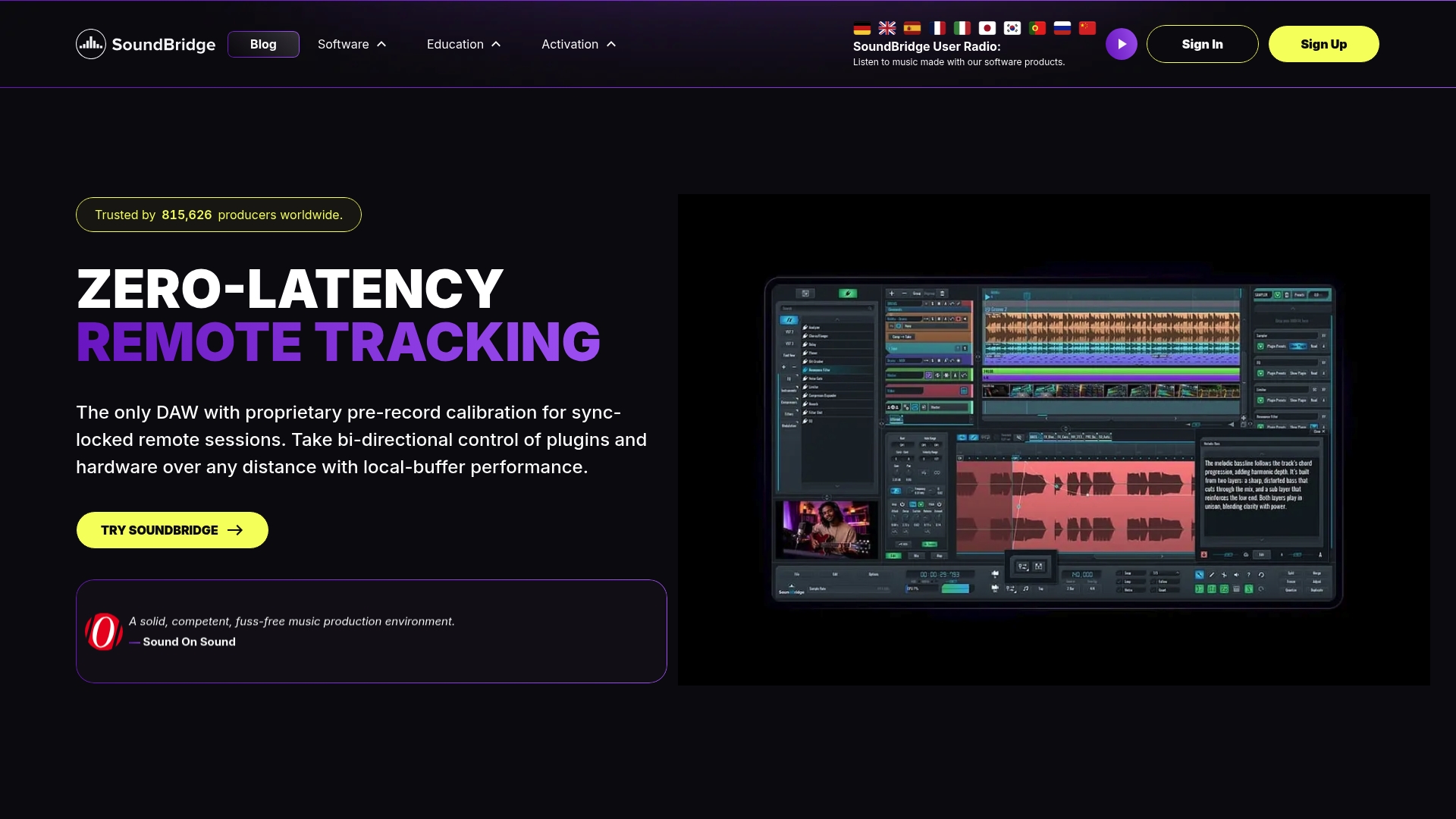
The vendor advertises patent-pending virtual collaboration that enables real-time, studio-accurate remote sessions with bidirectional DAW control, integrated video, and talkback. That capability pairs with a 192kHz audio engine and zero-latency remote tracking for high-fidelity sessions.
Core Features
- High-fidelity 192kHz audio engine with artifact-free time stretching and beat detection for pristine audio processing.
- Zero-latency remote collaboration with sample-accurate sync, bi-directional control of plugins and hardware, and instant file transfer.
- Built-in video and talkback so performers and engineers can record to Ultra-HD video with real-time communication.
- Native VST support, a multi-layering native sampler, advanced MIDI and automation tools, detachable widgets for multi-monitor setups, and a collaboration hub for timeline block syncing.
Key Differentiator
That patent claim above concentrates remote recording within the DAW itself by combining live video, talkback, and bidirectional control into a single session. In practice, this means performers can track together from different locations with the host controlling plugin parameters, timelines, and take management without manual file juggling.
Pros
- The collaboration stack eliminates most offline file handoffs. You can start a session, jam, and end with everything already in the project, rather than pasting it into a folder.
- Workflow speed improves thanks to an intuitive, streamlined interface and detachable GUI elements that fit multi-monitor studios and laptop setups alike.
- Paid tiers unlock unlimited tracks, so orchestral mockups or dense electronic arrangements do not force track compromises mid-project.
- The native sampler supports round-robin and slicing, which helps sound designers and beatmakers create complex layered patches without third-party tools.
- Film scorers get native Ultra-HD video support and high-quality time stretching, which keeps audio in sync for picture work.
Cons
- Private, high-privacy collaboration requires hosting your own Linux plus CoTURN servers, which adds technical overhead for studios that need self-hosted sessions.
Who It’s For
Solo musicians, bedroom producers, small studios, and multimedia professionals who need high-quality audio plus collaborative remote tracking. If you frequently run live remote sessions with collaborators or score pictures with Ultra-HD video, this fits your workflow.
Unique Value Proposition
Because SoundBridge pairs sample-accurate remote sessions with unlimited tracks in paid tiers, you can replace occasional flown-in sessions with remote full-band recordings while keeping native multitrack fidelity at 192kHz. That changes budgeting for session time and travel without changing your mic chain.
Real World Use Case
A remote band records a live take with a drummer in Berlin and a guitarist in Los Angeles. They connect using SoundBridge, run talkback and webcams, the engineer adjusts plugins in real time, and the session is saved with synced timeline blocks ready for mixing.
Pricing
Free tier supports up to 10 tracks and basic editing. Premium tiers add unlimited tracks, full sampling and MIDI features, advanced collaboration, and options for lifetime licenses or subscription plans.
Website: https://soundbridge.io
Bitwig Studio
At a Glance
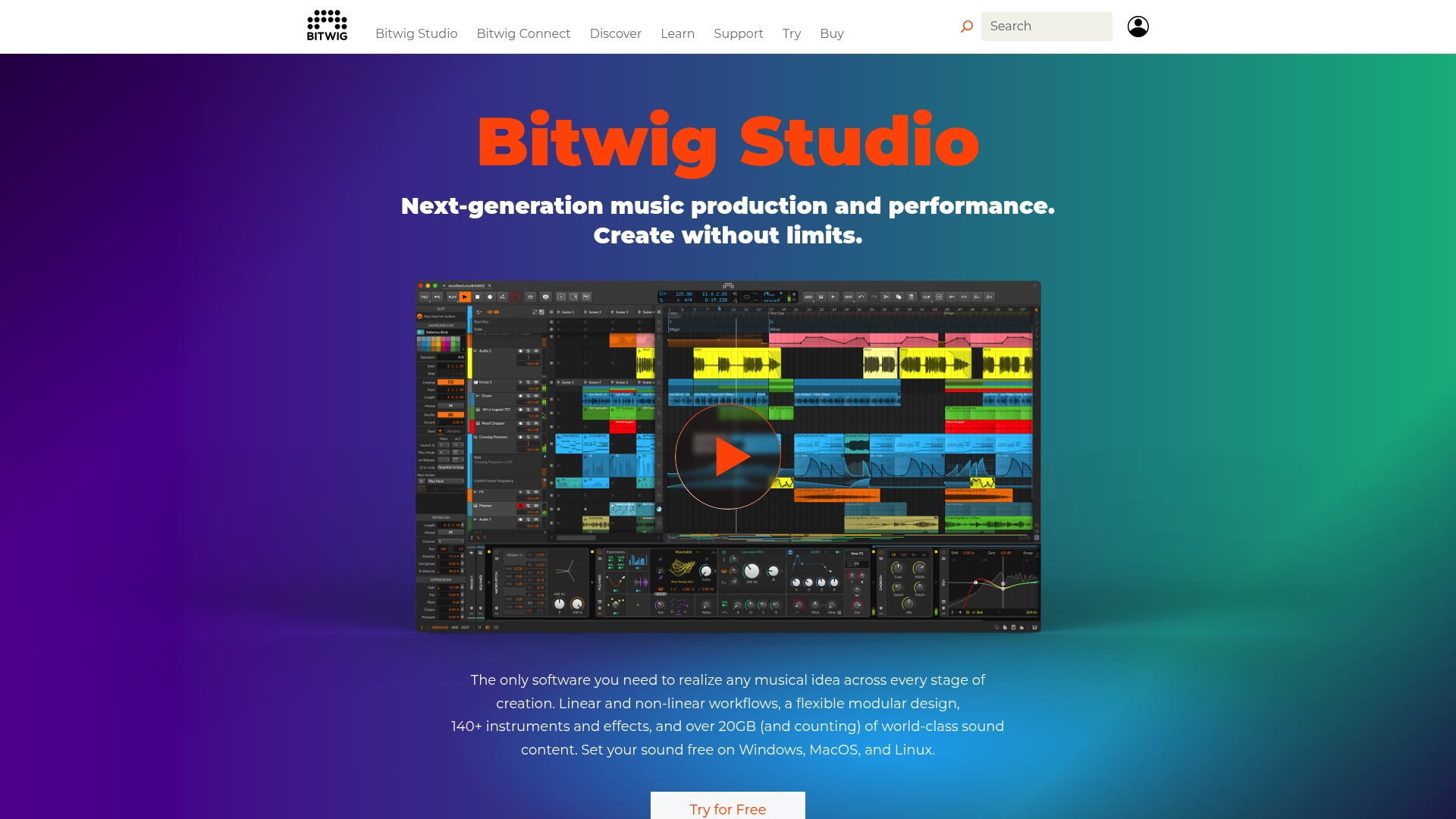
Bitwig’s marketing materials state that it includes 140+ instruments and effects and over 20GB of sound content, all shipped within a modular creative environment. The DAW runs on Windows, macOS, and Linux and pairs a sandboxed plugin approach with both linear and non-linear workflows for production and live use.
Core Features
- Linear and non-linear workflows that let you arrange tracks on a timeline or improvise in clip-based scenes.
- The Grid modular environment for building custom instruments, effects, and note FX with precise routing.
- Vendor materials advertise 40+ modulators for deep automation and polyphonic modulation, including CPU-friendly options.
- Sandboxed plugin handling, VST and CLAP support, and multi-project management for larger sessions.
Key Differentiator
The product’s standout mechanism is its sandboxed plugin environment. By isolating third-party plugins, the DAW reduces session crashes and permits you to experiment without losing a project. That focus on stability shifts the workflow from defensive saving to creative iteration.
Pros
-
The sandboxed plugin architecture dramatically reduces session instability when testing unfamiliar third-party plugins. It makes patching experimental devices less risky.
-
The Grid opens sound design possibilities usually reserved for modular hardware, letting you prototype complex signal chains inside a single instrument window.
-
Strong hardware integration and support for open standards like CLAP mean controllers and external synths map cleanly, which helps when you move from studio to stage.
-
Regular updates and added content keep the library fresh; the developer releases feature updates and new sound packs on a predictable cadence.
Cons
-
Initial setup and interface configuration can be confusing for first-time users. Expect a learning curve before workflows feel natural.
-
Some users report frustrating experiences with customer support, especially around license activation and account issues.
-
The updated model mixes subscription and perpetual license options, which has led to community debate about long-term upgrade costs.
When It May Not Fit
If you need a DAW that requires zero setup for every collaborator, Bitwig’s customization can slow down onboarding. If you prefer vendor support that resolves license issues quickly, the mixed feedback on support may be a deterrent. Also, casual hobbyists who want an ultra-simple, out-of-the-box layout will likely prefer a more opinionated, minimal DAW.
Who It’s For
Producers, sound designers, and performing musicians who want deep modulation, modular synthesis inside the DAW, and reliable plugin isolation. It suits users who value hands-on sound programming and cross-platform compatibility over turnkey simplicity.
Real World Use Case
A composer builds a custom instrument in The Grid, maps polyphonic modulators to expressive controller input, then routes hardware via Bitwig Connect for a live set. The sandboxed plugins allow the composer to test new VSTs during a performance without risking the main set.
Pricing
Offers both tiered subscription and perpetual licenses. Entry level starts at USD 99 for Essentials, USD 199 for Producer, and USD 399 for the full version. Educational discounts are available for qualified students and institutions.
Website: https://bitwig.com
Audiotool
At a Glance
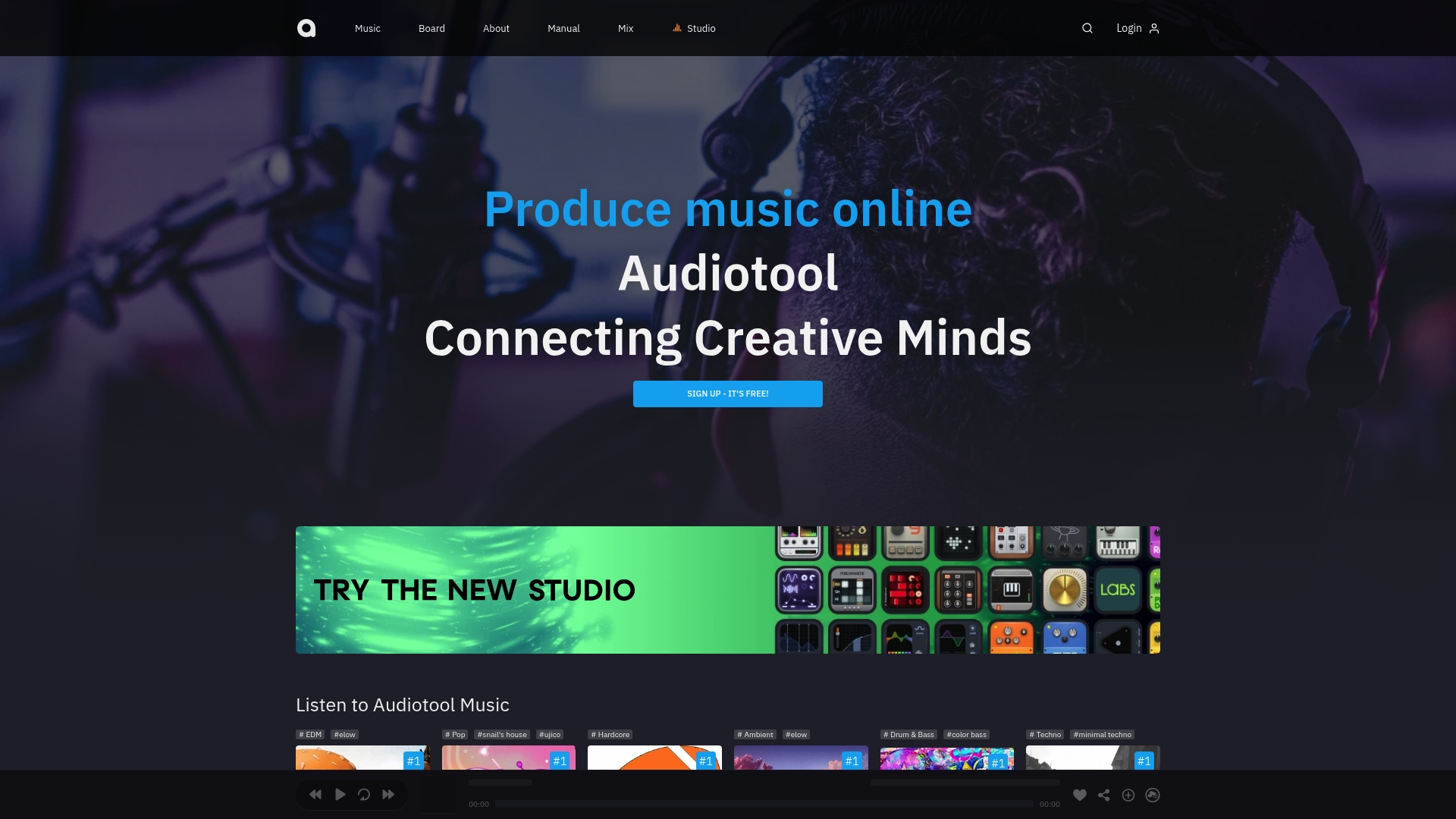
Audiotool’s marketing materials claim a cloud sample library with over 1 million sounds, a figure that shapes how members draft, remix, and publish tracks without leaving the browser. The service runs entirely in the browser and supports real-time co-creation, so collaborators can edit a shared project together without installing a DAW.
Core Features
- A browser-based production interface that loads projects and devices in a single tab.
- Real-time collaboration tools for simultaneous editing, chat, and version sharing among members.
- Cloud sample library plus preset banks; refer to the sample claim above when weighing scope for sound design.
- Multiple synths, drum machines, and a modular routing environment with EQ, filters, and delays.
Key Differentiator
Audiotool combines a live, browser-hosted studio with a community layer for sharing and feedback. The combination of instant access from any device and the platform’s emphasis on member-driven publishing means groups can iterate on stems and mixes in short sessions rather than passing project files back and forth.
Pros
- No install barrier: members join, open a project, and start arranging in minutes. That lowers the friction for quick collaborative sessions.
- Community feedback is built into the flow; published tracks appear in feeds where other members can fork or remix them.
- The instrument and effect palette is broad enough for serious sound design work, especially for electronic music producers sketching ideas quickly.
- The large sample pool above helps jumpstart projects when you need texture or a drum loop without hunting external libraries.
- Cloud backing reduces file-swapping headaches; collaborators access the same stems and presets in a shared project.
Cons
- Some producers consider Audiotool better suited to hobby projects than to high-end commercial mixing and mastering workflows.
- Importing and using personal sample collections or third-party plugins is more limited than on desktop DAWs, which constrains the creation of deeply custom projects.
- Reported friction with complex project management appears when sessions grow large or involve many external stems.
When It May Not Fit
If your workflow depends on third-party VSTs, precise offline mastering chains, or advanced sample editing, Audiotool will feel restrictive. Large studio teams that require strict session management, offline backup policies, or full plugin chains should prefer a desktop DAW.
Who It’s For
Amateur and semi-professional producers, educators, and collaborators who want a zero-install staging area for ideas and community sharing. It suits teachers running group sessions and creators who prioritize quick co-writing and remixes over final mastering polish.
Real World Use Case
A pair of producers in different cities open a shared Audiotool project, sketch a beat using the built-in drum machine, pull a loop from the cloud library, and tweak synth patches together. They export a draft mix, publish to the platform, and invite the community to remix the stems.
Website: https://audiotool.com
Ableton Live
At a Glance
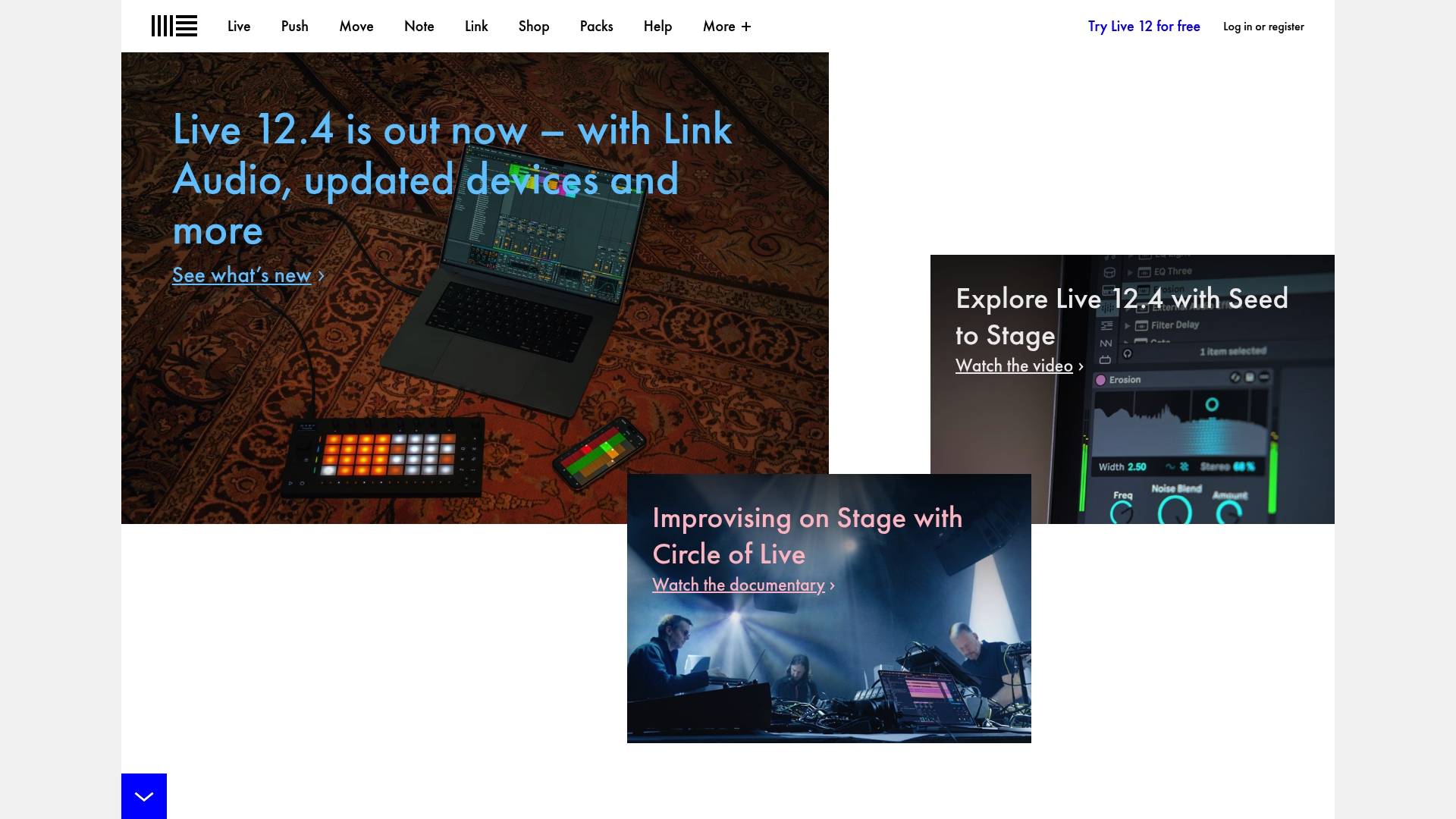
Max for Live lets you build custom instruments and effects inside the DAW, turning the host into a platform for bespoke tools and experiments. The non-linear session view is built specifically for real-time improvisation and live sets, not just linear mixing.
Core Features
A flexible non-linear workflow that separates clip launching from the arrangement timeline so you can sketch ideas or perform sets without stopping playback. The interface keeps creative controls front and center and minimizes menu hunting.
Max for Live integrates deep scripting and device-building into the app so you can craft MIDI processors, generative patches, and custom effects without leaving the project. That opens sonic possibilities that most DAWs do not offer out of the box.
Advanced MIDI routing and audio bussing let you map hardware controllers or route dozens of stems. A large library of instruments and effects ships with Live and covers synthesis, sampling, and common studio tools.
Key Differentiator
Live’s session view plus Max for Live is the real distinction. Together, they make the DAW a performance instrument and a development environment. Producers who want to tweak, patch, and reprogram their tools in the middle of a set will find workflows that no other mainstream DAW matches.
Pros
-
Exceptional for live performance and improvisation. Rapid clip launching and device macros let you reshape tracks in real time without stopping the music.
-
Highly customizable through Max for Live. You can prototype a MIDI effect in an evening and use it immediately in sets and productions.
-
Active community and extensive tutorials. Forums and third-party patches shorten the learning curve when you want a specific device or workflow.
-
Tight hardware support. Ableton Push and Link synchronization make tactile control and wireless jamming straightforward across devices.
Cons
-
A steep learning curve for new users. The session view and device workflow take practice to use fluidly in performance situations.
-
Plugin stability can be an issue with some third-party VSTs during intensive sessions. That risk increases with large live sets and complex routing.
-
Entry cost is notable for new producers. The Suite tier, which includes Max for Live, represents the larger upfront investment.
When It May Not Fit
If you prefer a classical linear DAW workflow for tracking bands or you need rock-solid third-party plugin stability for lengthy mixing sessions, Live’s session-first approach and occasional VST quirks may interrupt your process. Budget studios that do not need Max for Live will find lower-cost DAWs more practical.
Notable Integrations
- Ableton Push hardware for deep, hands-on control of clips and devices.
- Max for Live is an embedded development and device platform.
- Link for wireless tempo and transport sync across apps and devices.
- Ableton Cloud for project transfer and collaboration across locations.
Who It’s For
Solo musicians, electronic producers, live performers, and sound designers who want a DAW that doubles as an instrument and experimental platform. If you value improvisation, controller integration, and custom device design, this is aimed directly at your workflow.
Real World Use Case
A DJ runs Live on stage with Push, launching clips and tweaking effect chains on the fly. A collaborator joins over Link and syncs a tablet synth. When the set ends, the same Live project becomes a production template for studio work.
Pricing
Intro tier starts around $99, Standard is approximately $449, and the Suite, which includes Max for Live, is about $749. Prices are vendor stated and can vary by region or promotion.
Website: https://ableton.com
Comparing DAW Platforms for Collaborative and Creative Uses
Selecting the right Digital Audio Workstation (DAW) requires considering specific workflow needs. SoundBridge, Bitwig Studio, Audiotool, and Ableton Live each offer distinct features tailored to different user profiles and applications.
Distinct Collaboration Tools
SoundBridge excels at enabling synchronous remote collaboration through its built-in video and talkback functionality, integrating visual and auditory elements during live online sessions. Conversely, Audiotool allows simultaneous browser-based project editing without requiring installation, appealing to educators and amateur musicians who prioritize convenience and immediacy.
Ableton Live and Bitwig Studio, however, target in-studio interaction and live performance scenarios. Ableton’s Link and Push streamline on-stage hardware integration, while Bitwig Studio’s isolated plugin architecture safeguards stability during experimental sound design.
Modular and Advanced Sound Design Capabilities
Both Ableton Live and Bitwig Studio shine in enabling in-depth custom instrument creation. Max for Live empowers Ableton users to design and script generators and effects in-platform, while Bitwig’s The Grid expands modular synthesis workflows for sophisticated sound engineering tasks. Comparatively, SoundBridge offers an intuitive multi-layer sampler that optimizes patch creation without relying on third parties, appealing to producers balancing speed and detail.
Best Fit for Users
- SoundBridge: For producers focusing on high-fidelity remote tracking with real-time control of project aspects such as plugin syncing, most practical for group sessions with geographical separation.
- Audiotool: For casual creators and educators requiring an accessible virtual studio with rapid onboarding and community integration.
- Ableton Live: Recommended for live performers or electronic producers, emphasizing flexibility in improvisational arrangements and on-the-fly device adjustments.
- Bitwig Studio: For sound designers prioritizing modular routing and stability during intricate experimental workflows.
Our Pick
SoundBridge is a versatile platform that combines advanced real-time remote collaboration tools with multitrack editing capabilities. Its feature set distinctly supports remote session workflows that require simultaneous adjustments to audio elements and efficient group discussions. However, users seeking modular synthesis or focused live-performance features may be better served by Bitwig Studio or Ableton Live.
Digital Audio Workstations Comparison
Evaluate various DAWs to identify the one that best optimizes your music production workflow without compromise.
| Product | Key Differentiator | Core Feature | Best for | Notable Limitation |
|---|---|---|---|---|
| SoundBridge | Integrated virtual collaboration and zero-latency | Real-time remote session capabilities | Small studios and multimedia pros | Requires setup for self-hosted private collaborations |
| Bitwig Studio | Sandboxed plugin management prevents crashes | Modular environment “The Grid.” | Sound designers and performing acts | Reports of occasional setup challenges for new users |
| Audiotool | Browser-based platform with community sharing | Real-time joint browser-based editing | Quick collaborations and educators | Limited support for third-party plugins and offline workflows |
| Ableton Live | Session view with Max for Live customization | Non-linear workflow with clip launching | Live performers and improvisers | Entry-level cost and potential plugin stability issues for large sessions |
Discover Why SoundBridge Is a Top DAW Choice
Finding the right DAW can feel overwhelming when looking for reliable remote collaboration and high-quality audio processing without complicated setups. The article highlights that key challenges such as zero-latency remote tracking, seamless plugin control, and studio-accurate synchronization are crucial for today’s producers and studios. SoundBridge addresses these needs head-on by offering intuitive, real-time remote sessions with built-in video and talkback, plus support for pristine 192kHz audio — making it a powerful alternative to ReasonStudios.com.

Ready to upgrade your production workflow and collaborate effortlessly across locations? Visit SoundBridge now to explore our platform, designed specifically for musicians and studios seeking professional-grade audio and seamless remote collaboration. Start a free session and take control of your next project with zero-latency remote tracking and bi-directional plugin management.
Frequently Asked Questions
What features make SoundBridge a good choice for remote collaboration?
SoundBridge offers high-fidelity 192kHz audio with zero-latency remote collaboration, enabling sample-accurate sync and instant file transfer. These features allow musicians to collaborate smoothly, eliminating the hassles of offline file handoffs and making it perfect for remote sessions. You can start a session, perform together, and complete the entire project without juggling multiple files.
How does SoundBridge compare to Bitwig Studio for electronic music production?
Bitwig Studio excels with its modular environment and sandboxed plugin handling, providing users a stable platform for experimenting with third-party plugins. In contrast, SoundBridge focuses on facilitating real-time collaboration with built-in video and talkback, making it ideal for musicians working remotely. If you prioritize live collaboration over modular sound design, SoundBridge may better suit your needs.
What advanced features does SoundBridge provide for film scoring?
SoundBridge includes native Ultra-HD video support and high-quality time stretching, which helps keep audio in sync with the picture. This makes it particularly suitable for film scoring professionals who need high-quality audio and visual precision during their sessions. If film scoring is a frequent task, SoundBridge could significantly enhance your workflow.
Can I host SoundBridge securely for private collaborations?
While SoundBridge offers high privacy for collaborations, you need to run your own Linux and CoTURN servers, which adds some technical overhead. This consideration is crucial for studios requiring self-hosted sessions to ensure data security. If you seek tight control over your collaborative environment, consider this aspect when choosing SoundBridge.
What pricing options does SoundBridge offer for different user needs?
SoundBridge has a free tier that supports up to 10 tracks and basic editing, while paid tiers unlock unlimited tracks and advanced features. This tiered pricing allows musicians and studios of various sizes to choose a plan that fits their project needs without overstretching their budget. If you’re looking to maximize your track count, explore the paid tiers for access to unlimited options.
Recommended
MASTER MUSIC PRODUCTION
Expert-led courses designed to take you from fundamentals to finished tracks.

HOUSEFrom bouncy bass and solid kicks, this course teaches you the most modern House music production techniques needed to succeed and stand out.

TRAPQuit sounding like generic Trap and produce something World with hints of the Far East. Create ethnic soundscapes to put your Trap ahead of the curve.

AMBIENTProduce relaxing, sophisticated psy-influenced ambient. Psychedelic and relaxing to listen to, create meditative soundscapes to put your listeners in Zen.