

The Unique Sound of the Armenian Duduk
Last Edited: Dec 5, 2023
What's a Duduk?
The Duduk is an ancient double-reed woodwind instrument made of apricot wood and indigenous to Armenia. Variations of the instrument are found in other regions of the Caucasus and the Middle East, including Azerbaijan, Georgia, Russia, Turkey, and Iran. Musicians commonly play the Duduk in pairs. While the first player plays the melody, the second plays a steady drone called dum. Consequently, the sound of the two instruments played together creates a richer, more haunting sound.
Duduk Sound
The sound of Duduk is often used in epic movies and movie trailers. You probably heard it more than once in some of the blockbuster Hollywood movies like Gladiator, Kingdom of Heaven, and so on. Since the technology of software instruments has significantly progressed over the past decade, capturing the sound of Duduk and some other woodwind instruments, which are particularly hard to play, has become possible. In the next tutorial, we will present to you one bank that sampled the sound of Duduk with high accuracy.
Ethno World 6 Instruments Bank
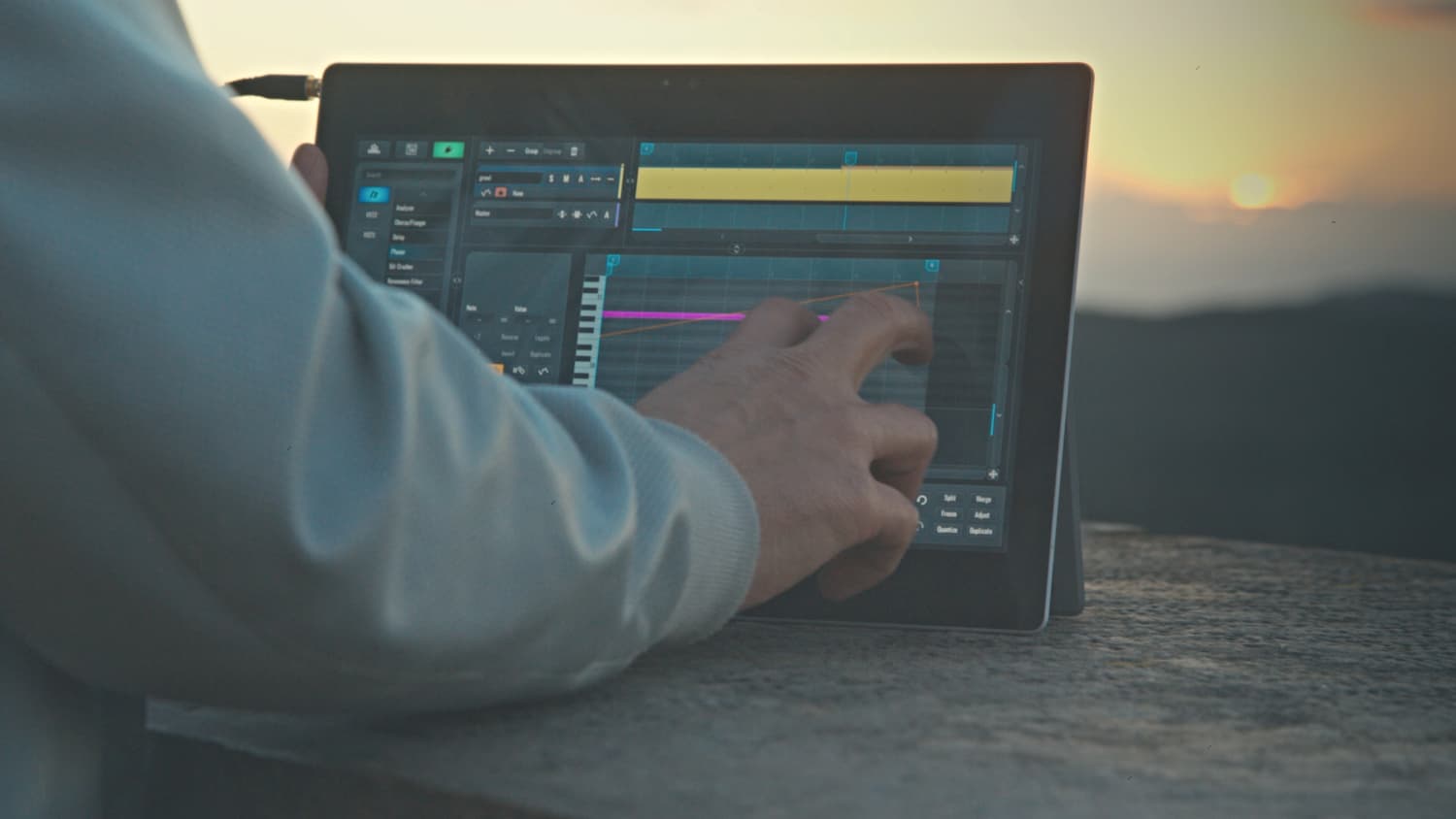
First, we will make a new MIDI channel within our SoundBridge: DAW and load an instance of Kontakt by Native Instruments. We will use the "Ethno World 6: Instruments" library for this tutorial. You can purchase it separately from the original Kontakt player. Among other instrument choices within the "Woodwinds and Brass" list, we will select the "Duduk" and load "Duduk KEY."

The Interface
Let's take a closer look at the interface.

The "Group Edit" section, which contains several parameters, dominates the central part of the interface. Firstly, there is a display name and source where you can see the waveform of the note. Also, it is possible to tune the actual note by dragging the tuning slider left or right. Moreover, the "Sound Control" options are on the left side. Parameters like volume, pan, velocity, and pitch bend range reside in the upper part of this section. The classic ADSR controls are in the lower part of the interface. Below this is the piano roll with red and blue keys. The blue keys represent the octave range across which you can play the sound. Furthermore, the red keys are where you can select various carefully programmed key switches.
Audio Examples
Finally, let us write a few sequences using the key switches in the SoundBridge MIDI edit window. So check out how this magnificent instrument sounds!

~Duduk Sequence 1
~Duduk Sequence 2
MASTER MUSIC PRODUCTION
Expert-led courses designed to take you from fundamentals to finished tracks.

HOUSEFrom bouncy bass and solid kicks, this course teaches you the most modern House music production techniques needed to succeed and stand out.

TRAPQuit sounding like generic Trap and produce something World with hints of the Far East. Create ethnic soundscapes to put your Trap ahead of the curve.

AMBIENTProduce relaxing, sophisticated psy-influenced ambient. Psychedelic and relaxing to listen to, create meditative soundscapes to put your listeners in Zen.