

Unlock Essential DAW Features for Music Production Success
Last Edited: May 13, 2026
Every DAW on the market claims to offer everything you need: bold mixing boards, deep automation, plugin support, and collaboration tools. But when you sit down in a real session, the gap between what’s advertised and what actually works can cost you hours. The truth is, DAW features that sound identical on a spec sheet can behave wildly differently in practice. Understanding which feature types matter, and how they perform under real production pressure, is what separates a smooth creative flow from constant technical friction. This guide breaks it all down for you.
Table of Contents
- Core DAW building blocks: What every musician needs
- Advanced editing and workflow features: Boosting productivity
- Mixing, automation, and expressive controls
- Media and scale: DAW features for film, TV, and large projects
- Comparing DAW feature sets: Functionality in real-world use
- Why workflow trumps feature checklists for real producers
- Elevate your workflow with SoundBridge DAW
- Frequently asked questions
Key Takeaways
| Point | Details |
|---|---|
| Core DAW essentials | Timeline editing, audio/MIDI tracks, plugins, and automation are universal must-haves for any DAW user. |
| Workflow-driven efficiency | Advanced editing, comping, and batch tools help speed up production and improve session flexibility. |
| Mixing and automation power | Robust mixing boards and automation lanes shape the repeated quality and creative expressiveness of your work. |
| Media and scale readiness | Film, TV, and large-scale projects require dedicated dialogue tools, advanced routing, and remote template flexibility. |
| Test real-world use | Always try DAWs with real sessions to reveal workflow bottlenecks that specs don’t show. |
Core DAW Building Blocks: What Every Musician Needs
Now that the challenge is clear, let’s start with the non-negotiables every DAW must have.
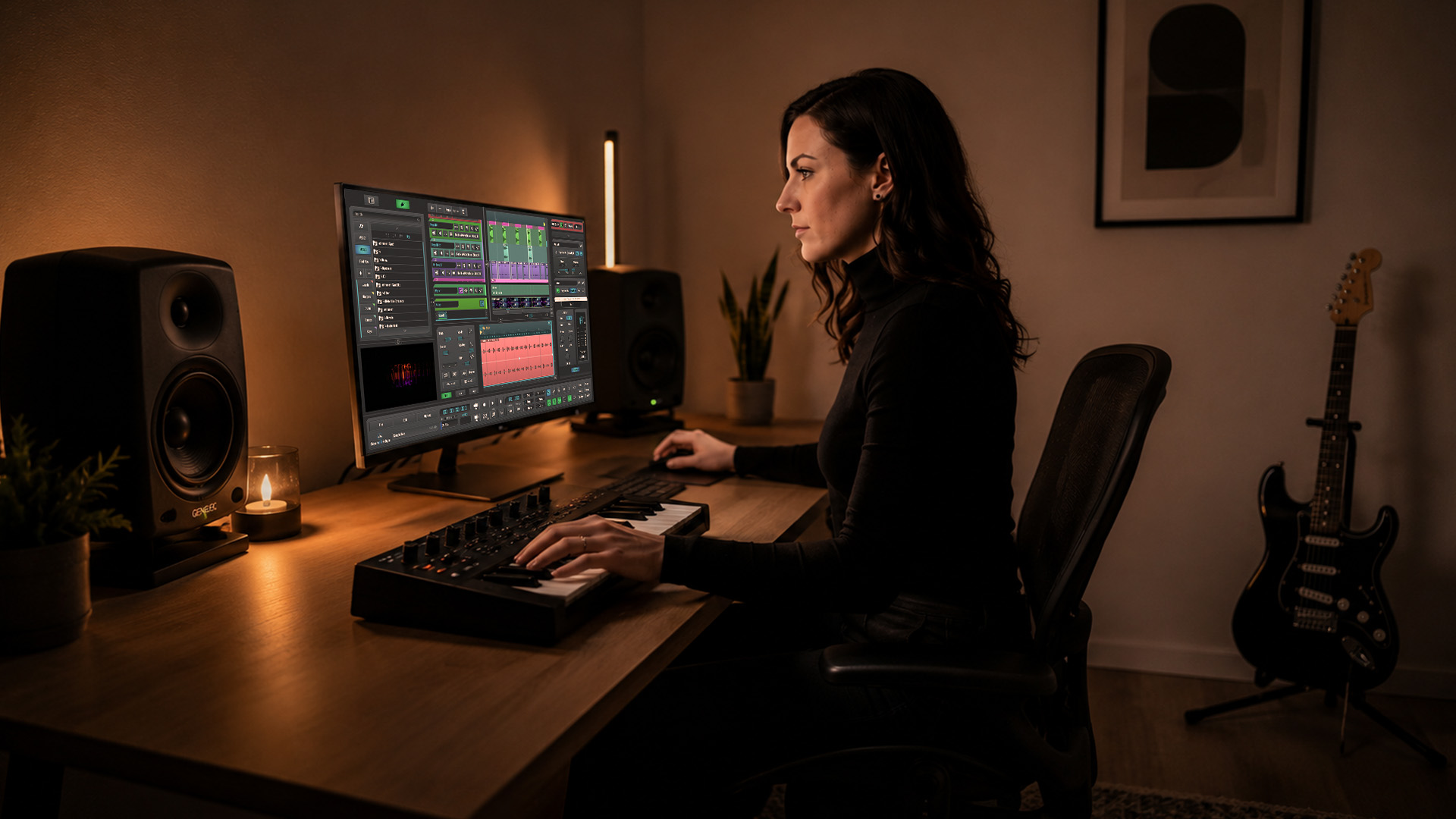
The foundation of any DAW is surprisingly consistent across platforms. Core DAW building blocks cluster into timeline-based multitrack editing, audio and MIDI track handling, plugins (virtual instruments and audio effects), and automation, typically implemented via a track-and-mixer paradigm. These aren’t optional extras. They are the skeleton of every session you will ever run.
Here’s what each core element actually does for your music production workflow:
- Timeline-based multitrack editing: Lets you arrange audio and MIDI regions across time. This is how your song gets structured, from intro to drop to outro.
- Audio and MIDI tracks: Audio tracks capture live recordings and samples. MIDI tracks control virtual instruments with note and controller data.
- Plugins: Split into two camps. Virtual instruments generate sound (think synths, samplers, pianos). Audio effects process sound (reverb, compression, EQ).
- Automation: Records changes to any parameter over time, from a volume fade to a filter sweep during a breakdown.
- Mixer module: Routes signals through FX chains, applies EQ and dynamics, and controls how everything blends.
Without these basics working reliably, no advanced feature matters. A brilliant comping tool is useless if your timeline stutters. Deep automation lanes mean nothing if MIDI track routing is confusing.
Statistic callout: Research comparing professional DAW platforms consistently shows that virtually every modern platform ships with these five building blocks, yet the implementation depth varies significantly between budget and professional tiers.
Pro Tip: Always check how track routing is handled before committing to a DAW. Routing determines how quickly you can build templates and open a session to start creating, rather than configuring.
Advanced Editing and Workflow Features: Boosting Productivity
Once you have the basics, the next dimension is how efficiently you can edit and manage tracks. This is where productivity is won or lost.
Advanced editing tools are what separate professional-grade DAWs from entry-level options. Editing and workflow features come in multiple forms, including comping across takes, time manipulation like warping and quantization, score and notation tooling, and track view and routing models that affect how composers and producers work every single day.
Let’s talk about comping first. When you record multiple takes of a vocal or guitar solo, comping lets you stitch the best parts together into one seamless performance. Some DAWs do this brilliantly with dedicated take lanes and one-click assembly. Others bury the feature in sub-menus that slow you down.
Time manipulation tools are equally powerful. Audio warp quantization lets you nudge audio transients onto the grid without re-recording, which is a massive workflow multiplier when editing live drums or a slightly rushed bass performance. If you’re working with a drummer who plays with natural feel, these tools let you tighten up the performance while preserving the human groove.
For composers, score editors turn MIDI data into readable notation, making it far easier to communicate ideas to session musicians or develop orchestral arrangements. Not every DAW handles this equally. Some score editors feel like full-fledged notation programs. Others feel tacked on as an afterthought.
Stay current with trends and techniques by following music production news, especially as DAW updates frequently add new editing capabilities worth mastering.
“The best producers we know don’t just learn features. They learn shortcuts for those features. There’s a real difference between knowing comping exists and flying through a six-take vocal session in under ten minutes.”
Pro Tip: Learn shortcut keys for comping and take management early. Mastering these saves hours on every vocal or instrument overdub session, and that time goes directly back into creative decisions.
Mixing, Automation, and Expressive Controls
After handling recording and editing, your mix and automation tools define your project’s final character and how expressive you can get.
Mixing in a DAW involves far more than pulling faders. You’re building signal chains, setting up parallel processing paths, routing sends and returns, and applying precise EQ and frequency ranges across every element of your mix. The difference between a muddy mix and a clear, punchy one often comes down to how confidently you can navigate your DAW’s mixer.
Automation and mixing features are typically exposed through parameter envelopes and lane automation, combined with mixer modules that cover EQ, compression, effects, and routing. These features materially determine the repeatability and expressiveness of your productions. That last word matters a lot. Expressiveness is what makes a mix feel alive.
Here’s a practical workflow for getting the most from automation:
- Set your static mix first. Get every fader, EQ, and compression setting where it needs to be before touching automation.
- Automate volume for dynamics. Use volume automation to push a chorus forward or pull a verse back without touching your gain staging.
- Automate effect parameters. Ride the feedback on a delay or the wet signal of a reverb to add movement and tension.
- Use send automation. Fade elements in and out of reverb or delay returns for dramatic build-ups and breakdowns.
- Group automation for cohesion. Link multiple channels together so your automation adjustments feel unified rather than disjointed.
Understanding parallel processing techniques takes your mixing even further, especially for drums and bass that need punch without losing dynamics.
| Automation feature | Why it matters | Production use case |
|---|---|---|
| Lane visibility | Quickly access parameter curves | Editing filter sweeps and FX levels |
| Touch vs. latch mode | Controls how automation records | Live performance mixing passes |
| Copy and paste automation | Repeat identical moves across the song | Copying a chorus FX build |
| Group controls | Move multiple channels simultaneously | Adjusting drum room balance |
| Curve editing | Shape how values change over time | Smooth filter opens and closes |
Media and Scale: DAW Features for Film, TV, and Large Projects
For those composing to picture or building huge templates, the right feature set makes complex sessions manageable rather than overwhelming.
Film and TV composers work under entirely different pressures than bedroom producers. You’re syncing to video, hitting precise cue points, managing dialogue replacement sessions, and often juggling template sizes that push even powerful hardware to its limits. DAW features for film and post-production expand into media-centric tooling, including dialogue and ADR panels, specialized automation, advanced routing and grouping, and collaboration workflows that keep teams aligned across multiple workstations.
Key features to look for in a film or TV scoring setup:
- Native video import and playback with frame-accurate sync so your music lands exactly where it should
- ADR and dialogue replacement panels for post-production work where pristine voice clarity is non-negotiable
- Advanced folder routing to organize massive orchestral templates without losing your mind
- Tempo mapping to match the feel of a score to picture edits that change timing mid-sequence
- Collaboration and permission tools so multiple team members can access sessions without overwriting each other’s work
- Dedicated talkback and monitoring sections for real-time communication during remote recording passes
Scaling large virtual instrument templates is another challenge entirely. Standalone instrument hosts and bridging protocols preserve routing and templates for large-scale sessions by offloading instrument processing to separate machines or persistent plugin instances. This means your DAW stays responsive and your template doesn’t evaporate when you close and reopen the session.
You can also lean on vocal routing techniques and structured arpeggiator workflows to add textural depth to your film score without overloading your CPU.
| Feature type | Music production | Film and TV scoring |
|---|---|---|
| Video sync | Rarely needed | Essential for every cue |
| ADR/dialogue tools | Not applicable | Core requirement |
| Large template hosting | Nice to have | Critical at the orchestral scale |
| Advanced automation | Creative tool | Precision narrative tool |
| Remote collaboration | Growing demand | Standard in major projects |
Comparing DAW Feature Sets: Functionality in Real-World Use
With all the core and advanced features in mind, here’s how real-world DAW comparisons pan out and what to look for as you make your choice.
Spec sheets and feature checklists are seductive. They let you compare DAWs on paper and feel like you’re making an informed decision. But empirical benchmarking and real-project testing show that results vary significantly by methodology, and feature checklists alone are insufficient. Session performance, hidden costs, and workflow friction only show up when you’re testing with your actual projects.
What does that mean in practice? A DAW might advertise “advanced automation” but implement it with a clunky interface that makes quick edits painful. Another platform might list “collaboration features” that technically work but require multiple third-party tools to function reliably. These gaps don’t appear in a feature list. They appear on day three of a tight deadline.
“Many DAWs share the same baseline, so differences appear in how efficiently you execute repetitive tasks.” When choosing DAW features, distinguish capability from workflow depth. That distinction is everything.
The concept of “hidden costs” warrants further exploration. Some DAWs look affordable at the entry level but require expensive add-on bundles to unlock features that competitors include by default. Others ship with excellent built-in instruments but charge extra for the mastering tools you’ll need at the end of every project. Always map out the total cost of ownership based on your specific use case before committing.
The DAW selection guide approach that works best is simple: take your most demanding recent project, run it in demo mode on any platform you’re evaluating, and see how it actually feels. Does your CPU hold up? Does automation editing feel fast? Can you find the features you need without digging through nested menus?
Real testing beats any spec sheet, every time.
Why Workflow Trumps Feature Checklists for Real Producers
To wrap up, let’s cut through the noise and focus on what actually matters in daily production life.
Here’s an uncomfortable truth about DAW shopping: most professional-tier platforms cover the same fundamental ground. They all have multitrack editing. They all handle MIDI. They all host plugins, automate parameters, and mix through a channel strip. The list of shared capabilities is genuinely long. So why do producers feel so strongly about their chosen platform?
Because workflow depth is real, and it’s personal.
The speed at which you can comp a vocal, the way your automation curves respond to your mouse, the clarity of your session folder structure at take 47 of a film cue. These micro-interactions add up over hundreds of hours. A platform that feels intuitive to you might feel impossibly cluttered to someone else working in a different genre with a different session structure.
Our honest take: stop chasing the longest feature list and start chasing the fastest creative flow. The best DAW for you is the one that disappears while you work. When you stop noticing the tool, you start hearing the music.
If you’re composing for film or scoring media, prioritize built-in remote collaboration tools and project management features above almost everything else. Sync issues and template instability will derail a deadline faster than any missing plugin. For home studio producers, focus on how well the platform handles your preferred genres, whether that’s tight MIDI quantization for electronic music or natural-feeling comping for a more organic approach.
Keep your eyes on what’s evolving in the space by staying plugged into music production strategies from producers already working at the level you’re aiming for.
Pro Tip: Before purchasing any DAW, spend at least a full week with demo sessions built around your actual projects. Stress-test the features you rely on most. Your hands-on impressions will always tell you more than a spec sheet ever will.
Elevate Your Workflow With Soundbridge DAW
If you’re ready to put these feature insights to work, discover how SoundBridge helps you streamline production and creative collaboration.
SoundBridge DAW brings together everything covered in this guide into one focused, professional environment. Record, mix, and collaborate with zero-latency remote tracking, high-fidelity 192kHz audio processing, bi-directional plugin and hardware control, and built-in video support for film scoring sessions. Whether you’re building massive orchestral templates, chasing the perfect vocal comp, or automating a cinematic breakdown, SoundBridge is engineered to keep your workflow fast and your creative vision intact.

Ready to move beyond spec sheets and into real creative momentum? Upgrade your production skills with SoundBridge’s growing library of guides, tutorials, and hands-on resources built for producers who want to grow fast and work smart. Available on Mac and Windows, with free and paid tiers to match wherever you are right now.
Frequently asked questions
What are the must-have features in a modern DAW?
Essential features include timeline multitrack editing, audio and MIDI tracks, plugin support, and flexible automation controls. Core DAW building blocks are consistent across most platforms, so focus on how well they’re implemented rather than just whether they exist.
Why does workflow matter more than feature lists when choosing a DAW?
Workflow determines how quickly and reliably you can produce music, while feature lists often miss the friction points that surface in real sessions. Feature checklists alone are insufficient because session performance, hidden costs, and workflow friction only appear when you test with actual projects.
What DAW features are essential for film and TV scoring?
Key features include advanced dialogue editing, ADR panels, specialized automation, folder routing, and robust collaboration workflows. DAW features for film and post-production expand well beyond music production needs, making platform choice especially critical for media composers.
How do standalone instrument hosts improve DAW workflow?
Standalone hosts run large virtual instrument templates efficiently, keeping your DAW responsive during big sessions. Standalone instrument hosts and bridging protocols preserve routing and templates across session loads, which is critical for orchestral and film scoring workflows.
Recommended
MASTER MUSIC PRODUCTION
Expert-led courses designed to take you from fundamentals to finished tracks.

HOUSEFrom bouncy bass and solid kicks, this course teaches you the most modern House music production techniques needed to succeed and stand out.

TRAPQuit sounding like generic Trap and produce something World with hints of the Far East. Create ethnic soundscapes to put your Trap ahead of the curve.

AMBIENTProduce relaxing, sophisticated psy-influenced ambient. Psychedelic and relaxing to listen to, create meditative soundscapes to put your listeners in Zen.