

What Is a Digital Audio Workstation? Your 2026 Guide
Last Edited: May 29, 2026
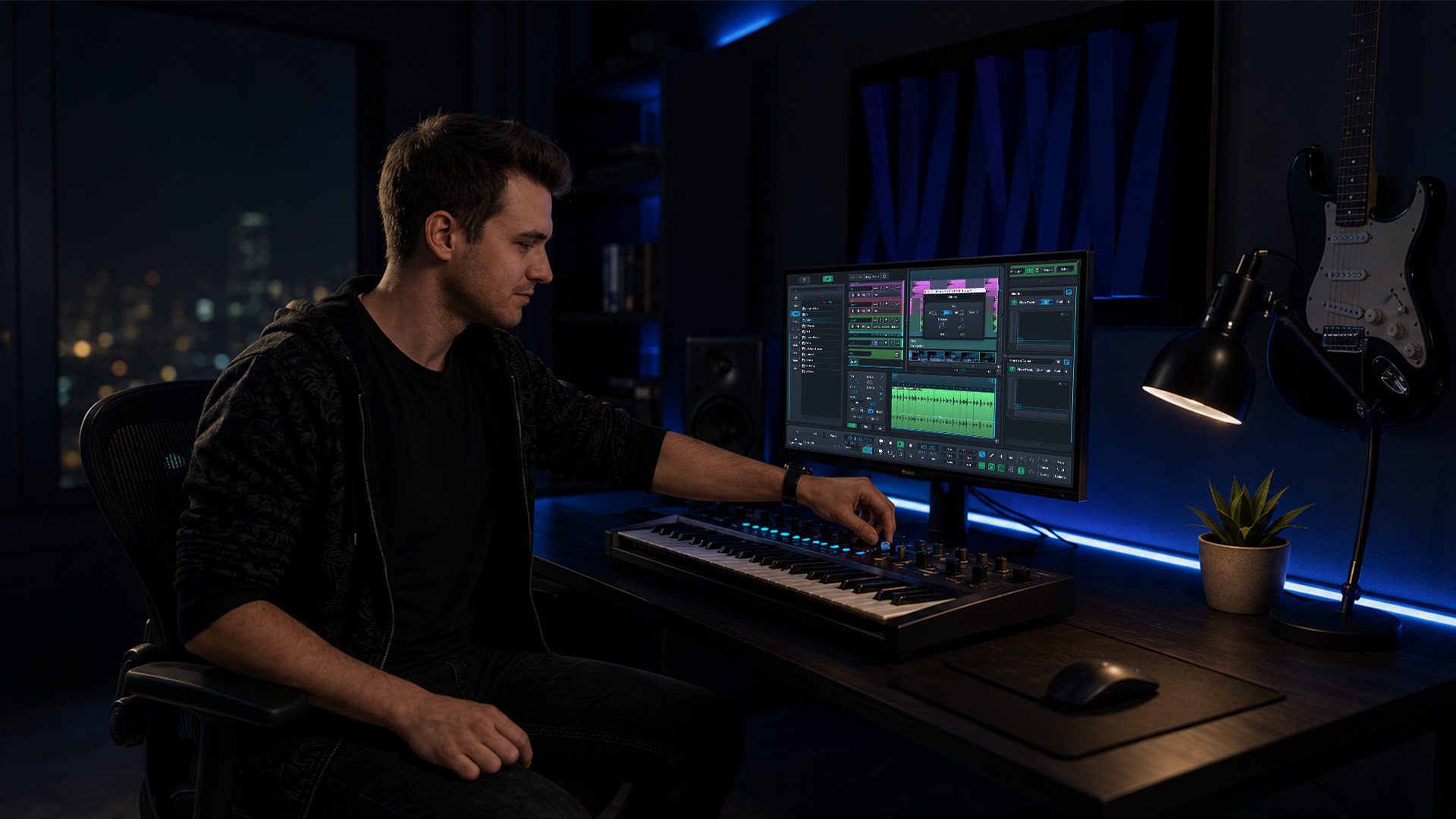
If you’ve ever wondered what a digital audio workstation is and why every producer, podcaster, and film composer seems to swear by one, you’re not alone. A DAW is the software that turns your computer into a fully functional recording studio, and understanding it changes how you think about music creation entirely. This guide covers what DAWs actually do, how they work, which type fits your goals, and what’s happening at the forefront of the technology right now.
Key Takeaways
| Point | Details |
|---|---|
| DAWs replace physical studios | A digital audio workstation handles recording, editing, mixing, and mastering in one software environment. |
| Choice depends on your workflow. | The best DAW matches your music style, budget, and hardware setup rather than any universal ranking. |
| DAWs are more than software. | Hardware, audio interfaces, and your monitoring setup all affect how well your DAW performs. |
| AI is reshaping the tools. | Automation and AI features are accelerating creative workflows for beginners and professionals alike. |
| One DAW mastered beats many sampled. | Committing to a single platform and learning it deeply yields better results than constantly switching platforms. |
What Is a Digital Audio Workstation, Exactly?
A digital audio workstation is software that lets you record, edit, arrange, mix, and master audio on a computer. Think of it as the control room, the mixing console, the tape machine, and the instrument rack all merged into one screen. Before DAWs existed, getting a professional recording meant booking time in a physical studio, renting racks of outboard gear, and working around the limitations of analog tape.
Today, DAWs function as all-in-one virtual studios that handle every stage of audio production. The core interface you’ll find in almost every DAW includes:
- A multitrack timeline where your audio and MIDI clips live side by side
- A mixer for balancing levels, panning, and routing signals
- Virtual instruments (synthesizers, drum machines, samplers) that generate sound without physical hardware
- Effects plugins for adding reverb, compression, EQ, and everything in between
- MIDI editors for programming beats, melodies, and chords with precision
The applications go well beyond music. Podcast producers use DAWs to cut interviews and apply noise reduction. Film composers score scenes to picture inside the same timeline. Post-production engineers clean up dialogue and design sound effects. If audio is involved, a DAW is almost certainly in the room.
Types of DAWs and How to Choose Yours
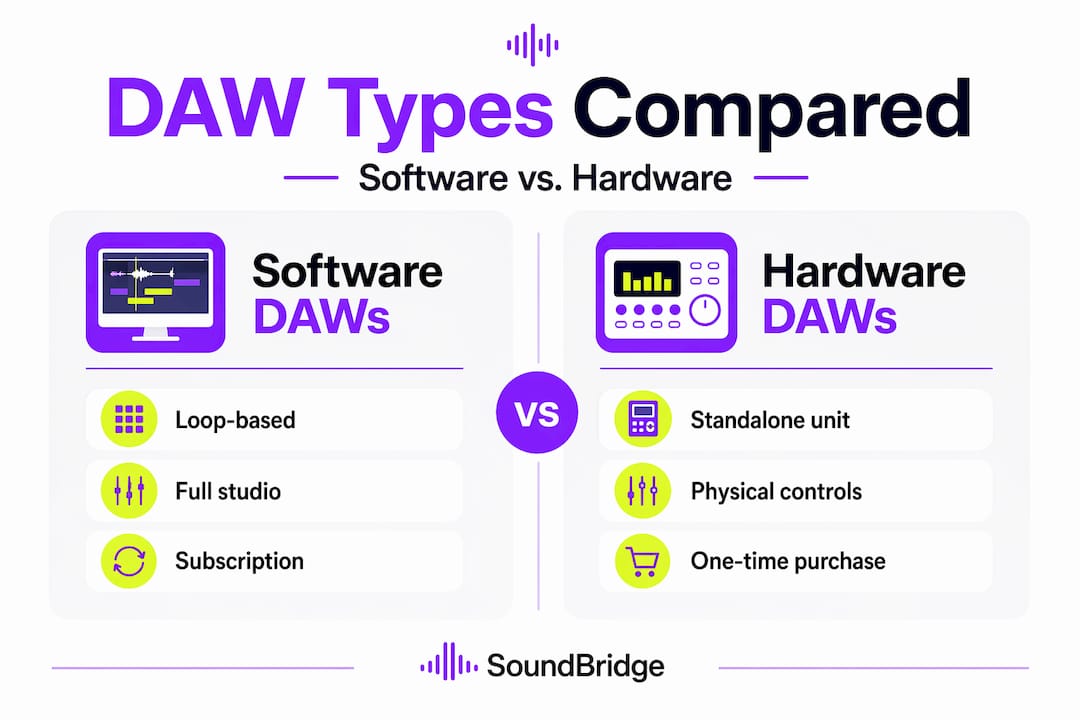
Not all DAWs are built the same, and the differences matter more than beginners expect. The most common category is software DAWs that run on your laptop or desktop. These range from free entry-level options to professional-grade platforms that cost several hundred dollars.
Hardware DAWs are a separate category entirely. These are standalone units with built-in screens and controls, designed for producers who want dedicated hardware rather than a general-purpose computer. They’re less common today because software DAWs have become so capable, but they still appeal to producers who prefer a tactile, distraction-free setup.
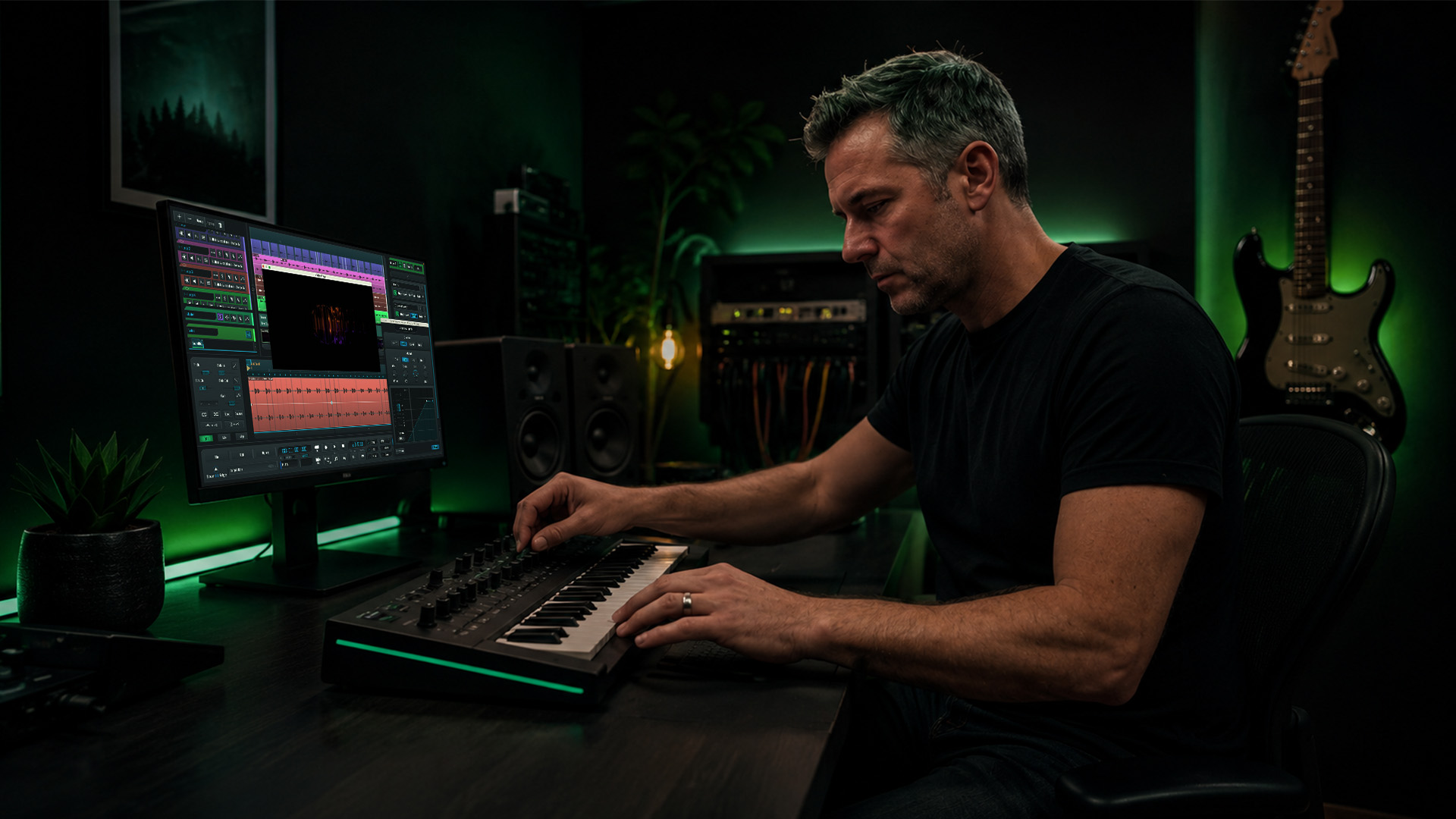
Among software DAWs, the best choice depends entirely on your workflow. Producers making EDM and electronic music gravitate toward loop-based, clip-launching tools. Engineers tracking live bands often reach for linear, tape-style recorders. Film composers prioritize deep MIDI editing and video sync. No single platform wins across all scenarios.
| DAW category | Best for | Platform | Cost model |
|---|---|---|---|
| Loop-based / clip launching | Electronic music, live performance | Mac, Windows | Perpetual or subscription |
| Linear recording | Band tracking, podcasting, and post-production | Mac, Windows | Perpetual or subscription |
| Mobile / browser-based | Sketching ideas, remote access | iOS, web | Free or low-cost subscription |
| Integrated hardware | Distraction-free, tactile control | Standalone | Upfront hardware purchase |
Professional DAWs typically offer perpetual licenses for around $200 or subscription tiers, while free versions usually cap the number of tracks or limit plugin support. Platform compatibility matters too. If you use a Mac, you have access to tools not available on Windows, and vice versa. Knowing your operating system before committing to a DAW saves you frustration later. The SoundBridge guide on Mac vs. Windows compatibility is worth checking before you commit.
Pro Tip: Don’t pick a DAW based on what your favorite artist uses. Pick based on the type of music you make and whether the interface feels natural within the first hour of use. That gut reaction is a real signal.
How DAWs Work In a Real Production Workflow
Understanding the theory of a DAW is one thing. Seeing how it maps to an actual session is where everything clicks. Here’s how a typical production moves through a DAW from start to finish:
- Record or import audio. You plug a microphone or instrument into an audio interface connected to your computer. The DAW captures the signal onto a track in real time. Alternatively, you import pre-recorded samples or loops.
- Program MIDI. Using a MIDI keyboard or the built-in piano roll editor, you draw notes that trigger virtual instruments. This is how most modern beats, melodies, and basslines get built when you’re not recording live instruments.
- Arrange your tracks. You cut, copy, move, and layer audio and MIDI clips along the timeline. This is where your verse, chorus, and bridge structure takes shape.
- Apply effects and virtual instruments. Plugins load directly inside the DAW. You add a compressor to tighten a snare, reverb to push a vocal back in the mix, or a synthesizer to create a wide atmospheric pad.
- Mix your session. The mixer lets you set levels, pan sounds across the stereo field, and automate changes over time. This is where your solid kicks get punch and your vocals sit clearly above the music.
- Master the final output. Mastering applies final EQ, limiting, and loudness adjustments to prepare your track for streaming platforms or distribution.
Remote collaboration has become a defining feature of modern DAWs, too. Cloud-based sessions let multiple producers work on the same project from different locations, with changes syncing in real time. For anyone serious about audio editing techniques or remote tracking workflows, this capability fundamentally changes what’s possible outside a physical studio.
Pro Tip: Learn your DAW’s keyboard shortcuts before anything else. Producers who navigate by keyboard rather than mouse work three to four times faster, and that speed keeps creative ideas alive instead of dying while you hunt through menus.
The Future of DAWs: AI, Accessibility, and What’s Next
The global DAW software market is projected to reach $4.22 billion by 2030, growing at 7.4% annually. That kind of growth reflects how central these tools have become, and the next wave of development is moving fast.
AI integration is accelerating workflow efficiency across both professional and hobbyist setups. Producers are using AI features to auto-separate stems from a mixed track, generate chord progressions from a mood input, or detect and fix pitch and timing issues in seconds. Tasks that once required hours of manual editing now take minutes. The SoundBridge resource on audio editing automation goes deeper into how these tools are changing daily production routines.
The accessibility story is just as exciting. Professional-quality audio creation now happens on consumer laptops and even browsers, stripping away the gatekeeping that once required proprietary gear and physical studio time. A bedroom producer can create tracks that compete commercially. That shift is real and still accelerating.
A few considerations are worth keeping in mind:
- Latency remains a technical challenge, especially for live recording. Your computer’s processing power and audio interface quality directly affect how snappy the DAW feels.
- Learning curves vary significantly. Some DAWs are approachable in a weekend; others take months to navigate confidently.
- Hardware requirements matter more than people admit. A DAW is an ecosystem, not just software. Your audio interface, headphones, and studio monitors shape your results as much as the software itself.
“Mastering one DAW’s workflow, shortcuts, and signal routing increases production efficiency far more than sampling five different platforms.” — MusicRadar
My Take: What Beginners Get Wrong About DAWs
I’ve watched many new producers make the same costly mistake. They spend weeks researching DAW comparisons, download four or five free trials, bounce between them for months, and then wonder why they haven’t finished a single track. The tool becomes the obstacle instead of the enabler.
In my experience, the DAW you stick with long enough actually to understand is always the right DAW. Switching platforms constantly limits creative momentum, and that’s not just opinion. It’s a productivity reality that experienced producers know well.
What I’ve learned is that the software matters far less than the environment around it. Your audio interface, headphones or monitors, and the acoustic treatment of your room will determine your results more than whether you’re on one platform or another. Get those fundamentals right, then go deep on one tool.
The producers I’ve seen grow fastest are the ones who treat their DAW like an instrument. They practice it. They learn signal routing not because a tutorial told them to, but because they got curious about a specific sound. That curiosity is where real skill builds. Pick your DAW, commit to it, and let the music lead you deeper into the software rather than the other way around.
— Wake
Start Building With SoundBridge Today

If you’re ready to move from curiosity to creation, SoundBridge is built for exactly that moment. It runs on both Mac and Windows, offers a free tier to get you started without commitment, and supports zero-latency remote recording with studio-accurate synchronization that most DAWs can’t match at any price. Whether you’re tracking your first vocal or scoring a film scene, the interface adapts to your workflow rather than forcing you into someone else’s.
SoundBridge also packs in high-fidelity processing at 192kHz, bi-directional plugin control, and integrated video support for film scoring. Explore the essential DAW features guide to see how those tools map to real production goals. And if you want a structured path from your first session to professional-sounding tracks, the home studio-to-pro tracks guide will show you the way.
FAQ
What is a DAW used for?
A digital audio workstation is used to record, edit, arrange, mix, and master audio. Applications span music production, podcast editing, film scoring, and audio post-production.
Do I need expensive gear to run a DAW?
No. Most modern DAWs run on standard consumer laptops, and many offer free tiers. That said, a quality audio interface and monitoring setup significantly improves your results regardless of which software you choose.
What is the difference between a DAW and recording software?
Recording software captures audio to your hard drive, while a DAW is a full production environment that records, edits, arranges, applies effects, mixes, and masters audio in one place.
Which DAW is best for beginners?
The best DAW for beginners is one with an approachable interface that matches your music style. Rather than following a universal ranking, test a free trial and see which feels natural within the first session.
Is a digital audio workstation only for music?
No. DAWs are used for podcasting, audiobook production, film and TV post-production, game audio design, and sound engineering. The core workflow adapts across all of these applications.
Recommended
MASTER MUSIC PRODUCTION
Expert-led courses designed to take you from fundamentals to finished tracks.

HOUSEFrom bouncy bass and solid kicks, this course teaches you the most modern House music production techniques needed to succeed and stand out.

TRAPQuit sounding like generic Trap and produce something World with hints of the Far East. Create ethnic soundscapes to put your Trap ahead of the curve.

AMBIENTProduce relaxing, sophisticated psy-influenced ambient. Psychedelic and relaxing to listen to, create meditative soundscapes to put your listeners in Zen.