

What Is a DAW? The Musician’s Guide to Digital Audio Workstations
Last Edited: May 18, 2026
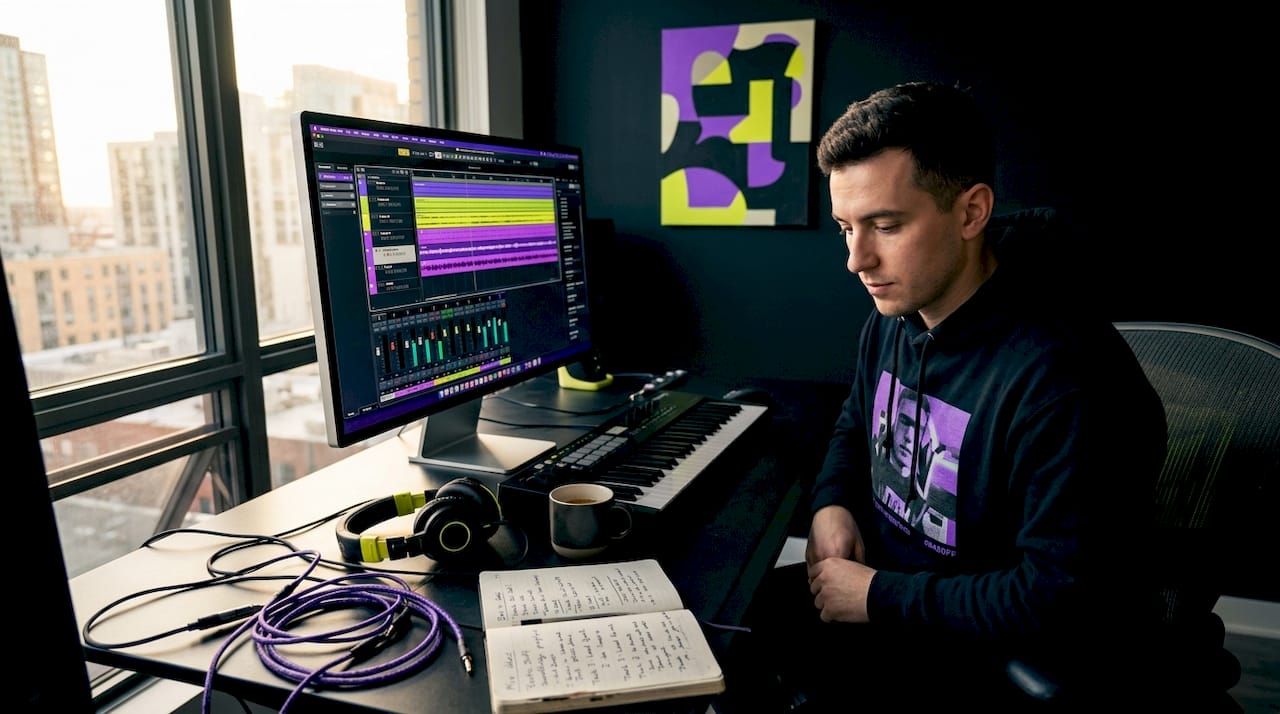
Many musicians think a DAW is simply recording software. It’s not. A DAW (Digital Audio Workstation) is your entire studio, condensed into a single environment where you record live tracks, program MIDI instruments, arrange full compositions, mix with professional-grade plugins, and now collaborate with musicians across the world in real time. Whether you’re building cinematic soundscapes for film or laying down solid kicks for a House track, understanding what a DAW does and how to push its advanced features will define the quality of your output. This guide covers everything from the DAW definition to remote collaboration workflows built for serious producers.
Key Takeaways
| Point | Details |
|---|---|
| DAW basics | A DAW is your complete digital studio for recording, editing, mixing, and producing music in one workspace. |
| Advanced collaboration | Modern DAWs support cloud-based projects with low-latency tools for real-time remote collaboration. |
| Hardware matters | A quality audio interface is essential for accurate recording and smooth DAW performance. |
| Project container | Using the right project format ensures seamless collaboration and editing. |
| Optimize workflow | Leverage built-in collaboration features and stabilize network settings to maximize productivity. |
What Is a DAW and How Does It Work?
At its core, a DAW is an electronic device or application software used to record, edit, and produce audio files, allowing you to arrange and mix multiple tracks in one place. Think of it as the control room, the recording booth, and the mixing desk all rolled into one screen. That’s the real power of the DAW definition, understood properly.
Most modern setups are software-based, but the full DAW environment typically includes four key components working together:
- Computer: The processing engine. Speed and RAM directly affect how many tracks and plugins you can run without glitches.
- Audio interface: Converts your microphone or guitar’s analog signal into digital data that the DAW can work with, and converts it back for playback through speakers or headphones.
- DAW software: The actual program where all the creative work happens, from recording to final export.
- User input device: Keyboard, mouse, MIDI controller, or a control surface for tactile mixing.
Inside the software, you’ll navigate a consistent set of elements regardless of which DAW you use. The timeline is where you arrange audio and MIDI clips across time. The mixer handles track volumes, panning, and signal routing. Transport controls let you play, stop, record, and loop. Track controls manage individual channels, while waveform displays show you exactly what your audio looks like visually so you can edit with precision.
What makes exploring essential DAW features so rewarding is how these elements interact. A single project file can hold 60 audio tracks, 30 MIDI instrument channels, dozens of plugin effects, and full automation data, all running simultaneously. That’s not just recording software. That’s a full creative studio.
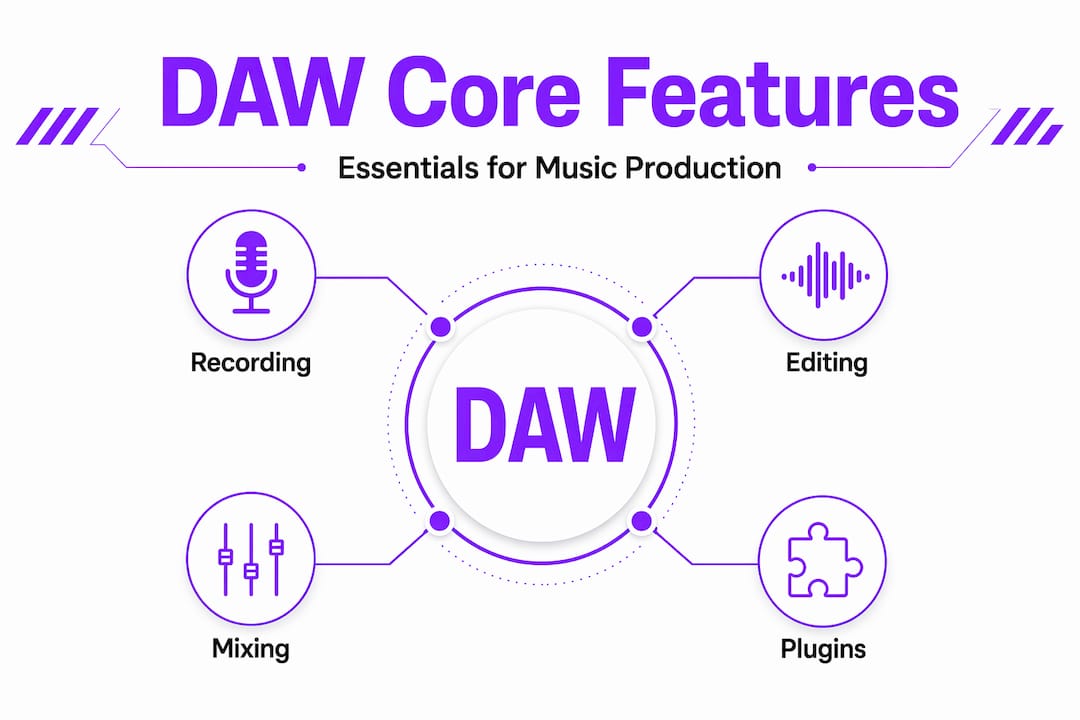
Core DAW Features for Music Production and Scoring
A DAW is the software workspace where you record and arrange sounds, including supporting MIDI-based virtual instruments and plugin-based processing alongside audio-track editing. For musicians and film composers, this combination is what separates a DAW from a simple audio recorder.
Here’s how the core workflow typically flows in a production session:
- Record live audio. Vocals, guitars, live drums, and anything played through a microphone or direct input get captured onto dedicated audio tracks with precise timing.
- Program MIDI instruments. Using a keyboard controller or the DAW’s piano roll, you build drum patterns, bass lines, and melodic ideas using virtual instruments. A full orchestral arrangement for a film score can live entirely within MIDI tracks.
- Edit with precision. Cut, move, trim, and delete clips on the timeline. Adjust note lengths and velocities in the MIDI editor. Apply time-stretching to sync audio to a video scene.
- Automate effects parameters. Draw automation curves to make a reverb fade in, a filter sweep across a drop, or a volume swell under a cinematic cue. This is where your mix comes alive.
- Mix the session. Balance track levels, apply EQ to carve sonic space, add compression for punch, and send tracks to reverb or delay returns for depth.
- Export the final file. Bounce your session to a stereo master, or export individual stems for further use by a mixing or mastering engineer.
Mastering your audio editing techniques inside the DAW is what separates a rough demo from a polished release. The music production features available in modern DAWs are genuinely staggering, from spectral repair tools to AI-based pitch correction built right into the timeline.
Pro Tip: Don’t sleep on automation. Most beginners mix statically, setting levels once and leaving them. Real mixes breathe, they move. Even a single-volume automation lane on your lead vocal can transform how alive a track feels.
Remote Collaboration With Modern DAWs: Challenges and Solutions
This is where modern DAW comparison conversations get genuinely interesting. Traditional DAW sessions were built for one person in one room. Cloud-based collaboration broke that model wide open, but it also introduced real technical problems you need to understand before you rely on it for client work.
The two biggest obstacles in remote DAW collaboration are latency and synchronization. Latency is the delay between what a performer plays and what gets captured. In a local studio, your interface handles this. Over a network, delays can accumulate, making real-time tracking feel impossible. Synchronization issues mean collaborators hear or see different things at different times, creating misaligned edits and creative chaos.
Here’s what the evolution of remote collaboration now looks like in practice:
- Cloud project formats replace local session files. Pro Tools uses a separate cloud “Project” format specifically for collaboration instead of traditional local “Session” files, illustrating how even legacy DAW platforms had to rebuild their architecture to support real teamwork.
- Sample-accurate latency compensation keeps audio aligned down to the sample level, so a guitarist in London and a drummer in Los Angeles hear the same downbeat.
- Bi-directional DAW control lets a remote producer adjust the mixer, tweak plugin settings, and automate parameters in the session as if they were sitting at the desk.
- Integrated communication tools, such as webcam feeds and talkback channels, keep the creative conversation flowing without jumping between apps.
| Feature | Cloud-based collaboration | Local session |
|---|---|---|
| Timeline sharing | Real-time synced | Manual file transfer |
| Latency management | Sample-accurate compensation | Interface-dependent |
| Plugin control | Bi-directional remote access | Local only |
| Communication | Integrated webcam and talkback | External tools needed |
| File backup | Automatic cloud storage | Manual |
SoundBridge’s Virtual Collaboration feature provides sample-accurate latency compensation and bi-directional control for remote mixing and tracking, setting a clear standard for what studio-quality remote production actually requires.
Pro Tip: Before any remote session, run a latency test with your collaborator. A few minutes of testing saves hours of frustration mid-session. Use your DAW’s built-in latency measurement tools, not guesswork.
Check out these remote music collaboration tips to sharpen your remote workflow before your next session.
The Role of Audio Interfaces and Hardware in DAW Setups
Your DAW software is only as good as the hardware feeding it a signal. This is a truth that trips up many producers as they move from bedroom setups to professional work.
DAWs rely on an audio interface or sound card to convert analog signals to digital and digital back to analog, which is crucial for recording accuracy and performance. Your laptop’s built-in audio card was designed for casual listening, not low-latency professional recording. It introduces noise, limits input options, and typically can’t handle the sample rates of required for serious production.
Here’s what a proper audio interface setup gives you:
- Clean analog-to-digital conversion that captures the true character of your microphone or instrument without added coloration or noise.
- Low-latency monitoring so you hear yourself in real time while recording, without the distracting delay that kills a performance.
- Multiple inputs and outputs for recording several musicians at once or routing different signals to different monitoring systems.
- Support for high sample rates, up to 192kHz in professional setups, which gives you headroom for heavy processing without degrading the source material.
Good hardware selection also directly affects remote collaboration. An interface with stable clock performance and low round-trip latency makes the difference between a remote session that feels like a real studio and one that feels like a phone call. For audio interface integration, it’s worth investing in a dedicated unit even if you’re starting.
Practical Tips for Optimizing Your DAW Workflow and Remote Projects
Knowing what a DAW does is one thing. Running a tight, productive session is another. These are the habits that separate organized producers from those who lose hours to technical problems.
- Lock down your project format early. Treat the project container type as the single source of truth. Cloud projects and local sessions don’t mix cleanly. Decide before the session starts, not after you’ve recorded three hours of takes.
- Use sample-accurate latency compensation. Low-latency monitoring and synchronization are critical for remote tracking. Features that compensate automatically remove the guesswork, letting you focus on the music.
- Keep communication inside the DAW. Switching between a DAW and a video call app while recording breaks your flow. Use integrated talkback and webcam tools that live in the session itself.
- Back up cloud projects manually, too. Cloud storage is reliable but not infallible. Export a local copy of key session states after major milestones. Think of it like saving your game before a boss fight.
- Optimize your network before you optimize your plugins. A wired Ethernet connection beats Wi-Fi every time for remote sessions. Reduce network traffic on your connection during recording to keep the data stream clean.
For more on building a rock-solid remote workflow, revisit the " Maximize Remote Collaboration " guide and pair it with the " Unlock DAW Features " resource to sharpen both sides of your setup.
Pro Tip: Create a pre-session checklist and share it with every collaborator before you start. Covering interface settings, project format, and communication tools in five minutes upfront saves the session from derailing later.
Why Embracing Cloud Collaboration and Hardware Synergy Is the Future of DAWs
Here’s an opinion worth sitting with: most producers who struggle with remote collaboration are not fighting a technology problem. They’re fighting a mindset problem. They still think of their DAW as an isolated studio, a closed room where their music lives. That view is outdated, and it limits what you can create.
Modern production is a hybrid sport. Your DAW is a platform that spans physical hardware, local software, and cloud infrastructure simultaneously. The cloud Projects format, designed specifically for collaboration workflows, illustrates a shift toward integrated cloud-based production that the entire industry is moving toward. Ignoring that shift is like refusing to use plugins because you prefer hardware compressors. Romantic, but limiting.
The practical implication? You need to invest time in learning cloud workflows, just as you once learned your signal chain. Understanding latency compensation, cloud project formats, and bi-directional control is no longer optional for professional work. It’s table stakes.
The producers and composers thriving right now are the ones treating every layer of their setup, interface, network, DAW software, and cloud architecture as one connected system. When all four are optimized and working together, the creative ceiling rises dramatically. You can track a vocalist in real time from another continent, mix without bouncing files back and forth, and deliver a finished record without being in the same room.
That’s not a future scenario. That’s happening right now. Your job is to get fluent in it. Explore DAW production insights to stay sharp as the tools keep evolving.
Explore Soundbridge: The DAW Built for Music Production and Remote Collaboration
If this guide has you rethinking what your DAW environment should be capable of, SoundBridge was built precisely for this moment in music production. It combines the depth professional engineers expect with the remote-first architecture that modern collaboration demands.

SoundBridge delivers zero-latency remote tracking with sample-accurate latency compensation, bi-directional control of plugins and hardware, integrated webcam and talkback, and high-fidelity audio processing up to 192kHz. Whether you’re scoring for picture, producing full-band records remotely, or engineering a hybrid studio session across time zones, it handles the technical load. Hence, you stay focused on the music. Dig into the essential DAW features guide to see what’s possible, and explore the remote collaboration tips to build a workflow that’s ready for any session.
Frequently Asked Questions
What exactly does a DAW do in music production?
A DAW records, edits, arranges, mixes, and exports audio and MIDI, combining a mixer, timeline, and plugin interface in one program to give you a complete digital studio environment for music creation.
How do modern DAWs handle remote collaboration?
They use cloud-based project formats with synchronization and low-latency tools. SoundBridge’s Virtual Collaboration feature, for example, provides sample-accurate latency compensation and bi-directional control for real-time remote recording and mixing.
Why is an audio interface important for recording with a DAW?
DAWs rely on an interface to handle accurate analog-to-digital conversion and smooth recording performance, which a built-in laptop audio simply cannot provide at a professional level.
Can I collaborate with others if we use different DAW software?
Effective collaboration usually requires compatible project formats. Using the correct project container, such as a cloud Project versus a local session, is vital to let collaborators share the same timeline and edits without version conflicts.
Recommended
MASTER MUSIC PRODUCTION
Expert-led courses designed to take you from fundamentals to finished tracks.

HOUSEFrom bouncy bass and solid kicks, this course teaches you the most modern House music production techniques needed to succeed and stand out.

TRAPQuit sounding like generic Trap and produce something World with hints of the Far East. Create ethnic soundscapes to put your Trap ahead of the curve.

AMBIENTProduce relaxing, sophisticated psy-influenced ambient. Psychedelic and relaxing to listen to, create meditative soundscapes to put your listeners in Zen.