

What Is Synchronized Remote Recording for Producers
Last Edited: May 27, 2026
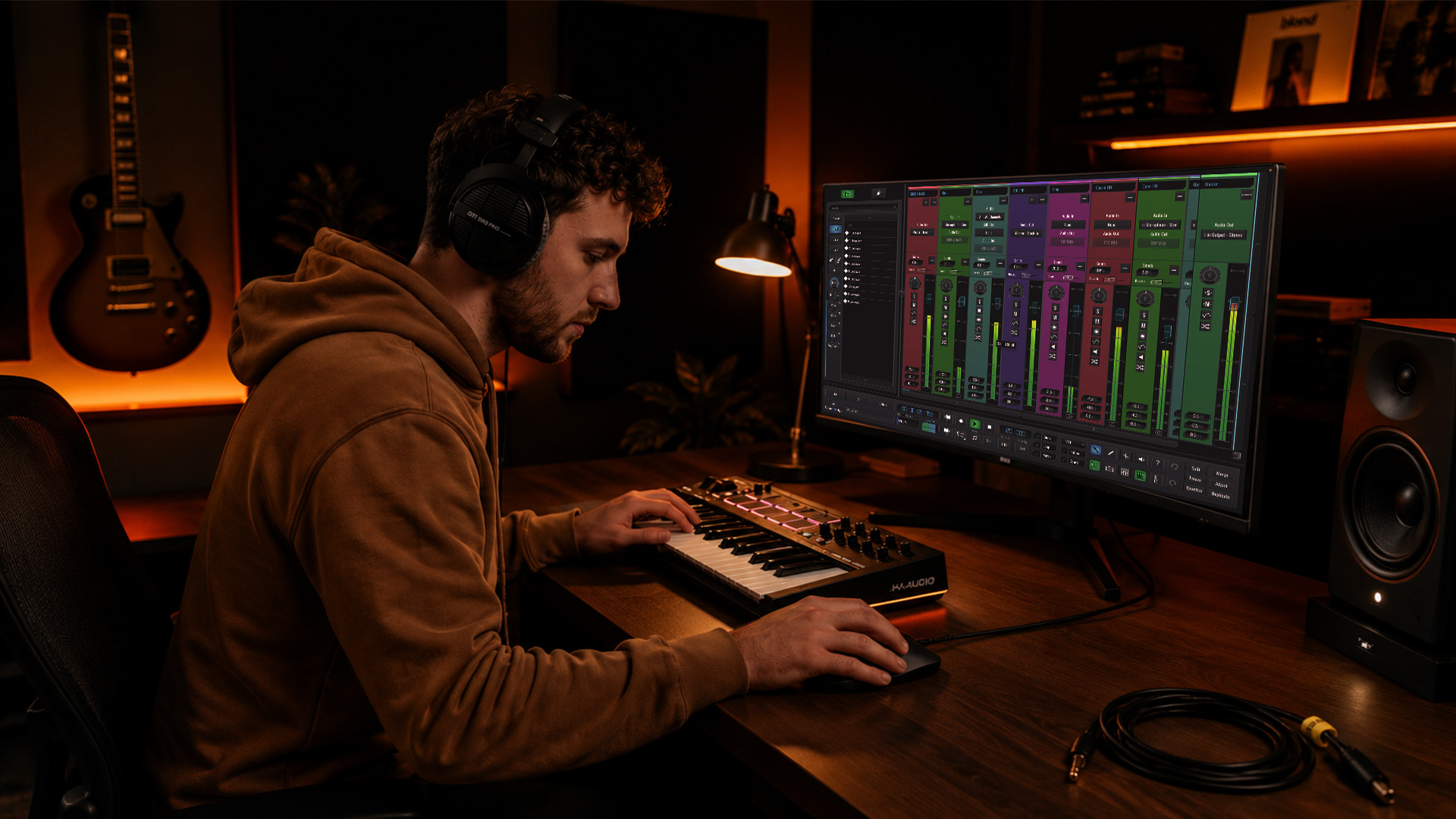
Remote collaboration is no longer a workaround. It is how serious music gets made. But what is synchronized remote recording, exactly, and why do so many producers end up with tracks that feel slightly off, even after careful takes? Most assume their DAW or video call handles sync automatically. It does not. The difference between a tight, professional result and a drifting mess often comes down to one thing: whether every participant’s audio was captured locally, at full fidelity, with a shared timing reference that actually holds up over time.
Key Takeaways
| Point | Details |
|---|---|
| Local capture beats streaming | Each performer records to their own device to avoid network artifacts and irreversible compression. |
| Sample-accurate sync is the standard. | Professional workflows align audio to within 1/44,100th of a second, preventing audible drift. |
| Clock drift ruins long sessions. | Even a small timing mismatch compounds over time and misaligns tracks in post-production. |
| Generic conferencing tools fall short. | Platforms like Zoom prioritize call stability over audio quality, which can introduce compression and sync errors. |
| Lossless archives future-proof your work. | Keeping uncompressed files preserves editing flexibility and protects against codec obsolescence. |
What Synchronized Remote Recording Really Means
Synchronized remote recording is the practice of capturing each participant’s audio locally on their own device while maintaining a shared timing reference across all recordings. The result: after the session, every track lines up precisely in your DAW with no guesswork and no drift. Think of it as everyone recording to their own tape machine in their own room, all locked to the same clock on the wall.
The precision standard in professional audio is tight. Sample-accurate sync aligns playback across multiple machines to within 1/44,100th or 1/48,000th of a second, which matters deeply for drum overdubs, Foley work, and any session where rhythmic tightness is non-negotiable. Miss that window, and you start hearing problems above 10 milliseconds, which arrives faster than most producers expect on a long session.
What most people miss is the difference between monitoring latency and recording quality. You hear a delay on headphones during a remote session. That is normal. What matters is whether the captured audio is clean, uncompressed, and time-stamped correctly for post-production alignment.
“Most users wrongly assume remote platforms auto-handle sync flawlessly. Understanding clock drift is essential for professional quality.” — Remote audio collaboration
The contrast with generic tools is stark. Video conferencing apps prioritize real-time stream stability at the expense of recording quality, introducing irreversible compression and synchronization errors that no amount of post-processing can fully fix. These tools were built for meetings, not multitrack music.
Key problems you face with non-specialized tools:
- Lossy codec compression destroys transient detail in drums and acoustic instruments
- Automatic gain control fights your carefully set input levels
- Mixed-down stereo streams prevent individual track editing in post
- Clock drift accumulates silently across a 30-minute session
Core Technologies That Make It Work
Understanding the technology behind synchronized audio recording helps you choose the right tools and build a workflow that actually holds up. Here is how the serious approaches break down.
The dual-local recording method captures both your local microphone and the decoded remote stream as separate tracks, enabling frame-accurate alignment with zero re-encoding. This is the foundation of how platforms like Riverside work: each person records locally at full quality while the internet connection only handles the real-time monitoring feed.
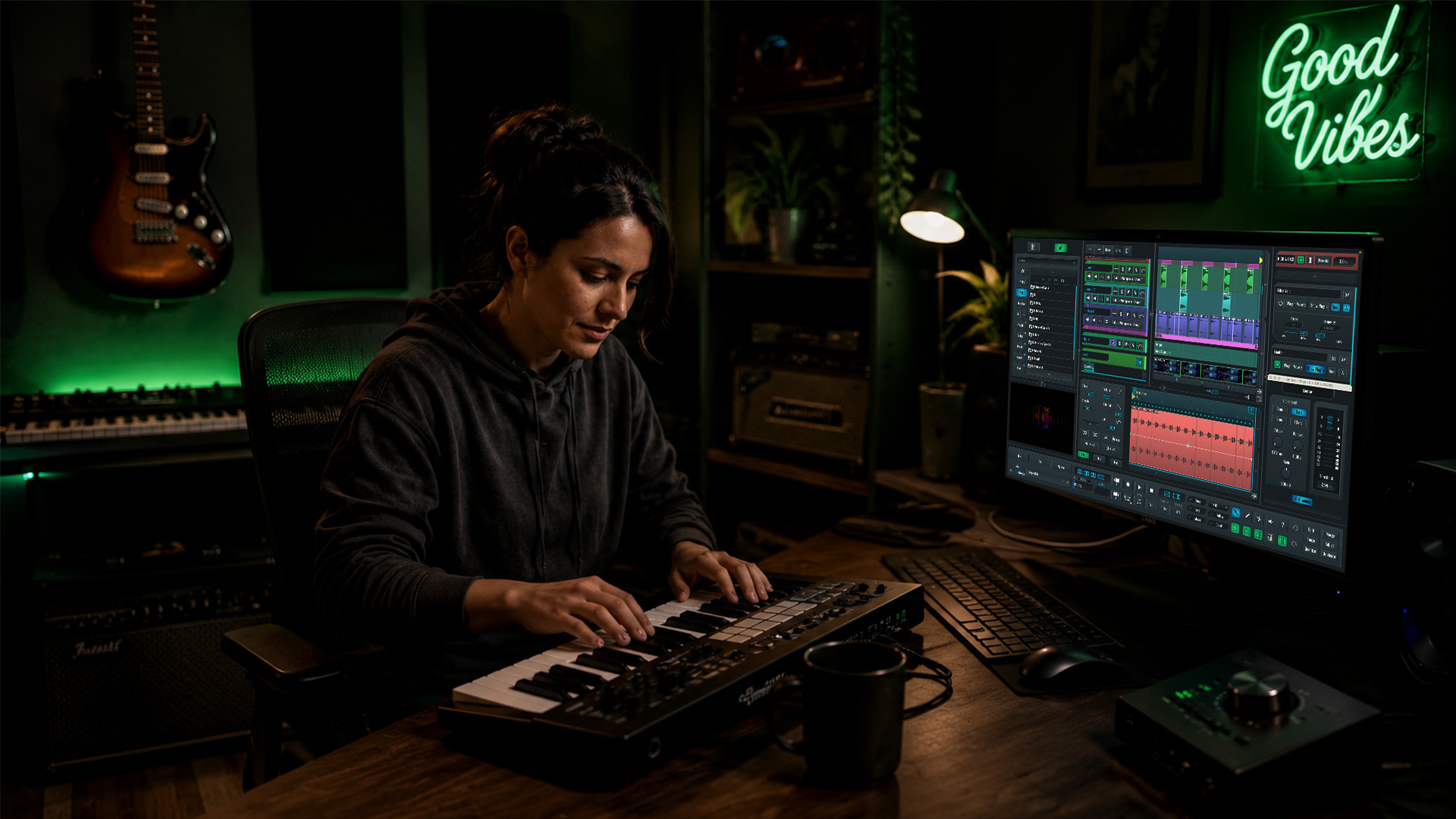
Timecode and jam-syncing take precision further. Jam-syncing devices to a master timecode before recording ensures extended frame-accurate sync even when temporarily disconnected from the network, a standard in video and high-end audio productions. Tools like the Rode Wireless Pro implement this at the hardware level.

Dante Connect pushes the ceiling even higher for live production scenarios. Professional remote production can achieve latency under 10 nanoseconds using Dante technology for synchronized audio transmission, enabling centralized cloud mixing with practically imperceptible delay.
Latency Accepting Solutions (LAS) takes a different philosophical approach. Rather than fighting internet latency, LAS platforms transmit MIDI data instead of high-bandwidth audio, rendering sound locally on each machine. This sidesteps the latency problem entirely and works especially well for collaborative songwriting where rhythmic feel matters more than sample-perfect alignment.
Here is a quick comparison of the major approaches:
| Method | Best for | Latency handling | Audio quality |
|---|---|---|---|
| Local recording + cloud sync | Podcasts, multitrack music | Post-production alignment | Lossless |
| Dante Connect | Live production, broadcast | Near-zero real-time | Professional grade |
| LAS / MIDI-based | Live remote jams | Accepts latency by design | Locally rendered |
| Conferencing apps | Casual calls only | Prioritizes stability | Compressed, lossy |
Pro Tip: Run a full test session of at least 20 minutes before any real project. Clock drift is subtle at minute five and obvious at minute twenty. Testing with actual session length catches problems before they cost you a take.
The workflow most producers land on combines local recording with cloud sync for post-production alignment. Each person captures uncompressed audio on their own machine, files upload automatically after the session, and you align them in your DAW. Local recording with cloud sync minimizes network-induced artifacts and timing drift far more effectively than any real-time streaming approach.
Common Challenges and How to Solve Them
Even with the right tools in place, remote sessions surface specific technical problems. Knowing what to watch for puts you ahead of most remote collaborators.
Clock drift is the primary culprit in misaligned long sessions. Clock drift causes misalignment even when the initial sync is solid, because each device’s internal clock runs at a slightly different rate. The fix is to record uncompressed audio locally on each device and align tracks in post-production, rather than trusting real-time sync to hold.
The confusion around monitoring latency trips up many musicians new to remote recording techniques. You hear a 50ms delay in your headphones and assume the recording is broken. It is not. The recording captures audio at the moment of performance. The latency is only in the monitoring path, which is separate from what gets written to disk.
Common challenges to watch for in every session:
- Participants recording at different sample rates (44.1kHz vs 48 kHz) causes pitch shifts on alignment)
- Relying on mixed stereo streams from conferencing apps instead of individual tracks
- Using compressed file formats like MP3 or AAC for final capture instead of WAV or AIFF
- Skipping a shared countdown or clap for manual alignment fallback
Pro Tip: Always record a hand clap or a shared click track at the start of every remote session. Even if your sync method is solid, this gives you a visual transient spike in the waveform, making foolproof manual alignment in post possible.
High-fidelity local recordings preserve dynamics and offer noise reduction and editing flexibility that compressed, streamed audio can never match. Synchronized remote recording reduces post-production alignment effort by up to 68% compared to hybrid cloud-mixed workflows. That is hours saved on every project.
Practical Setup for Musicians and Producers
Here is a step-by-step approach you can apply right now to any remote session, whether you are tracking vocals with a singer across the country or co-writing with a producer in a different time zone.
- Choose a purpose-built platform. Use a tool designed for synchronized sound recording, not a video call app. Riverside, Zencastr, or a DAW with native remote tracking like SoundBridge all capture locally at each end.
- Set matching sample rates. Before the session, confirm that all participants are recording at the same rate, typically 44.1kHz or 48kHz. Mismatched rates cause pitch and timing shifts that are painful to fix later.
- Establish a timing reference. Use a shared click track, a timecode generator, or jam-sync your devices to a master clock. This is your insurance policy against drift.
- Record uncompressed. WAV or AIFF at 24-bit minimum. No MP3, no AAC. Compressed formats discard audio data you cannot recover.
- Separate your monitoring from your capture. Use your DAW or audio interface for local monitoring. Do not route your recording through the call.
- Upload and align in post. After the session, everyone exports their local files and shares them via cloud storage. You align them in your DAW using the clap transient or timecode reference.
- Archive your raw files. Keep the original uncompressed files. Cloud syncing local files supports future-proof archiving that protects against codec obsolescence.
Pro Tip: Invest in a dedicated audio interface for every remote participant, not just the session leader. A high-quality interface stabilizes clock performance, reduces noise, and dramatically improves the raw material you work with in post.
For deeper hardware guidance, audio interfaces, and collaboration, break down which tools deliver the best fidelity and sync stability across different remote setups. And if you want a full production roadmap, producing music from home to pro covers remote collaboration techniques from signal chain to final mix.
My Honest Take On Where Remote Recording Is Heading
I have watched producers chase perfect real-time sync for years, investing in hardware and software to shave milliseconds off their monitoring latency. Here is what I have learned: chasing zero-latency monitoring is less important than obsessing over what actually gets written to disk.
The sessions that fall apart are not the ones with 40ms of monitoring delay. They are the ones where someone recorded through Zoom, or where files were captured at different sample rates, or where nobody kept the uncompressed originals. The technical ceiling for synchronized remote recording is genuinely high right now. The shared tempo and musical intent model, where performers lock to a shared pulse rather than demanding sample-perfect waveform alignment, has produced some of the most musical remote collaborations I have heard.
I am also cautious about AI cleanup tools being treated as a safety net. Practitioners rightly caution against overreliance on AI cleanups that can introduce invisible audio errors and degrade archival quality. AI can hide problems. It cannot restore what was never captured in the first place. Get the raw recording right, keep the lossless files, and the rest of post-production becomes the creative work it should be.
— Wake
Take Your Remote Sessions Further With SoundBridge
If this article has you rethinking your remote recording setup, SoundBridge is built for exactly this kind of work. The platform delivers zero-latency remote recording with studio-accurate synchronization, integrated talkback, and support for up to 192kHz sample rates, so every local capture is as clean as a physical studio session.

Once your remote tracks are captured and aligned, the post-production workflow matters as much as the recording itself. SoundBridge’s guide to audio editing automation shows you how to work through your synchronized files efficiently, from noise reduction to final mix polish. And if you want to squeeze every feature out of your DAW for remote work, the guide to essential DAW features is worth bookmarking. Your remote sessions deserve more than a workaround. Build the workflow that makes them sound like the real thing.
FAQ
What is synchronized remote recording?
Synchronized remote recording is a method in which each participant captures audio locally on their own device while sharing a common timing reference, ensuring all tracks align precisely in post-production. It avoids the compression and drift problems caused by recording through internet streams.
Why can’t I use Zoom to record remote sessions?
Video conferencing tools use lossy compression and automatic gain control, which degrade the audio quality needed for music production. They also mix all participants into a single stream, which removes the individual track control you need for professional editing.
How does clock drift affect remote recordings?
Clock drift happens because each device’s internal clock runs at a slightly different rate over time. In long sessions, this causes tracks to fall out of alignment. Recording locally and aligning in post-production is the standard fix for this problem.
What file format should I use for synchronized audio recording?
Always record in WAV or AIFF at 24-bit depth and a consistent sample rate, either 44.1kHz or 48kHz. Compressed formats like MP3 discard audio data permanently and reduce your editing flexibility in post.
How do I sync tracks from different locations in my DAW?
Record a shared clap or click track at the start of every session to create a visible transient for alignment. Alternatively, use timecode or jam-sync hardware so all devices reference the same master clock before recording begins.
Recommended
MASTER MUSIC PRODUCTION
Expert-led courses designed to take you from fundamentals to finished tracks.

HOUSEFrom bouncy bass and solid kicks, this course teaches you the most modern House music production techniques needed to succeed and stand out.

TRAPQuit sounding like generic Trap and produce something World with hints of the Far East. Create ethnic soundscapes to put your Trap ahead of the curve.

AMBIENTProduce relaxing, sophisticated psy-influenced ambient. Psychedelic and relaxing to listen to, create meditative soundscapes to put your listeners in Zen.