

Sound design fundamentals, tools, and creative applications
Last Edited: May 7, 2026
Sound design fundamentals, tools, and creative applications
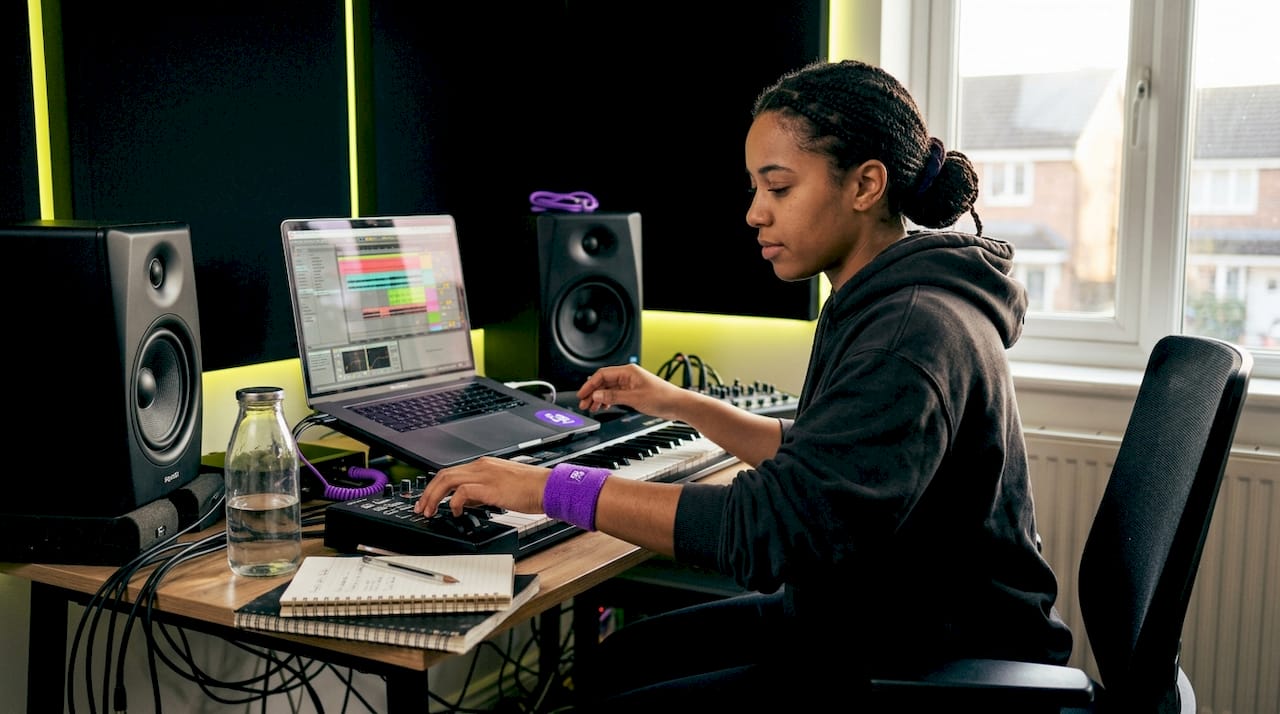
Sound design is one of the most misunderstood crafts in music production and audio work. Many producers assume it means dropping a reverb on a synth patch or layering a few samples, and calling it a day. But real sound design is a purposeful, deeply intentional process that shapes how listeners feel, react, and connect to your work. Whether you’re producing music, scoring film, or building audio for games, mastering sound design gives you a serious creative edge. This guide breaks down the fundamentals, tools, and real-world applications so you can start working smarter.
Table of Contents
- Defining sound design: Beyond simple effects
- The core building blocks: Synthesis, sampling, and more
- Workflow in action: The complete sound design process
- Nuances and real-world challenges in sound design
- Measuring impact: Productivity, quality, and technology choices
- Why embracing intent, not just tools, transforms sound design
- Level up your sound design with expert tools and guidance
- Frequently asked questions
Key Takeaways
| Point | Details |
|---|---|
| Narrative focus | Sound design should support storytelling and emotion, not just decoration. |
| Technical foundations | Mastering synthesis and sampling methods is key for effective creation. |
| Workflow efficiency | Layering, resampling, and using existing libraries can save significant time. |
| Avoid common pitfalls | Over-layering and phase issues can degrade sound quality if not managed. |
| Choose tools wisely | Free or stock DAW tools can deliver professional results when used intentionally. |
Defining sound design: Beyond simple effects
Sound design is the creative process of shaping, crafting, and manipulating audio to serve a project’s larger goals. That could mean music, film, games, theater, or interactive media. It is not just stacking effects on a track. Intent, emotional context, spatial placement, and narrative purpose come first.
This is where a lot of producers get it wrong. They treat sound design like decoration, something sprinkled on top of an already finished idea. But sound design serves narrative and emotion, not decoration. It works alongside music through frequency allocation, handoffs where sound leads and music follows, and careful integration where design elements are tuned to the score itself.
“Sound design is not about quantity of effects. It’s about purposeful placement, emotional resonance, and serving the story or mood above all else.”
Here’s what separates actual sound design from common misconceptions:
-
Misconception: Sound design means adding reverb, delay, and distortion to spice up a mix. Reality: Sound design is a structural process rooted in intent, context, and emotional goals.
-
Misconception: Music producers and sound designers do the same job. Reality: Music production shapes timbres for genre and style. Sound design focuses on narrative, immersion, and psychological impact.
-
Misconception: You need expensive tools to do it well. Reality: Understanding why you’re making a sound matters more than which plugin you use.
-
Misconception: Sound design only applies to film or games. Reality: Every great record uses sound design principles, from the texture of a bass patch to the spatial feel of a vocal layer.
Understanding what isn’t sound design is just as important as understanding what it is. If you’re adding effects without a clear sonic goal in mind, you’re not designing sound. You’re guessing. Stay current with music production news to see how these ideas evolve across genres and platforms.
The core building blocks: Synthesis, sampling, and more
To better understand the creative power of sound design, let’s examine the main technical methods professionals use.
The foundation of sound design is synthesis and sampling. Core synthesis methods include subtractive (filtering a rich waveform down to shape the sound), FM (a modulator alters a carrier frequency for metallic or bell-like tones), wavetable (scanning through waveforms for movement and texture), additive (combining sine wave partials to build complex tones), granular (breaking audio into tiny grains to create sweeping textures), and physical modeling (simulating the acoustics of real instruments).
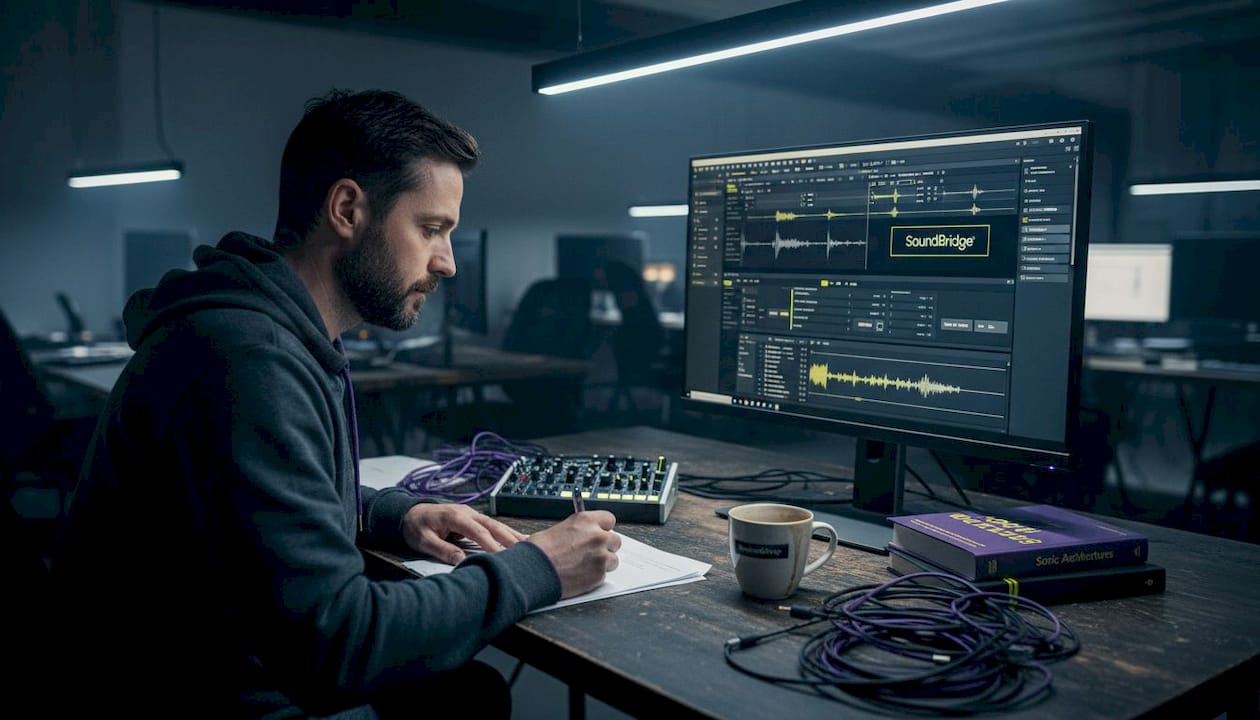
Here’s a quick comparison to help you choose the right method for your project:
| Synthesis type | Core process | Typical uses |
|---|---|---|
| Subtractive | Filter a harmonically rich wave | Bass, leads, pads |
| FM | Modulate carrier with operator | Bell tones, electric piano, metallic FX |
| Wavetable | Scan waveform tables in sequence | Evolving pads, modern synth leads |
| Additive | Layer sine partials | Organ tones, experimental textures |
| Granular | Split audio into micro-grains | Atmospheric textures, glitchy effects |
| Physical modeling | Simulate real-world acoustics | Strings, wind, hybrid instruments |
Understanding frequency ranges in EQ is critical here because every synthesis method produces a different harmonic footprint, and knowing where those frequencies live helps you shape, layer, and fit sounds into a mix more intelligently.
Here’s how a basic sound gets built inside a DAW, step by step:
- Choose a source. Pick an oscillator waveform (sawtooth, square, sine) or import a sample into your sampler.
- Shape the tone. Apply a low-pass filter to cut harsh highs, adjust resonance for character, and use an amp envelope (ADSR) to control attack and release.
- Add movement. Route an LFO (low-frequency oscillator) to the filter cutoff or pitch for motion. Use envelopes to control intensity over time.
- Layer for depth. Add a second oscillator slightly detuned for width, or combine a synthesized tone with a processed sample.
- Apply effects. Add saturation for warmth, reverb for space, and delay for rhythm. Order matters: distortion before reverb usually gives you a cleaner, more controlled sound.
- Resample and iterate. Bounce your sound to audio, then treat it as a new source. Process it again, pitch it, chop it, and rebuild.
Pro Tip: Before buying any third-party synths, spend serious time with the stock instruments in your DAW. Tools like Ableton’s Operator or Wavetable, or Logic’s Alchemy and Sculpture, are more than capable of building professional sounds and will teach you fundamentals faster than any preset library.
Workflow in action: The complete sound design process
Having covered technical building blocks, let’s walk through how these translate to hands-on workflow in your DAW.
A professional sound design workflow is an iterative loop, not a straight line. You start rough and refine through repetition. Start with oscillators or samples in DAW synths or samplers like Serum, Vital, Alchemy, or Sculpture. Shape with filters and EQ, add modulation, layer intelligently, process with effects chains, and resample for added complexity. Critically, free tools are often enough for professional-grade results.
The most common workflow stages look like this:
- Source creation: Generate or import a raw audio source (oscillator output or sample)
- Tonal shaping: Apply filters, EQ, and saturation to define the core character
- Dynamic control: Set ADSR envelopes to control how the sound evolves over time
- Layering: Combine multiple sounds at different frequency ranges without crowding the mix
- Modulation: Use LFOs, velocity-sensitive parameters, and automation to introduce movement
- Effects processing: Apply reverb, distortion effects, chorus, and delay in purposeful chains
- Resampling: Bounce, re-import, and treat the output as a new raw source to add complexity
Methodologies in DAWs center on layering multiple sources, resampling iteratively, building effects chains in the right order, and using ADSR envelopes alongside LFOs and automation for dynamic movement throughout a sound’s life cycle.
Here’s how common DAW tools translate to workflow benefits:
| DAW tool/feature | Benefit for sound design |
|---|---|
| Modular effects routing | Control over signal flow and creative processing order |
| Automation lanes | Adds evolving, living movement to static sounds |
| Audio warping/time-stretch | Transforms rhythmic feel and pitch without losing texture |
| Resampling workflow | Enables iterative complexity without CPU overload |
| Native synth instruments | Builds foundational skills without third-party dependency |
One thing worth emphasizing: creative results come from workflow discipline, not from gear. Techniques like creating uplifters with reverb are great examples of how a single well-understood effect can generate emotionally powerful moments when used with intent.
Nuances and real-world challenges in sound design
Even with strong fundamentals, many professionals face pitfalls that can compromise their results. Let’s cover solutions.
One of the most common traps is over-layering. You keep stacking sounds, thinking more equals bigger, but the result is a muddy mess where nothing cuts through. Procedural audio for interactivity, common in games and interactive film, faces this constantly. Sounds must respond to real-time events without bloating the mix. Avoiding over-layering requires discipline: only add a layer if it serves a specific frequency or emotional role that the existing layers don’t cover.
Phase issues are another silent killer. When you layer two similar sounds that are slightly out of phase, you get comb filtering, which creates hollow, thin-sounding results. This is especially problematic when your mix is played back in mono, like on a phone speaker or a TV.
Top challenges and their fixes:
- Over-layering leading to mud: Cut before you add. Use EQ to carve space for each layer, and ask whether each element earns its place.
- Phase issues from layering: Use a phase correlation meter and check your layered sounds in mono before committing to a design.
- Static, lifeless textures: Add automation and LFO movement. A sound that evolves over 16 bars feels alive in ways a static patch never can.
- Loss of impact in mono: Always check your mix in mono before finalizing. What sounds huge in stereo can collapse in mono if phase isn’t managed.
- Over-reliance on presets: Presets are starting points, not finished sounds. Modify them heavily so they serve your specific project.
Pro Tip: Use stock DAW tools first, like Ableton’s Operator or Logic’s Alchemy and Sculpture, to build fundamentals. Automate modulation for evolving textures, and always check phase and mono compatibility before finalizing any layered design.
Measuring impact: Productivity, quality, and technology choices
Beyond technical skill, how do sound design strategies affect real-world project outcomes?
The numbers here are worth paying attention to. Extensive sound libraries save 30% production time, and 82% of developers who use iterative testing report more polished final outcomes. Dynamic range in professional film sound spans 20 to 100dB, which is a staggering range that demands careful attention to levels and context. Around 60% of professional engineers prefer Pro Tools as their primary platform.
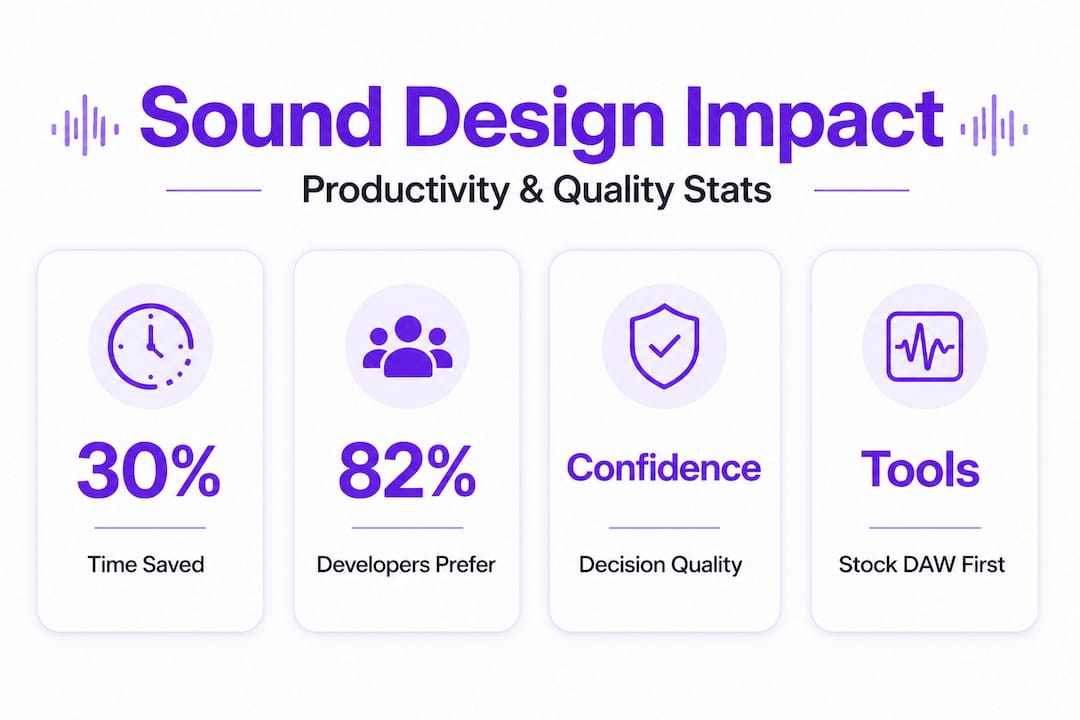
That last statistic is worth unpacking. Pro Tools dominates in post-production and broadcast environments, largely due to its deep integration with hardware and its industry-standard session format. But workflow suitability trumps reputation every time. The right DAW for you is the one that keeps you in a creative flow state and supports your specific process.
Practical tips for maximizing quality and efficiency:
- Build your own sample library. Record and process your own sounds to develop a unique sonic identity.
- Invest in your ears, not just your gear. Reference your work on multiple systems, including earbuds, studio monitors, and mono speakers.
- Use stem exports strategically. Bouncing sound design layers as stems lets you audition them in context and swap components easily.
- Automate early. Add automation to your sounds as you build them, not as an afterthought at mixdown.
- Study what works in sound design in entertainment. Analyze films, games, and records you admire for their sonic texture, not just their notes and chords.
Sound design efficiency is not about speed alone. It’s about making decisions with confidence and reducing the back-and-forth that comes from not having a clear creative vision before you start.
Why embracing intent, not just tools, transforms sound design
Here’s an uncomfortable truth that took years of production work to fully internalize: most of the time, the limiting factor in your sound design is not your plugin library. It’s the absence of a clear intent before you start.
Producers chase new tools constantly. A new wavetable synth, a fresh reverb, another sample pack. And none of it matters if you sit down at your DAW without knowing what emotional experience you’re trying to create. The best sound design sessions we’ve ever seen start with a question: What should the listener feel right now?
When you answer that question first, every synthesis and workflow choice becomes purposeful. You choose granular textures because you want anxiety and instability. You choose warm subtractive bass because you want comfort and weight. You use sparse, dry sounds because you want tension and presence. None of that requires an expensive plugin. It requires vision.
Minimal-tool projects often produce the most memorable results because constraints force creative decisions. Limiting yourself to two oscillators and a single effects chain pushes you to listen harder and sculpt more carefully. Think about applying arpeggiator techniques to generate movement without adding more instruments, or using vintage sound techniques to add emotional warmth without loading your session down with layers.
Intent-first sound design also makes collaboration smoother. When your team understands that a sound serves a specific emotional moment in the narrative, decisions around changes and revisions become clearer and faster. “Does this still serve the intent?” becomes the guiding question, cutting through subjective debate.
Level up your sound design with expert tools and guidance
Take everything you’ve learned and put it into action with the right resources and tools.
SoundBridge DAW is built for exactly this kind of work. Whether you’re crafting evolving atmospheric textures, building layered sound effects, or scoring to picture, SoundBridge gives you a high-performance environment with zero-latency remote tracking, 192kHz support, and an intuitive interface that keeps you focused on creating.

Start by deepening your technical foundation with guides on mastering frequency ranges and move into hands-on creative work with tutorials on crafting unique sound effects. SoundBridge is available on Mac and Windows with both free and paid tiers, so whether you’re just starting out or leveling up a professional setup, you’ll find everything you need to build sounds that move people.
Frequently asked questions
Do I need expensive plugins for professional sound design?
No. Free tools suffice for professional-grade results. Stock DAW synths like Serum, Vital, Alchemy, and Sculpture deliver everything you need to build complex, polished sounds when used with skill and intent.
How can I avoid my mix getting muddy with too many layers?
Use frequency allocation to give each layer its own space, check for phase issues causing comb-filtering, and always audition your layered design in mono before finalizing.
What’s the difference between subtractive and FM synthesis?
Subtractive synthesis filters down a harmonically rich waveform for warmer, more approachable tones, while FM synthesis uses a modulator to alter a carrier’s frequency, producing sharp, metallic, and complex harmonic content.
Does sound design require different techniques in music vs. film or games?
Yes. Music production focuses on timbres and genre-specific textures, while film and game sound design prioritizes narrative cues, procedural interactivity, and emotional immersion tied to specific story moments.
Which DAW is most popular among sound design professionals?
Pro Tools is preferred by 60% of professional engineers, particularly in post-production and broadcast. That said, workflow fit matters more than popularity when choosing your primary tool.
Recommended
精通音乐 制作
专家授课的课程,带你从基础到成片。

HOUSE从弹跳贝斯与扎实踢鼓出发,本课程教授最现代的 House 制作技术,助你成功并脱颖而出。

TRAP别再像千篇一律的 Trap,做出带东方点缀的“世界感”。打造民族音景,让你的 Trap 领先一整条街。

AMBIENT制作放松、精致的 psy 风格 ambient。迷幻又耐听,打造冥想音景,把听众带进Zen。