

Beyond Dynamics: Elevate Your Sound With OTT Compression
Last Edited: Jun 9, 2024
Most producers often seek the elusive "secret tool" that promises to elevate their mixes to greatness. However, the truth is there are no hidden secrets. The key to achieving exceptional sounding music lies in numerous small enhancements and making the right decisions along the way. Fortunately, there is one plugin that stands out as the ultimate improvement tool, and the best part is, it's completely free.
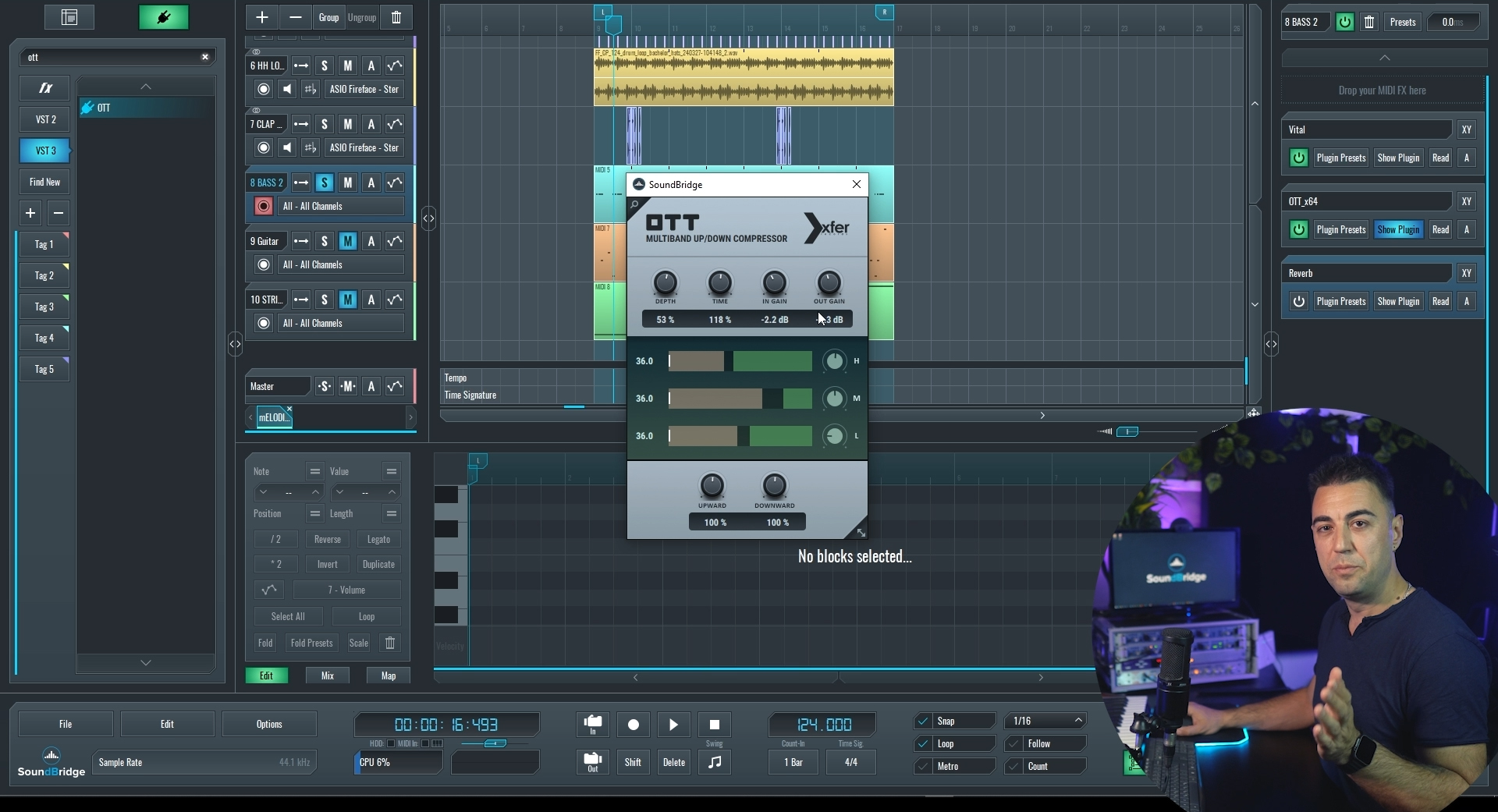
OTT is a plugin developed by Xfer Records, the same company behind one of the best VST instruments Serum.
OTT, which stands for "Over the Top," is a multiband compressor plugin that employs both downward and upward compression. This unique approach squeezes the loudest parts while amplifying the quieter ones, producing a more consistent and impactful sound. With OTT, you can individually control low, mid, and high frequencies, providing precise shaping of your mix. Additionally, the plugin offers control over compression depth, allowing users to seamlessly blend the processed signal with the original for subtle dynamic enhancements.
Enhancing Your Mix With OTT Compression
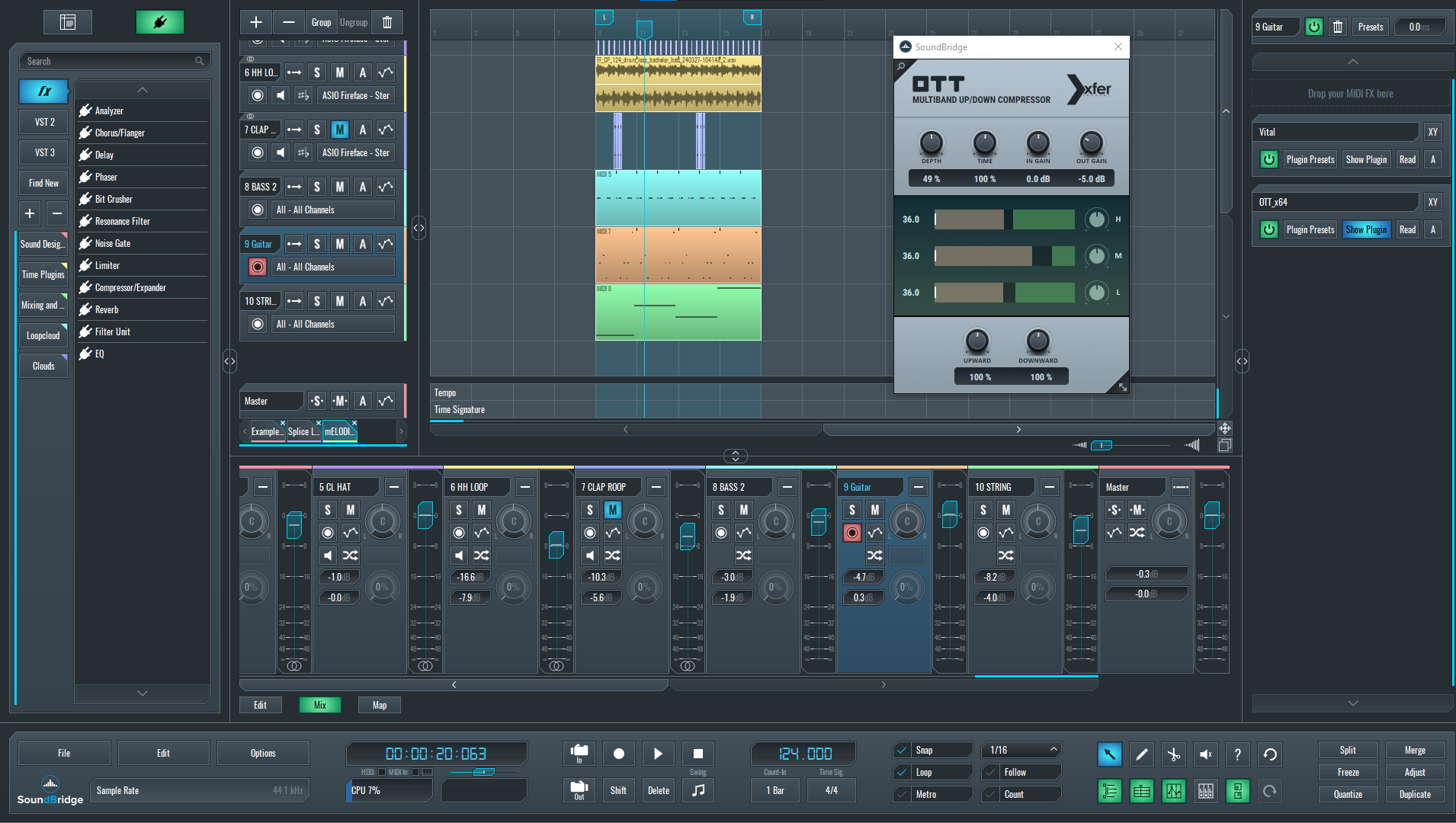
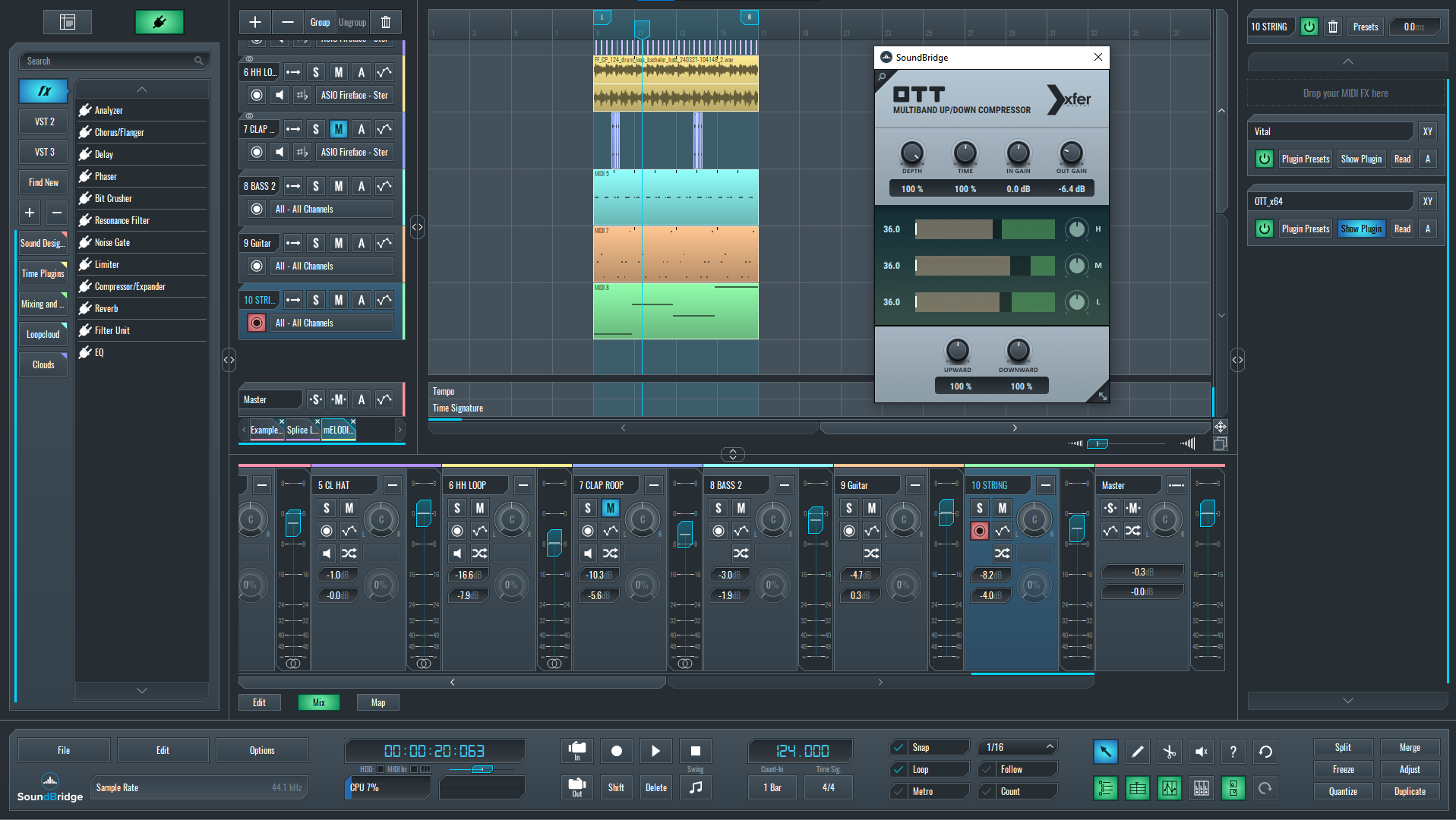
Adding OTT compression to bass lines, pads, and melodic lines can make your sound stand out. Here are the tools in the plugin that can be used to fine-tune your music productions. First, take a look at the parameters you can apply to the interface:
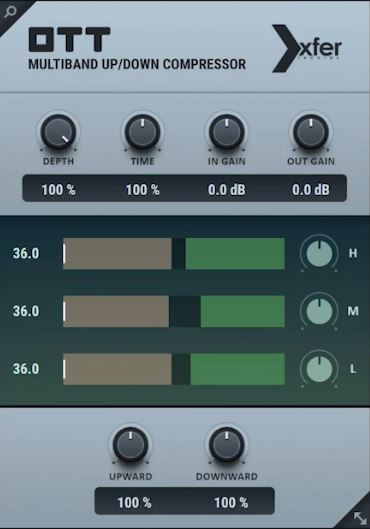
- Depth - Adjusts the intensity of the effect on the sequence.
- Time - Influences the dynamics of the sequence by altering the attack and release time rates of the OTT.
- Input Gain - Manages the input signal level. Higher input levels result in more pronounced effects.
- Output Gain - Regulates the output signal level from the plugin.
- EQ - Control the compression levels for high, mid, and low frequencies. The green box controls downward compression, while the brown box handles upward compression.
- Upward - Controls the level of upward compression applied to the signal.
- Downward - Controls the level of downward compression applied to the signal.
Adjusting the settings of the OTT compressor on your tracks helps the audio stand out in the mix while maintaining levels similar to the original. With OTT Compression, you will add more character and enhance the dynamics of your tracks while preserving the clarity of the sound.
Let's Hear OTT Compression Applied on Multiple Tracks:
Now, we're going to demonstrate how OTT compression can enhance your basslines, melodies, and string pads to achieve outstanding results:
Basslines
You can acheive more defined basslines with punchy low frequencies by applying OTT compression:
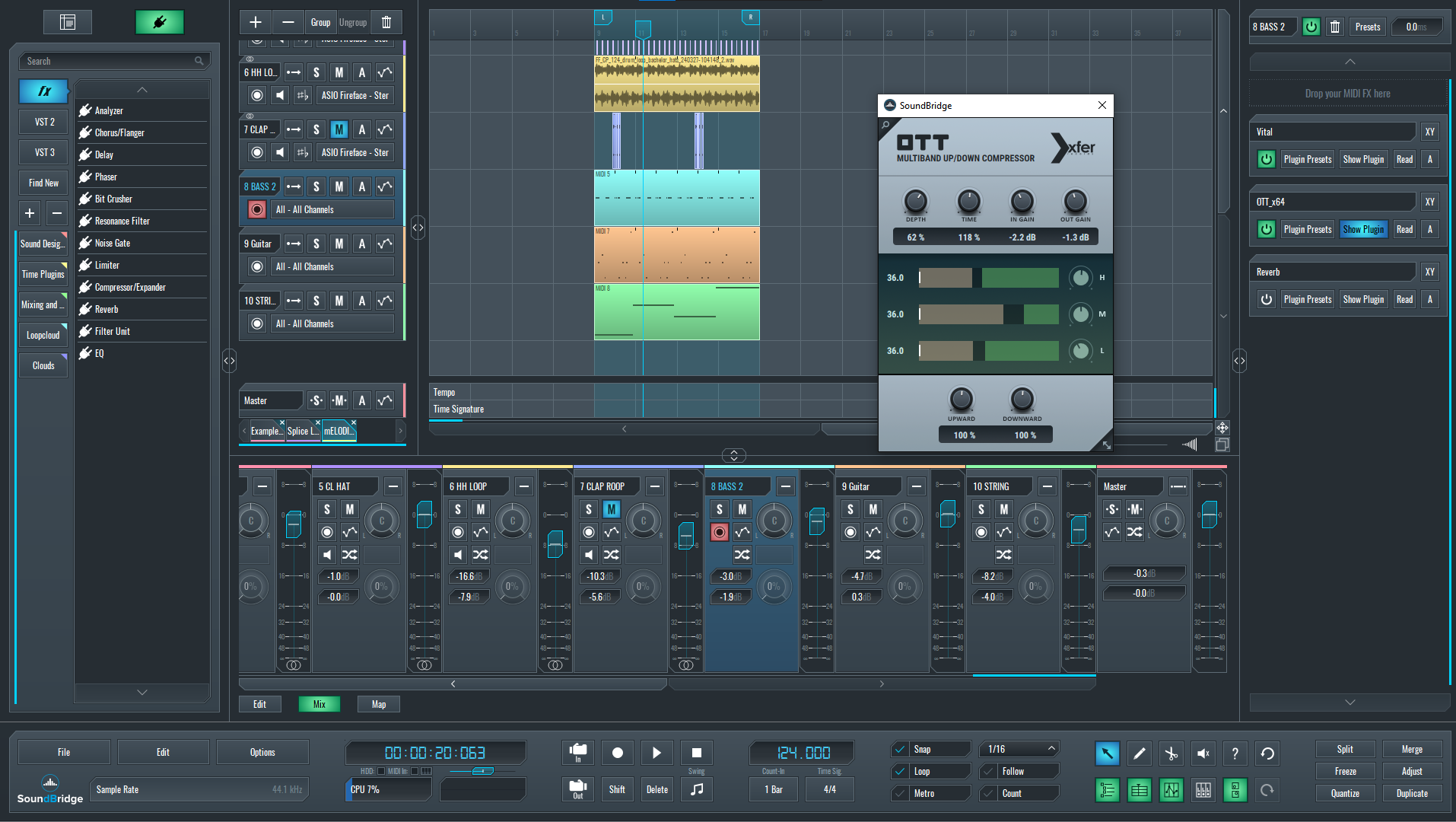
~Bassline (Unprocessed)
~Bassline (Processed with OTT Compression)
Melodies
OTT Compression will make your melodies stand out and sound clearer in your mix.
~Melodies (Unprocessed)
~Melodies (Processed with OTT Compression)
Strings
Adjust the depth and compressor equalization to achieve the perfect tone for your string pads.
~Strings (Unprocessed)
~Strings (Processed with OTT Compression)
Mixdown:
Now that we have covered all the instrumentation in the track, let's make a comparisson of the Mixdown with and without OTT Compression.
~Mixdown of the Track (Unprocessed)
~Mixdown of the Track (Processed with OTT Compression)
Check out the Video Tutorial for OTT Compression on SoundBridge!
E-Clip has been working behind the scenes on product design and development at SoundBridge, and now he's ready to share tips and tricks to improve your music production techniques. OTT Compression by Xfer Records is one of the best free tools for enhancing your music productions, and it's fully compatible with SoundBridge. Install it now and take your music to the next level.
If you liked this article on sound design, here are some more on the same subject:
ОСВОЙ МУЗЫКУ ПРОДАКШН
Курсы от экспертов, чтобы провести вас от базы до готовых треков.

HOUSEОт упругого баса и плотных киков — курс учит самым современным техникам House продакшна, чтобы преуспеть и выделиться.

TRAPХватит звучать как шаблонный Trap — делайте звучание World с нотами Дальнего Востока. Создавайте этно саундскейпы, чтобы ваш Trap был впереди.

AMBIENTДелайте расслабляющий, утончённый psy-ambient. Психоделично и спокойно для слуха — создавайте медитативные саундскейпы, чтобы увести слушателей в Zen.